
Screenshots

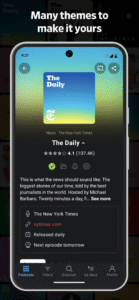

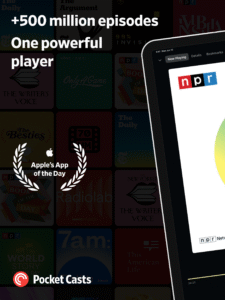

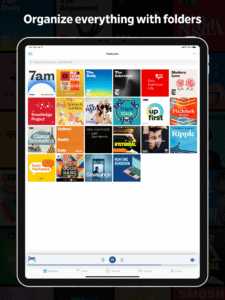
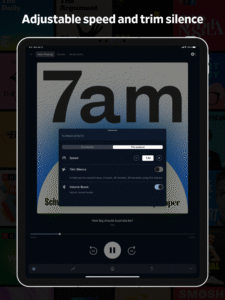
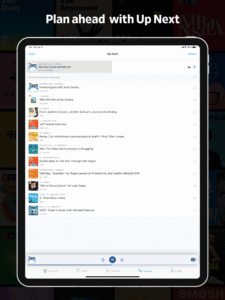
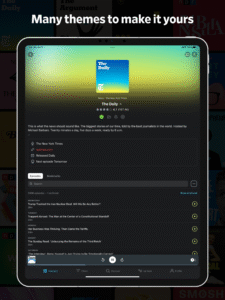

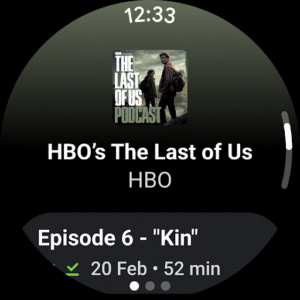
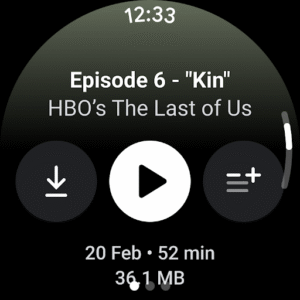
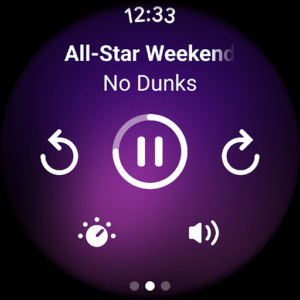
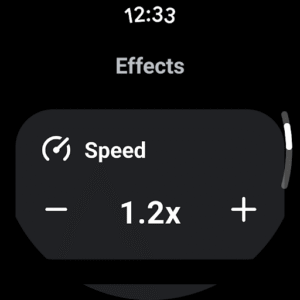
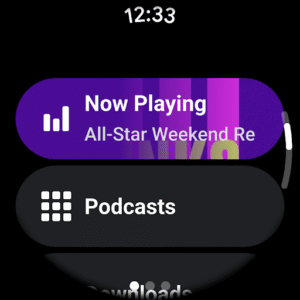
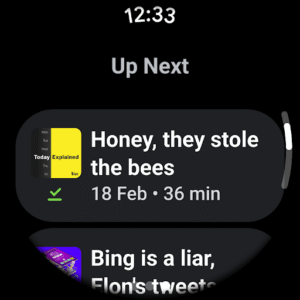
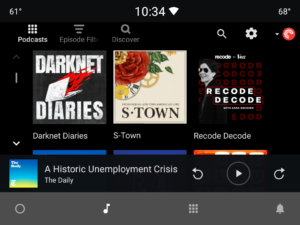
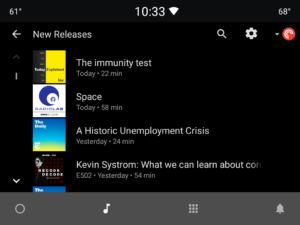
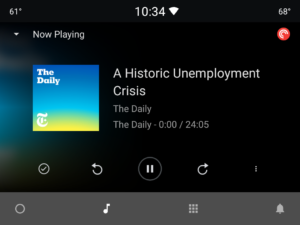
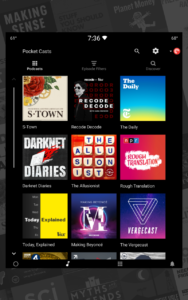
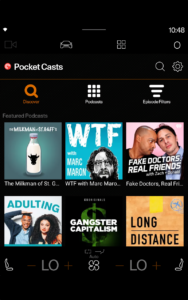
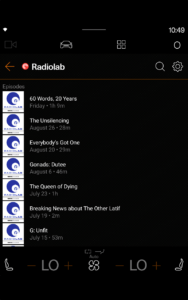
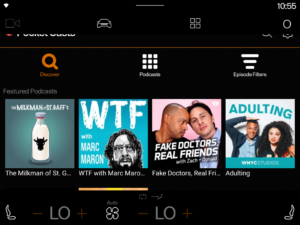
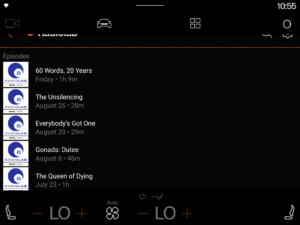
File Information
| Package Name | au.com.shiftyjelly.pocketcasts |
|---|---|
| Version Name | 8.1-rc-3w |
| Version Code | 109393 |
| Architecture | arm64-v8a, armeabi-v7a, x86, x86_64 |
| Min Android Version | Android 26 (API 36) |
| Main Activity | au.com.shiftyjelly.pocketcasts.wear.MainActivity |
| Framework | Native (Java/Kotlin) |
| File Size | 32.85 MB |
| Signature (SHA1) | 265BFDA6992D75D455BC74DD43F9ACE83EFAE7E5 |
| File Hash (SHA256) | 8e54bfcdcb613296a752581678a2a492eb0792477c4191f4e2be6e42496fe26d |
What's New
New Features
Add Playback 2025 so you can get a recap of your listening habits from this year
(
#4762
)
Updates
Add periodic requests for the app rating
(
#4725
)
Improve tooltips' contrast issues when dark theme is used
(
#4737
)
Allow one character episode searches
(
#4734
)
Bug Fixes
Fix an issue where unplayed episodes do not show play button
(
#4749
)
Fix autoplay not starting playback from the current position in the list
(
#4755
)
Add Playback 2025 so you can get a recap of your listening habits from this year
(
#4762
)
Updates
Add periodic requests for the app rating
(
#4725
)
Improve tooltips' contrast issues when dark theme is used
(
#4737
)
Allow one character episode searches
(
#4734
)
Bug Fixes
Fix an issue where unplayed episodes do not show play button
(
#4749
)
Fix autoplay not starting playback from the current position in the list
(
#4755
)
App Description
Advertisement
Remove ads, dark theme, and more with
Premium
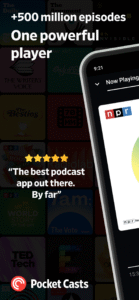
Pocket Casts is the world's most powerful podcast platform, an app by listeners, for listeners.
Install
If you're just looking to install Pocket Casts Android, you can find it on
Google Play
. If you're a developer wanting to contribute, read on.
Build Instructions
Make sure you've installed
Android Studio
.
In Android Studio, open the project from the local repository.
Go to Tools → Device Manager and create an emulated device.
Go to Run → Edit Configurations… and create an Android App configuration.
Select the module "pocketcasts-android.app.main".
Run.
Build and Test
To build, install, and test the project from the command line:
$ ./gradlew :app:assembleDebugProd # assemble the debug .apk $ ./gradlew :app:installDebugProd # install the debug .apk to a connected device $ ./gradlew :app:testDebugUnitTest # assemble, install and run unit tests $ ./gradlew :app:connectedDebugAndroidTest # assemble, install and run Android tests
Directory structure
. ├── app # Mobile app ├── automotive # Automotive app ├── modules │ ├── features │ │ ├── account # Create account and sign in pages. │ │ ├── cartheme # Automotive resources needed for the account pages. │ │ ├── discover # Discover section. │ │ ├── endofyear # End of year stats. │ │ ├── filters # Filters section. │ │ ├── navigation # Navigation utilities. │ │ ├── player # Full screen player │ │ ├── podcasts # Podcasts section. │ │ ├── profile # Profile section. │ │ ├── search # Search pages. │ │ ├── settings # Settings pages. │ │ └── taskerplugin # Plugin for integration with Tasker app. │ └── services │ ├── analytics # Analytics code. │ ├── compose # Shared Compose code. │ ├── images # Image resources. │ ├── localization # Contains the strings in English and localized strings from GlotPress. │ ├── model # The database logic and entities. Also transfer objects required which aren't stored in the database. │ ├── preferences # Stores the user preferences and configuration settings. │ ├── repositories # Provides accessing to the data from the 'servers' and 'model' modules. │ ├── servers # Provides the network calls to the servers. The UI layer should access these through the 'repositories' module. │ ├── ui # Shared UI code for the 'compose' and 'views' modules. This includes the themes. │ ├── utils # Utility classes. │ └── views # Shred Only the old views code.
The hierarchy of the modules in the project are reflected in
this diagram
.
Contributing
Read our
Contributing Guide
to learn about reporting issues, contributing code, and more ways to contribute.
Documentation
Coding Style
- guidelines and validation and auto-formatting tools
Pull Request Guidelines
- branch naming and how to write good pull requests
Translations
- how the app gets translated and how to contribute translations
Signing a Release
To build a
signed
release, add these lines to your local.properties file
signingKeyStoreFile=/Users/username/git/secret.keystore
signingKeyStorePassword=
signingKeyAlias=
signingKeyPassword=
Show more
Show less
Remove ads, dark theme, and more with
Premium
Pocket Casts is the world's most powerful podcast platform, an app by listeners, for listeners.
Install
If you're just looking to install Pocket Casts Android, you can find it on
Google Play
. If you're a developer wanting to contribute, read on.
Build Instructions
Make sure you've installed
Android Studio
.
In Android Studio, open the project from the local repository.
Go to Tools → Device Manager and create an emulated device.
Go to Run → Edit Configurations… and create an Android App configuration.
Select the module "pocketcasts-android.app.main".
Run.
Build and Test
To build, install, and test the project from the command line:
$ ./gradlew :app:assembleDebugProd # assemble the debug .apk $ ./gradlew :app:installDebugProd # install the debug .apk to a connected device $ ./gradlew :app:testDebugUnitTest # assemble, install and run unit tests $ ./gradlew :app:connectedDebugAndroidTest # assemble, install and run Android tests
Directory structure
. ├── app # Mobile app ├── automotive # Automotive app ├── modules │ ├── features │ │ ├── account # Create account and sign in pages. │ │ ├── cartheme # Automotive resources needed for the account pages. │ │ ├── discover # Discover section. │ │ ├── endofyear # End of year stats. │ │ ├── filters # Filters section. │ │ ├── navigation # Navigation utilities. │ │ ├── player # Full screen player │ │ ├── podcasts # Podcasts section. │ │ ├── profile # Profile section. │ │ ├── search # Search pages. │ │ ├── settings # Settings pages. │ │ └── taskerplugin # Plugin for integration with Tasker app. │ └── services │ ├── analytics # Analytics code. │ ├── compose # Shared Compose code. │ ├── images # Image resources. │ ├── localization # Contains the strings in English and localized strings from GlotPress. │ ├── model # The database logic and entities. Also transfer objects required which aren't stored in the database. │ ├── preferences # Stores the user preferences and configuration settings. │ ├── repositories # Provides accessing to the data from the 'servers' and 'model' modules. │ ├── servers # Provides the network calls to the servers. The UI layer should access these through the 'repositories' module. │ ├── ui # Shared UI code for the 'compose' and 'views' modules. This includes the themes. │ ├── utils # Utility classes. │ └── views # Shred Only the old views code.
The hierarchy of the modules in the project are reflected in
this diagram
.
Contributing
Read our
Contributing Guide
to learn about reporting issues, contributing code, and more ways to contribute.
Documentation
Coding Style
- guidelines and validation and auto-formatting tools
Pull Request Guidelines
- branch naming and how to write good pull requests
Translations
- how the app gets translated and how to contribute translations
Signing a Release
To build a
signed
release, add these lines to your local.properties file
signingKeyStoreFile=/Users/username/git/secret.keystore
signingKeyStorePassword=
signingKeyAlias=
signingKeyPassword=
Show more
Show less
Download Pocket Casts - Podcast Player (Android Automotive) APK
Fast, free and safe download.
APK Permissions 22
- android.permission.ACCESS_ADSERVICES_AD_ID
- android.permission.ACCESS_ADSERVICES_ATTRIBUTION
- android.permission.ACCESS_NETWORK_STATE
- android.permission.ACCESS_WIFI_STATE
- android.permission.BLUETOOTH
- android.permission.CHANGE_NETWORK_STATE
- android.permission.DETECT_SCREEN_CAPTURE
- android.permission.FOREGROUND_SERVICE
- android.permission.FOREGROUND_SERVICE_DATA_SYNC
- android.permission.FOREGROUND_SERVICE_MEDIA_PLAYBACK
- android.permission.INTERNET
- android.permission.POST_NOTIFICATIONS
- android.permission.RECEIVE_BOOT_COMPLETED
- android.permission.REQUEST_IGNORE_BATTERY_OPTIMIZATIONS
- android.permission.USE_BIOMETRIC
- android.permission.USE_FINGERPRINT
- android.permission.VIBRATE
- android.permission.WAKE_LOCK
- au.com.shiftyjelly.pocketcasts.DYNAMIC_RECEIVER_NOT_EXPORTED_PERMISSION
- com.android.vending.BILLING
- com.android.vending.CHECK_LICENSE
- com.google.android.finsky.permission.BIND_GET_INSTALL_REFERRER_SERVICE
APK Verified
The cryptographic signature guarantees that the file is safe to install and was not tampered with in any way.


