
Screenshots
File Information
| Package Name | com.ddm.qute |
|---|---|
| Version Name | 4.16 |
| Version Code | 525 |
| Architecture | Universal |
| Min Android Version | Android 26 (API 36) |
| Main Activity | com.ddm.qute.ui.MainActivity |
| Framework | Native (Java/Kotlin) |
| File Size | 13.00 MB |
| Signature (SHA1) | 17288B6282658D1AB569AD0E6CEE90D60E185C61 |
| File Hash (SHA256) | ef710e74b32081708689b28c641b5e3cc2e58c83c47b75c4b4636aeaf976e7ff |
What's New
Qute v4.16
● Updated tabs
● Overall stability and performance improvements
● Updated tabs
● Overall stability and performance improvements
App Description
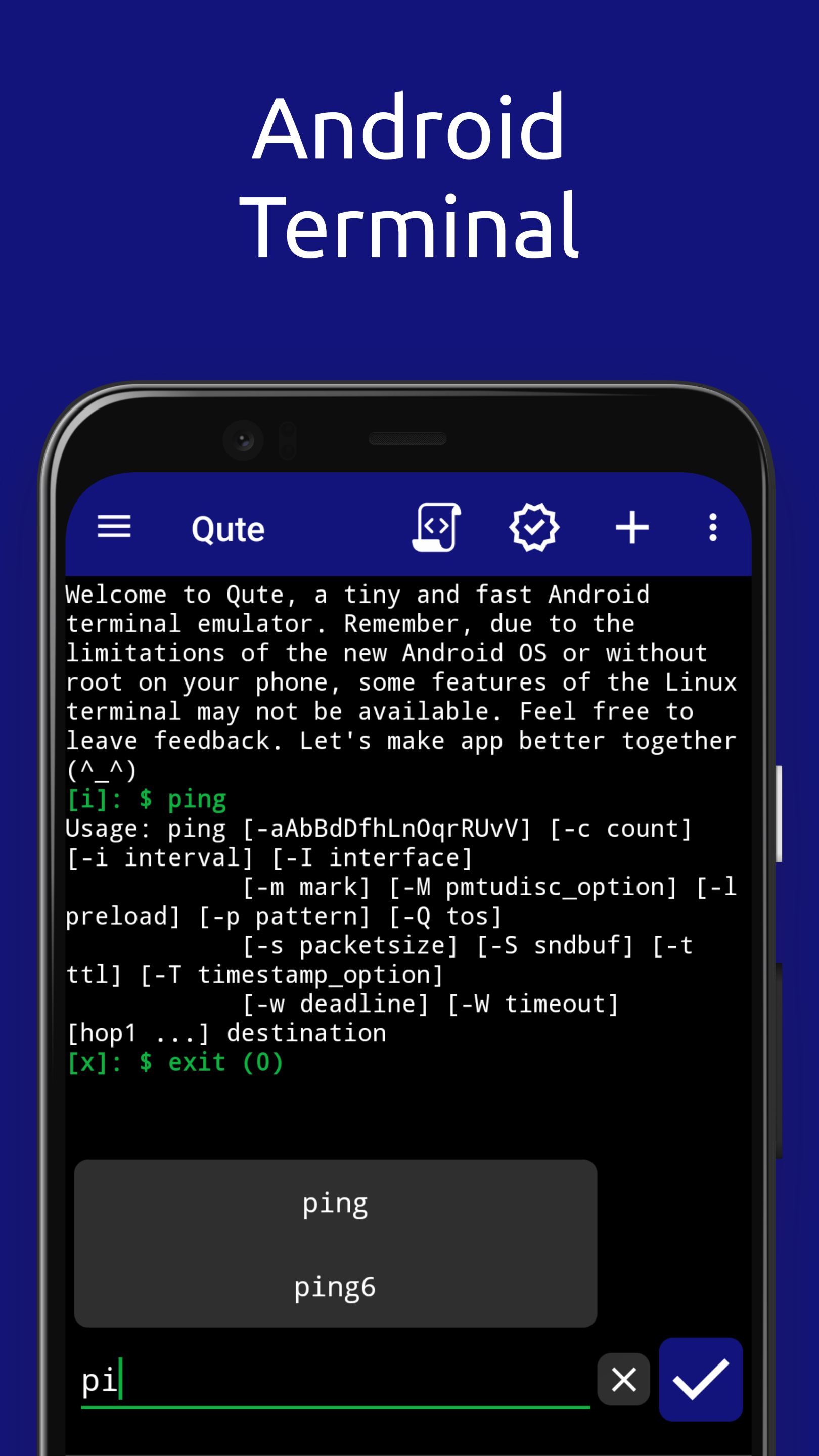
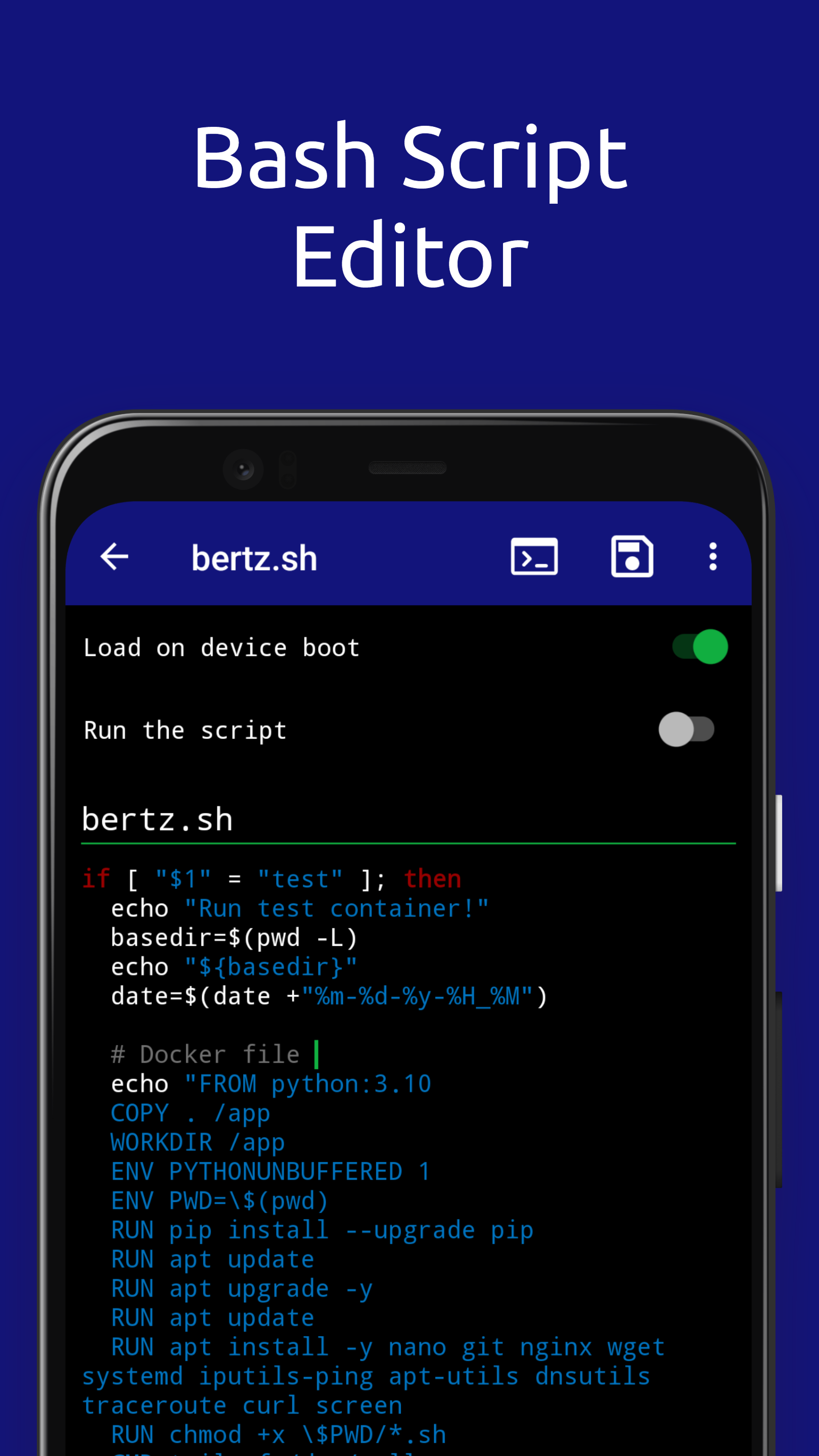
Qute: Terminal emulator - used to emulate a unix terminal and work on the command line on your smartphone. Available for download and installation on smartphones with Android 5.0 and higher. The program is a terminal emulator, it has: automatic prompts, script sets, the ability to save bash scripts.
The Qute application can execute system commands and allows users to run bash scripts and perform various tasks, just like in Linux and Unix operating systems. Qute supports working with root rights, which allows users to perform tasks on behalf of the superuser.
Using the Qute application, you can easily manage your device, execute system commands that are not available in the settings or are closed on Android devices. For example, it can be used to configure network settings, install applications, manage files, and set up a network.
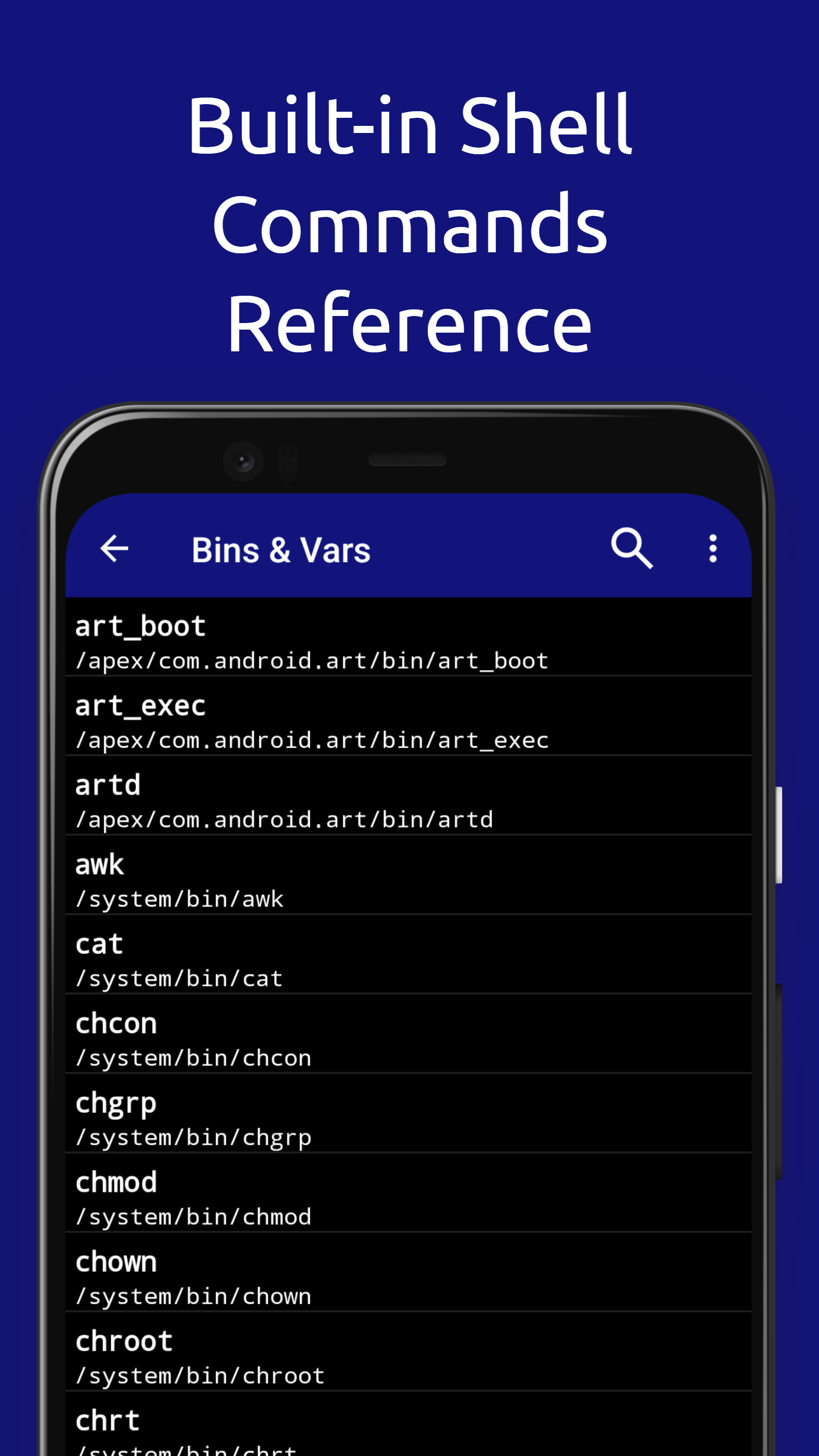
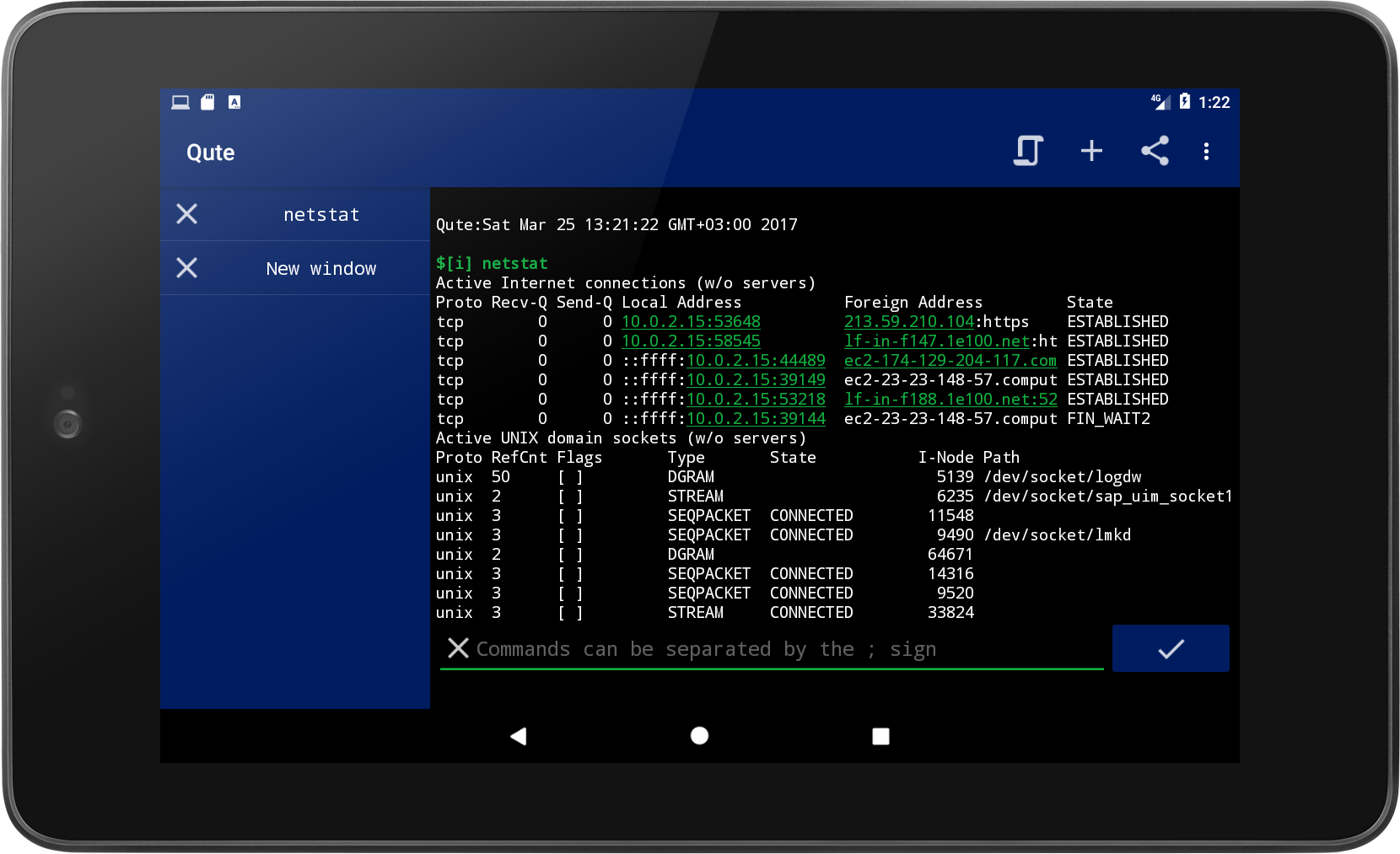
The application gives the user access and full control of the console and terminal. Anyone who has installed the terminal emulator software can work with any selected tools. Qute also supports a large number of standard Linux features such as ls, grep, awk, ssh, cd, ping.
The application was developed taking into account the needs of advanced users and system administrators, it has an intuitive interface. That is why working with the terminal is very simple, convenient and almost everyone will be able to figure out how to use it.
Qute: Terminal Emulator is an application that works quickly and allows you to use the command line on your smartphone.
FEATURES:
• Autorun and creation of shortcuts
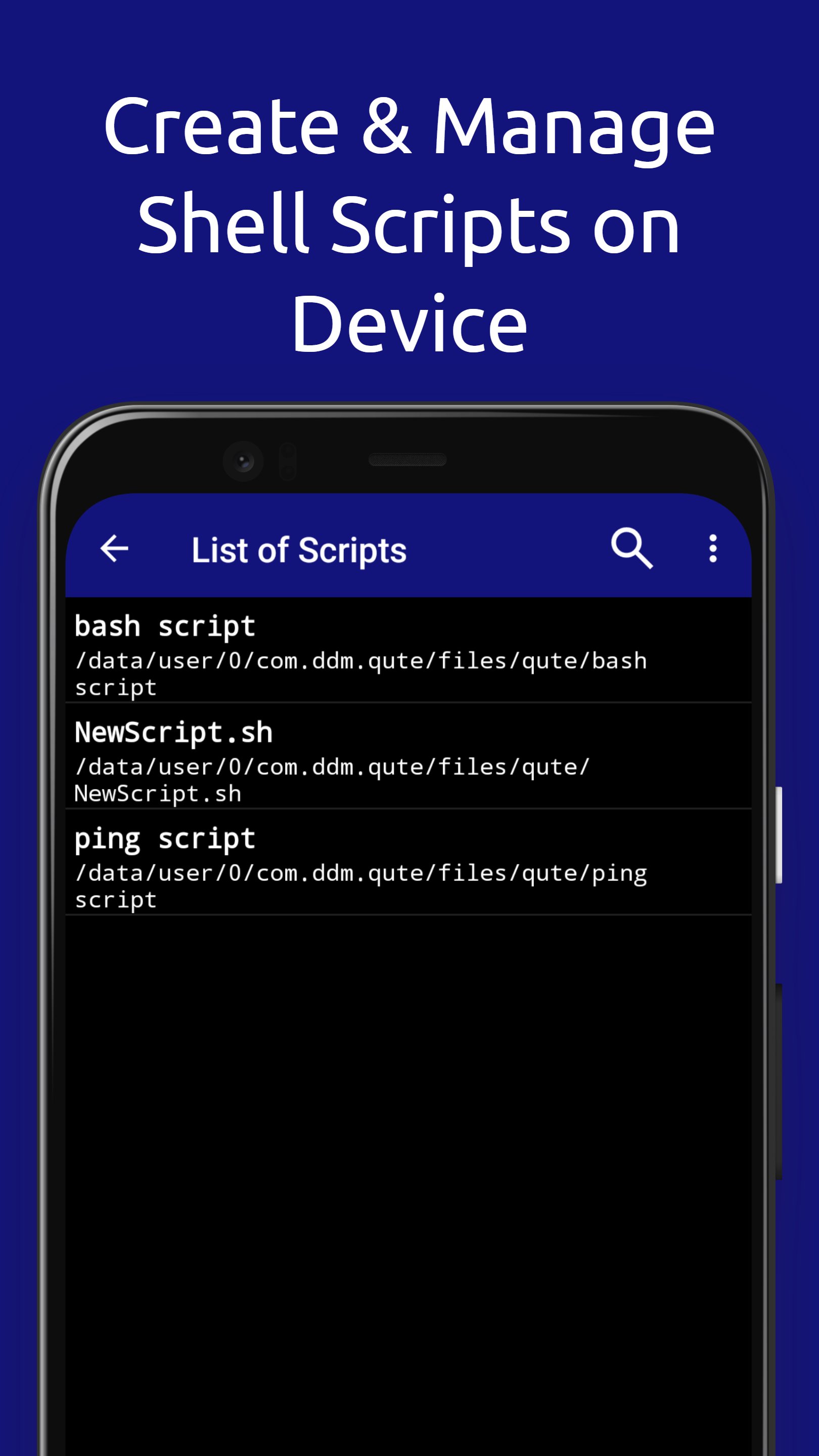
• Bash script editor
• Command line file manager
• Run bin files in terminal, when available
• Manage and edit files with nano, vim, or emacs
• Access to servers via ssh
• Bash and ssh shell
• Create your own list of teams
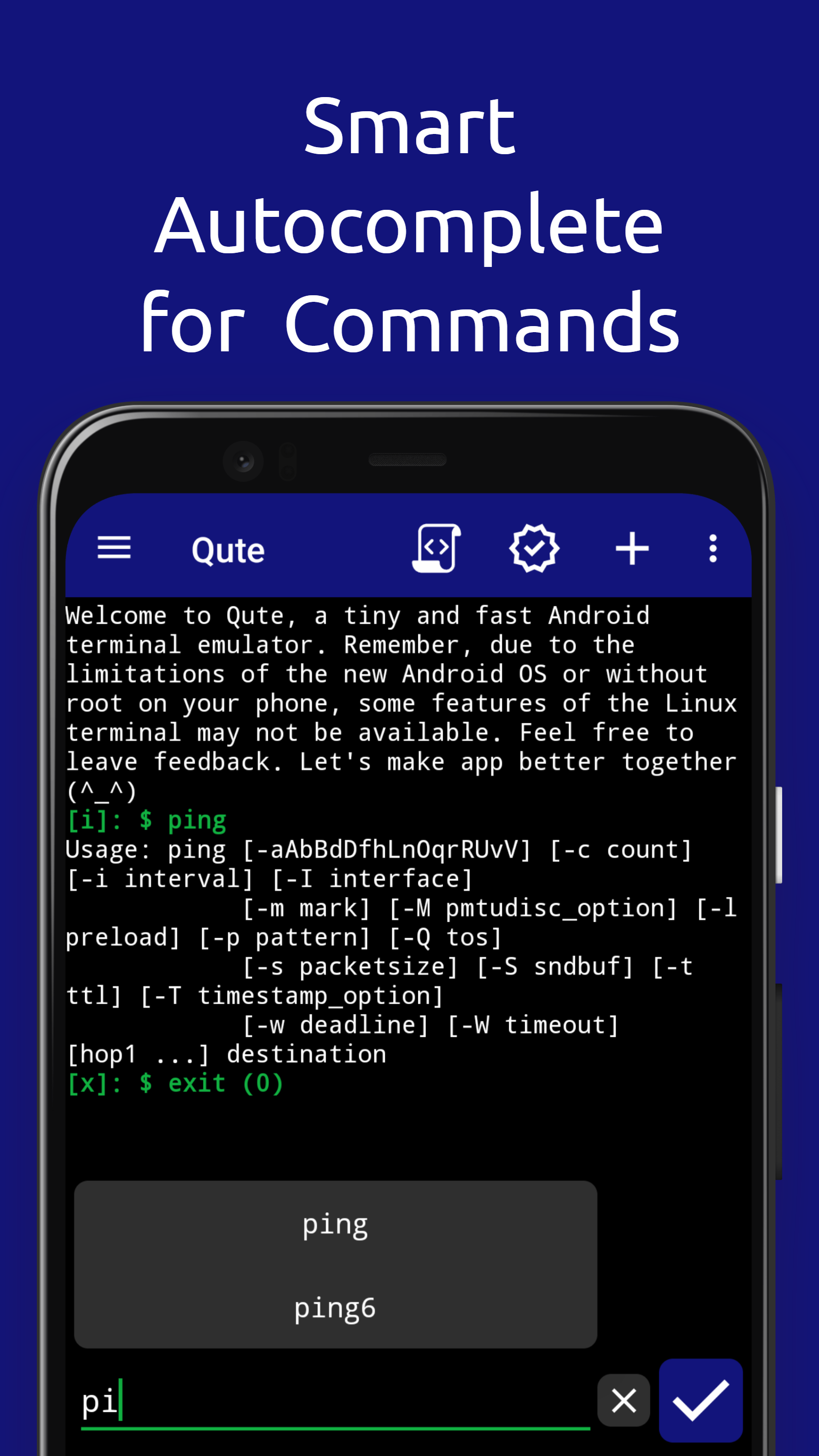
• Automatic completion
• Support for rooted devices
Using the application, you can work with the terminal like on a computer, but do it on your smartphone. You will get more freedom and control over your device the way you want.
WORKING WITH ROOT RIGHTS
Qute supports working with root rights, so there is access to perform tasks on behalf of the superuser.
WORKING WITH BASH SCRIPTS
Qute supports running bash scripts, so it's easy to automate tasks to increase efficiency and productivity.
WORK WITH A LARGE SET OF STANDARD LINUX COMMANDS
Qute supports a large number of standard Linux features such as ls, grep, awk and many more. Users will be able to use the terminal to its full potential to perform daily tasks.
CONVENIENT AND INTUITIVE INTERFACE
Qute was created with the goal of making it accessible and understandable to the majority, so the application has a simple interface, and every button is clear.
Download Qute: Terminal Emulator and enjoy working from the command line on your Android device!
The Qute application can execute system commands and allows users to run bash scripts and perform various tasks, just like in Linux and Unix operating systems. Qute supports working with root rights, which allows users to perform tasks on behalf of the superuser.
Using the Qute application, you can easily manage your device, execute system commands that are not available in the settings or are closed on Android devices. For example, it can be used to configure network settings, install applications, manage files, and set up a network.
The application gives the user access and full control of the console and terminal. Anyone who has installed the terminal emulator software can work with any selected tools. Qute also supports a large number of standard Linux features such as ls, grep, awk, ssh, cd, ping.
The application was developed taking into account the needs of advanced users and system administrators, it has an intuitive interface. That is why working with the terminal is very simple, convenient and almost everyone will be able to figure out how to use it.
Qute: Terminal Emulator is an application that works quickly and allows you to use the command line on your smartphone.
FEATURES:
• Autorun and creation of shortcuts
• Bash script editor
• Command line file manager
• Run bin files in terminal, when available
• Manage and edit files with nano, vim, or emacs
• Access to servers via ssh
• Bash and ssh shell
• Create your own list of teams
• Automatic completion
• Support for rooted devices
Using the application, you can work with the terminal like on a computer, but do it on your smartphone. You will get more freedom and control over your device the way you want.
WORKING WITH ROOT RIGHTS
Qute supports working with root rights, so there is access to perform tasks on behalf of the superuser.
WORKING WITH BASH SCRIPTS
Qute supports running bash scripts, so it's easy to automate tasks to increase efficiency and productivity.
WORK WITH A LARGE SET OF STANDARD LINUX COMMANDS
Qute supports a large number of standard Linux features such as ls, grep, awk and many more. Users will be able to use the terminal to its full potential to perform daily tasks.
CONVENIENT AND INTUITIVE INTERFACE
Qute was created with the goal of making it accessible and understandable to the majority, so the application has a simple interface, and every button is clear.
Download Qute: Terminal Emulator and enjoy working from the command line on your Android device!
Download Qute: Terminal Emulator APK
Fast, free and safe download.
APK Permissions 42
- android.permission.ACCESS_ADSERVICES_AD_ID
- android.permission.ACCESS_ADSERVICES_ATTRIBUTION
- android.permission.ACCESS_ADSERVICES_TOPICS
- android.permission.ACCESS_NETWORK_STATE
- android.permission.ACCESS_NOTIFICATION_POLICY
- android.permission.ACCESS_WIFI_STATE
- android.permission.BLUETOOTH
- android.permission.BLUETOOTH_ADMIN
- android.permission.BLUETOOTH_ADVERTISE
- android.permission.BLUETOOTH_CONNECT
- android.permission.BLUETOOTH_SCAN
- android.permission.CHANGE_WIFI_MULTICAST_STATE
- android.permission.CHANGE_WIFI_STATE
- android.permission.DUMP
- android.permission.FOREGROUND_SERVICE
- android.permission.FOREGROUND_SERVICE_CONNECTED_DEVICE
- android.permission.FOREGROUND_SERVICE_DATA_SYNC
- android.permission.FOREGROUND_SERVICE_SPECIAL_USE
- android.permission.INTERNET
- android.permission.MANAGE_EXTERNAL_STORAGE
- android.permission.NEARBY_WIFI_DEVICES
- android.permission.NFC
- android.permission.POST_NOTIFICATIONS
- android.permission.READ_BASIC_PHONE_STATE
- android.permission.READ_EXTERNAL_STORAGE
- android.permission.READ_LOGS
- android.permission.RECEIVE_BOOT_COMPLETED
- android.permission.RUN_USER_INITIATED_JOBS
- android.permission.SYSTEM_ALERT_WINDOW
- android.permission.USE_FULL_SCREEN_INTENT
- android.permission.VIBRATE
- android.permission.WAKE_LOCK
- android.permission.WRITE_EXTERNAL_STORAGE
- android.permission.WRITE_SECURE_SETTINGS
- android.permission.WRITE_SETTINGS
- com.android.launcher.permission.INSTALL_SHORTCUT
- com.android.launcher.permission.UNINSTALL_SHORTCUT
- com.android.vending.BILLING
- com.android.vending.CHECK_LICENSE
- com.ddm.qute.DYNAMIC_RECEIVER_NOT_EXPORTED_PERMISSION
- com.google.android.finsky.permission.BIND_GET_INSTALL_REFERRER_SERVICE
- com.google.android.gms.permission.AD_ID
APK Verified
The cryptographic signature guarantees that the file is safe to install and was not tampered with in any way.


