
Download Xfinity APK
com.xfinity.digitalhome · by Comcast
Screenshots
About Xfinity
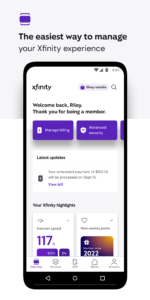
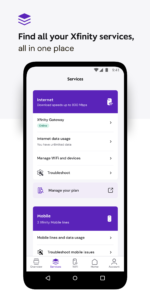
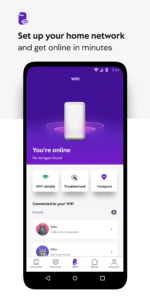
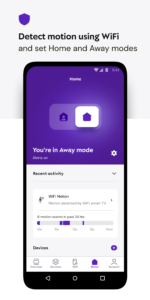
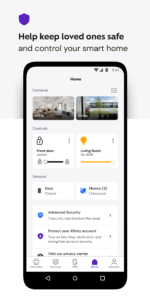
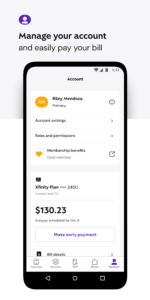
Your Xfinity experience, enhanced. Easily manage all your services in one place with the Xfinity app. Plus discover the power of NOW. NOW is a simple new way to get internet and mobile. It’s just what you want, and nothing you don’t. With all-in monthly pricing. Backed by Xfinity. Xfinity customers also get: • 24/7 real-time support anytime you need it. • Tools to help you seamlessly activate your equipment and test your internet speed. • Xfinity Rewards. Enjoy special perks, unique experiences, and product benefits just for being a customer. Customers who rent our equipment get even more: • Everything you need to manage your account, all in one place — pay your bill, view your plan details, change or upgrade your services, and more. • Personalized tools and tips to help improve WiFi performance. • Advanced Security to protect your devices and help keep loved ones safe online. • Advanced Security on the go provides safe browsing and data protection to your mobile device whenever you’re connected to an unsecured WiFi network away from home. When you enable this feature, the app will occasionally run a VPN Service. The app will ask for additional runtime permissions for this feature. • Parental controls so you can set family-safe browsing and pause WiFi to any connected device. • Ultimate control with tools to help you set up your WiFi, assign user profiles, and get help improving the performance of every connected device. Getting started is simple. All you need is your Xfinity ID and the password that you set up when you signed up for Xfinity. Need help signing in? • If you don’t have an Xfinity ID yet, create one here: xfinity.com/getstarted • Look up your existing Xfinity ID: xfinity.com/id • Or reset your Xfinity password: xfinity.com/password Learn more about your options related to ‘California Civil Code §1798.135: Do Not Sell My Info’ at xfinity.com/privacy/manage-preference


