
Download Photo Editor APK 11.9 arm64-v8a, armeabi-v7a, x86, x86_64 · Android 26+
Download APK
Verified Safe
This is the arm64-v8a, armeabi-v7a, x86, x86_64 build of Photo Editor 11.9. Pick this build if your device's primary ABI matches.
File size: 7.8 MB • Min Android: 26 • Target Android: 35 • Version code: 2025082900 • Framework: Native (Java/Kotlin) • Permissions: 15
Screenshots
File Information
| Package Name | com.iudesk.android.photo.editor |
|---|---|
| Version Name | 11.9 |
| Version Code | 2025082900 |
| Architecture | arm64-v8a, armeabi-v7a, x86, x86_64 |
| Min Android Version | Android 26 (API 35) |
| Main Activity | app.activity.MainActivity |
| Framework | Native (Java/Kotlin) |
| File Size | 7.78 MB |
| Signature (SHA1) | E26DE96599C1D65C4D8CDA740A9A74F0A34AC2FF |
| File Hash (SHA256) | 00efefe8da074dd50a037ca82e91cc60b8a87c91ca4c8092857543049b4ee5ba |
What's New
Version 11.9
• Crash & Bug fixes
• Crash & Bug fixes
App Description
If you have some knowledge of photography, you can do a lot with Photo Editor.
Now use Photo Editor to edit photos on your mobile phone just like you would on a PC.
Features
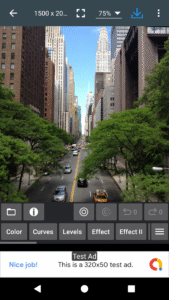
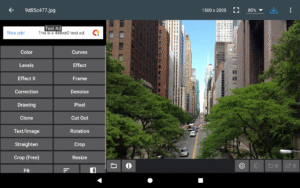
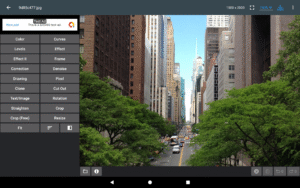
* Color : exposure, brightness, contrast, saturation, temperature, tint and hue
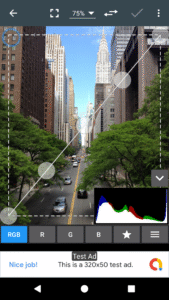
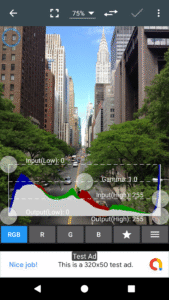
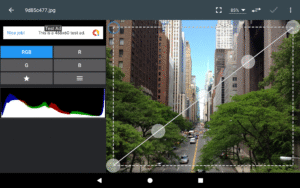
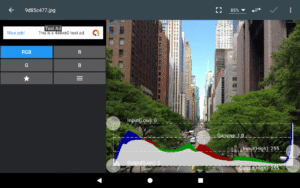
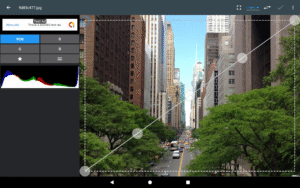
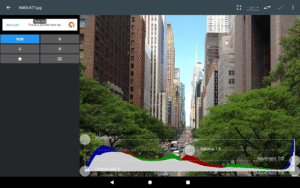
* Curves & Levels : fine-tuning of colors
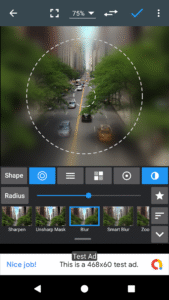
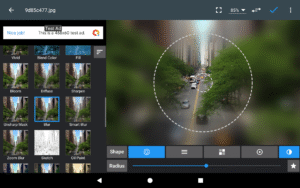
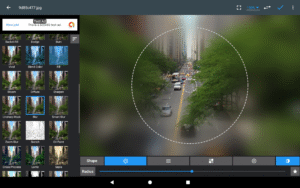
* Effects : gamma correction, auto contrast, auto tone, vibrance, blur, sharpen, oil paint, sketch, black & white high contrast, sepia, and more
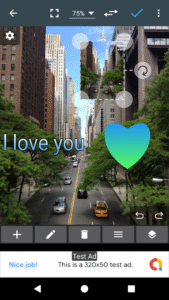
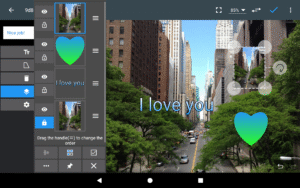
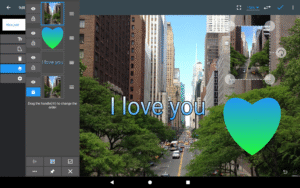
* Adding text, images or shapes
* Frame, Denoise, Drawing, Pixel, Clone, Cut Out
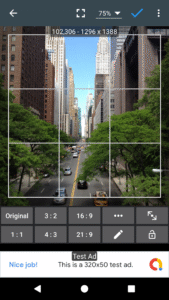
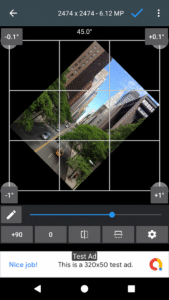
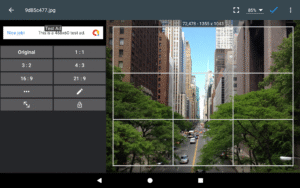
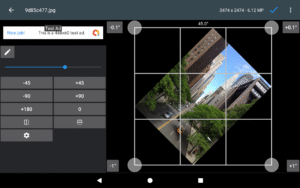
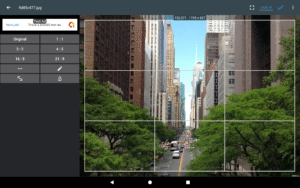
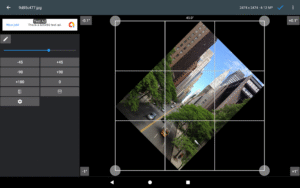
* Rotation, Straighten, Crop, Resize
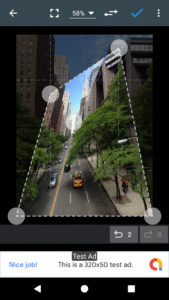
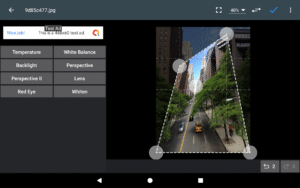
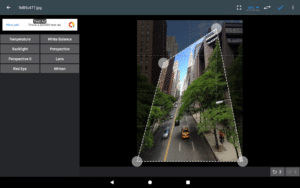
* Corrections : perspective, lens, red-eye, white balance and backlight
* Easily edit with the touch and pinch-to-zoom interface
* Save images in JPEG, PNG, GIF, WebP and PDF
* View, edit, or delete Metadata (EXIF, IPTC, XMP)
* Save your final result to your gallery, as wallpaper, or on your SD card
* Share photos via email, social media, and more
* Batch, Crop(Puzzle), Compress to ZIP, Create PDF, Animated GIF
* Webpage Capture, Video Capture, PDF Capture
* Compare Photos, GIF Frame Extractor, SVG Rasterizer
* Ad-free option is available (Settings > Purchase Items)
*** Links
Website:
www.iudesk.com
Tutorials:
www.iudesk.com/photoeditor/tutorial
*** PHOTO EDITOR IS NOT SPYWARE/VIRUS!!!
Photo Editor does not contain any viruses or malicious code.
www.iudesk.com/photoeditor/security
Now use Photo Editor to edit photos on your mobile phone just like you would on a PC.
Features
* Color : exposure, brightness, contrast, saturation, temperature, tint and hue
* Curves & Levels : fine-tuning of colors
* Effects : gamma correction, auto contrast, auto tone, vibrance, blur, sharpen, oil paint, sketch, black & white high contrast, sepia, and more
* Adding text, images or shapes
* Frame, Denoise, Drawing, Pixel, Clone, Cut Out
* Rotation, Straighten, Crop, Resize
* Corrections : perspective, lens, red-eye, white balance and backlight
* Easily edit with the touch and pinch-to-zoom interface
* Save images in JPEG, PNG, GIF, WebP and PDF
* View, edit, or delete Metadata (EXIF, IPTC, XMP)
* Save your final result to your gallery, as wallpaper, or on your SD card
* Share photos via email, social media, and more
* Batch, Crop(Puzzle), Compress to ZIP, Create PDF, Animated GIF
* Webpage Capture, Video Capture, PDF Capture
* Compare Photos, GIF Frame Extractor, SVG Rasterizer
* Ad-free option is available (Settings > Purchase Items)
*** Links
Website:
www.iudesk.com
Tutorials:
www.iudesk.com/photoeditor/tutorial
*** PHOTO EDITOR IS NOT SPYWARE/VIRUS!!!
Photo Editor does not contain any viruses or malicious code.
www.iudesk.com/photoeditor/security
Download Photo Editor APK
Fast, free and safe download.
APK Permissions 15
- android.permission.ACCESS_ADSERVICES_AD_ID
- android.permission.ACCESS_ADSERVICES_ATTRIBUTION
- android.permission.ACCESS_ADSERVICES_TOPICS
- android.permission.ACCESS_MEDIA_LOCATION
- android.permission.ACCESS_NETWORK_STATE
- android.permission.INTERNET
- android.permission.READ_EXTERNAL_STORAGE
- android.permission.READ_MEDIA_IMAGES
- android.permission.SET_WALLPAPER
- android.permission.WAKE_LOCK
- android.permission.WRITE_EXTERNAL_STORAGE
- com.android.vending.BILLING
- com.google.android.finsky.permission.BIND_GET_INSTALL_REFERRER_SERVICE
- com.google.android.gms.permission.AD_ID
- com.iudesk.android.photo.editor.DYNAMIC_RECEIVER_NOT_EXPORTED_PERMISSION
APK Verified
The cryptographic signature guarantees that the file is safe to install and was not tampered with in any way.


Frequently Asked Questions about Photo Editor APK
This variant is built for devices that report `arm64-v8a, armeabi-v7a, x86, x86_64` as their primary ABI. If your device's CPU matches, this is the smallest, fastest version to install.
Yes — the APK's signature has been cryptographically verified against the publisher's signing key. The SHA-256 hash is shown in the File Information panel so you can independently confirm the file matches the original release.
Android 26 (API level 35) or newer. Older devices will refuse the install.
Install a free app like 'CPU-Z' or 'Droid Hardware Info' from the Play Store and look at the ABI / Instruction Set row. Most phones made after 2017 are arm64-v8a; if in doubt, download the universal variant.
All variants are functionally identical — same features, same version. They differ only in which CPU architectures the native code is compiled for, and (sometimes) which screen densities the included graphics target. Pick the one that matches your device for the smallest install size, or pick 'Universal' if you're unsure.