
Screenshots
File Information
| Package Name | com.iudesk.android.photo.editor |
|---|---|
| Version Name | 12.2 |
| Version Code | 2025112600 |
| Architecture | arm64-v8a, armeabi-v7a, x86, x86_64 |
| Min Android Version | Android 26 (API 36) |
| Main Activity | app.activity.MainActivity |
| Framework | Native (Java/Kotlin) |
| File Size | 10.25 MB |
| Signature (SHA1) | E26DE96599C1D65C4D8CDA740A9A74F0A34AC2FF |
| File Hash (SHA256) | eb18492ea00852e089a6c2fd52ae6fb4f70c00930c2c745f00dbeace93395e55 |
What's New
Version 12.2
• Crash & Bug fixes
• Crash & Bug fixes
App Description
If you have some knowledge of photography, you can do a lot with Photo Editor.
Now use Photo Editor to edit photos on your mobile phone just like you would on a PC.
Features
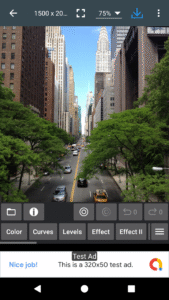
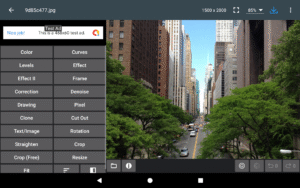
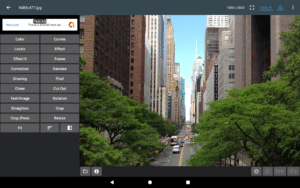
* Color : exposure, brightness, contrast, saturation, temperature, tint and hue
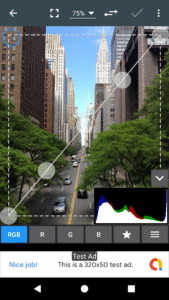
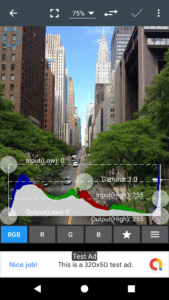
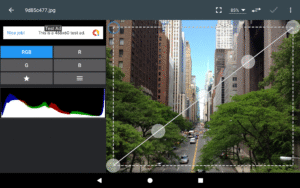
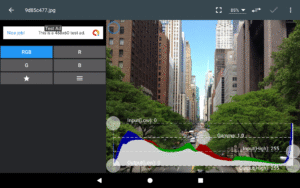
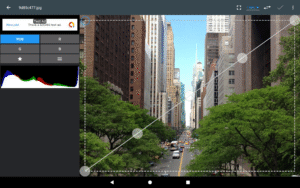
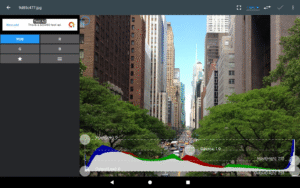
* Curves & Levels : fine-tuning of colors
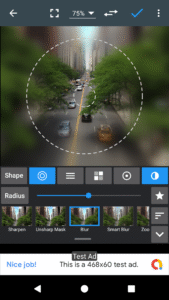
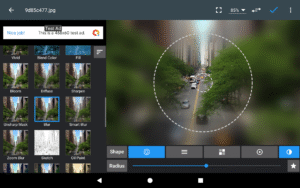
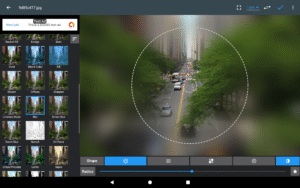
* Effects : gamma correction, auto contrast, auto tone, vibrance, blur, sharpen, oil paint, sketch, black & white high contrast, sepia, and more
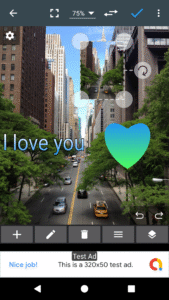
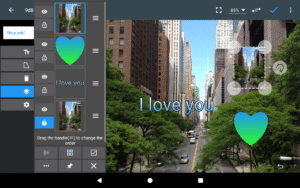
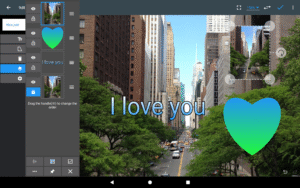
* Adding text, images or shapes
* Frame, Denoise, Drawing, Pixel, Clone, Cut Out
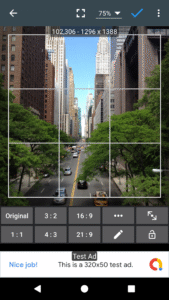
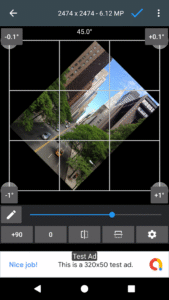
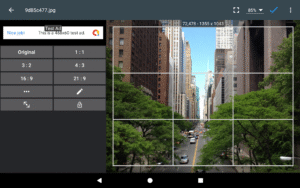
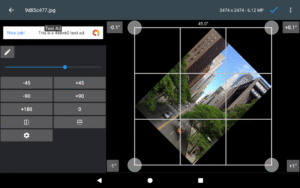
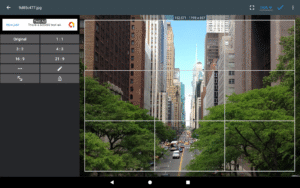
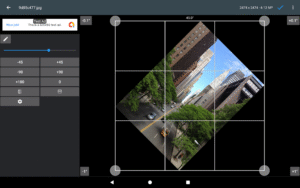
* Rotation, Straighten, Crop, Resize
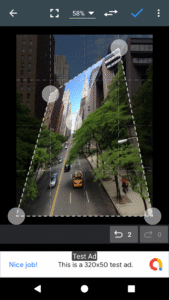
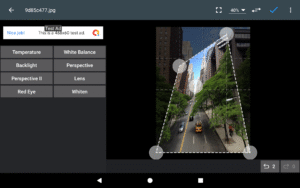
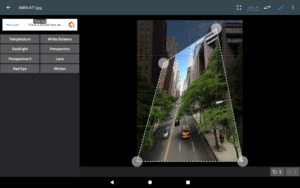
* Corrections : perspective, lens, red-eye, white balance and backlight
* Easily edit with the touch and pinch-to-zoom interface
* Save images in JPEG, PNG, GIF, WebP and PDF
* View, edit, or delete Metadata (EXIF, IPTC, XMP)
* Save your final result to your gallery, as wallpaper, or on your SD card
* Share photos via email, social media, and more
* Batch, Crop(Puzzle), Compress to ZIP, Create PDF, Animated GIF
* Webpage Capture, Video Capture, PDF Capture
* Compare Photos, GIF Frame Extractor, SVG Rasterizer
* Ad-free option is available (Settings > Purchase Items)
*** Links
Website:
www.iudesk.com
Tutorials:
www.iudesk.com/photoeditor/tutorial
*** PHOTO EDITOR IS NOT SPYWARE/VIRUS!!!
Photo Editor does not contain any viruses or malicious code.
www.iudesk.com/photoeditor/security
Now use Photo Editor to edit photos on your mobile phone just like you would on a PC.
Features
* Color : exposure, brightness, contrast, saturation, temperature, tint and hue
* Curves & Levels : fine-tuning of colors
* Effects : gamma correction, auto contrast, auto tone, vibrance, blur, sharpen, oil paint, sketch, black & white high contrast, sepia, and more
* Adding text, images or shapes
* Frame, Denoise, Drawing, Pixel, Clone, Cut Out
* Rotation, Straighten, Crop, Resize
* Corrections : perspective, lens, red-eye, white balance and backlight
* Easily edit with the touch and pinch-to-zoom interface
* Save images in JPEG, PNG, GIF, WebP and PDF
* View, edit, or delete Metadata (EXIF, IPTC, XMP)
* Save your final result to your gallery, as wallpaper, or on your SD card
* Share photos via email, social media, and more
* Batch, Crop(Puzzle), Compress to ZIP, Create PDF, Animated GIF
* Webpage Capture, Video Capture, PDF Capture
* Compare Photos, GIF Frame Extractor, SVG Rasterizer
* Ad-free option is available (Settings > Purchase Items)
*** Links
Website:
www.iudesk.com
Tutorials:
www.iudesk.com/photoeditor/tutorial
*** PHOTO EDITOR IS NOT SPYWARE/VIRUS!!!
Photo Editor does not contain any viruses or malicious code.
www.iudesk.com/photoeditor/security
Download Photo Editor APK
Fast, free and safe download.
APK Permissions 15
- android.permission.ACCESS_ADSERVICES_AD_ID
- android.permission.ACCESS_ADSERVICES_ATTRIBUTION
- android.permission.ACCESS_ADSERVICES_TOPICS
- android.permission.ACCESS_MEDIA_LOCATION
- android.permission.ACCESS_NETWORK_STATE
- android.permission.INTERNET
- android.permission.READ_EXTERNAL_STORAGE
- android.permission.READ_MEDIA_IMAGES
- android.permission.SET_WALLPAPER
- android.permission.WAKE_LOCK
- android.permission.WRITE_EXTERNAL_STORAGE
- com.android.vending.BILLING
- com.google.android.finsky.permission.BIND_GET_INSTALL_REFERRER_SERVICE
- com.google.android.gms.permission.AD_ID
- com.iudesk.android.photo.editor.DYNAMIC_RECEIVER_NOT_EXPORTED_PERMISSION
APK Verified
The cryptographic signature guarantees that the file is safe to install and was not tampered with in any way.


