
This is the universal build of Chronus Information Widgets 25.0. It contains native libraries for every CPU architecture (arm64-v8a, armeabi-v7a, x86, x86_64), so it installs on any Android device. The trade-off is size — it's larger than per-architecture variants. Pick this one if you're unsure which CPU your phone has, or if you plan to share the APK with multiple devices.
File size: 11.1 MB • Min Android: 25 • Target Android: 36 • Version code: 193652 • Framework: Native (Java/Kotlin) • Permissions: 31
Screenshots
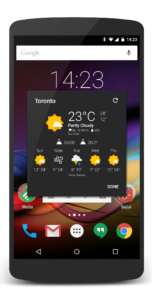
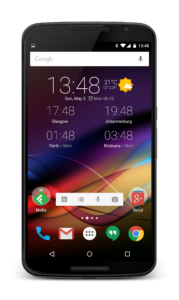
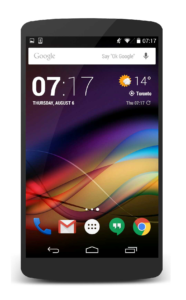
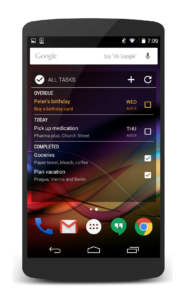
File Information
| Package Name | com.dvtonder.chronus |
|---|---|
| Version Name | 25.0 |
| Version Code | 193652 |
| Architecture | Universal |
| Min Android Version | Android 25 (API 36) |
| Main Activity | com.dvtonder.chronus.preference.PreferencesMain |
| Framework | Native (Java/Kotlin) |
| File Size | 11.10 MB |
| Signature (SHA1) | B85BCC039AA134BCB895373BFD69184093EF983D |
| File Hash (SHA256) | 0c322153385808863d7bae689b854d59b5b46701986f4f5ae76d23b01b56e011 |
What's New
Version 25.0 - Android 16
- Add support for Android 16
- Update Weather.com to the new V3 API
- Performance improvements
- Updated libraries and APIs
Fixes:
- Play store reported crashes
- Weather.com not updating
- Add support for Android 16
- Update Weather.com to the new V3 API
- Performance improvements
- Updated libraries and APIs
Fixes:
- Play store reported crashes
- Weather.com not updating
App Description
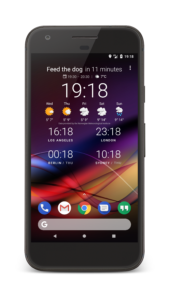
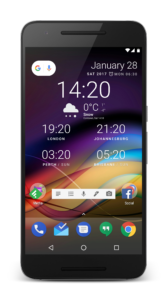
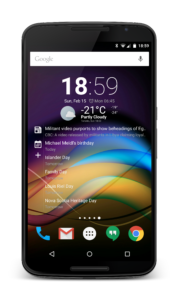
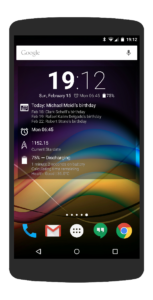
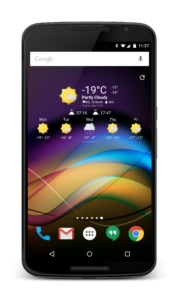
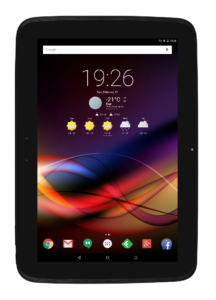
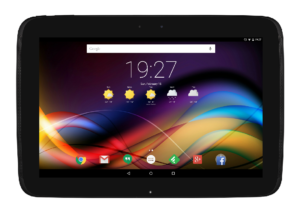
Welcome to Chronus, a set of flexible and stylish Clock, Weather, News, Tasks, Stocks, Fitness and Calendar widgets for your Home and Lock** screen.
All Chronus widgets share the same highly optimized back-end services, making it the perfect, single replacement for many of the other stand-alone widgets on your device. This ensures your system will use less CPU, data and battery while still providing you with rich information.
Features (All versions):
• Fully functional Flex, Flex (Analog), Clock+, Clock+ (Dash), Dash, Pixel+, Pixel2+, News, Tasks and Weather Widgets
• Highly customizable look and feel of almost all components
• Weather panel with Weatherbit.io, WeatherAPI.com, Visual Crossing, Tomorrow.io, WeatherStack, OpenWeatherMap, Weather Underground (PWS), Accuweather and MET Norway weather providers
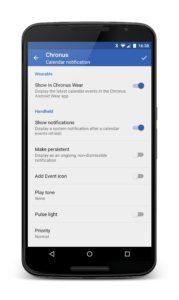
• Weather, Calendar and Tasks notifications
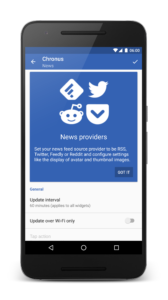
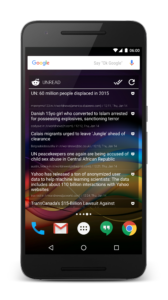
• News Feed panel with built-in RSS sources and "Read it later" using Pocket
• Tasks widget supports Google Tasks
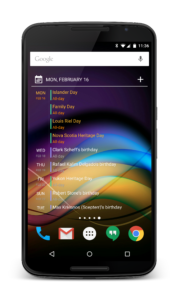
• Calendar panel showing a scrollable list of upcoming events
• Highlight upcoming calendar events with custom colors and font bolding
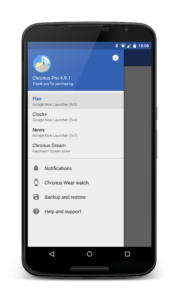
• Backup and restore widget settings
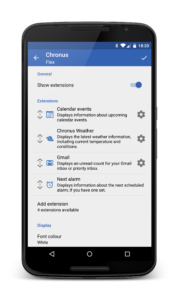
• Add any two (2) DashClock Extensions in the Flex and 'Dash' widgets
• Built-in Gmail, Missed Calls, Calendar and Text Messages extensions
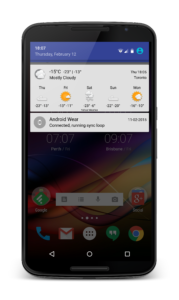
• Wear OS support and a basic Chronus Wear watchface
• Can be used as a weather provider for CyanogenMod, LineageOS and derived ROMs
Pro Features (In-app purchase):
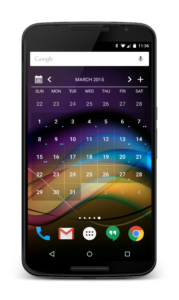
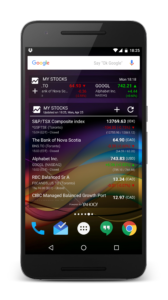
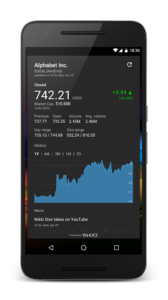
• Additional Widgets (Forecast, Calendar, Clock+ (Forecast) and Stocks)
• Additional Weather providers (Experimental)
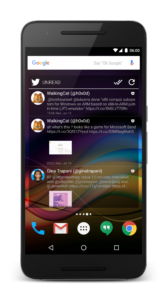
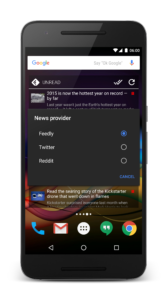
• Additional News providers (Feedly, Twitter, Reddit)
• Additional Tasks providers (Microsoft Exchange, Evernote and Todoist)
• Many more alignment, style, color and layout options for all widgets
• Set custom Tap actions to launch apps or activities
• Stock Alerts
• Daydream screensaver
• Unlimited DashClock Extensions
• Full Chronus Wear watchface with weather forecast
Please note:
1) Details on the Permissions we use are available at
rebrand.ly/privacy-74d8e
2) You can choose to use one or all of the features, those not used are completely disabled and use no system resources
3) **Lock screen widgets are only supported on Android 4.x and with 3rd party lock screen apps on Android 5+
Credits:
While Danny Baumann, Jorge Ruesga and I wrote most of the widget, credit also goes to the many translators as well as other contributors such as Nicolai Ehemann and Matt Booth for the languages and features they have contributed.
All Chronus widgets share the same highly optimized back-end services, making it the perfect, single replacement for many of the other stand-alone widgets on your device. This ensures your system will use less CPU, data and battery while still providing you with rich information.
Features (All versions):
• Fully functional Flex, Flex (Analog), Clock+, Clock+ (Dash), Dash, Pixel+, Pixel2+, News, Tasks and Weather Widgets
• Highly customizable look and feel of almost all components
• Weather panel with Weatherbit.io, WeatherAPI.com, Visual Crossing, Tomorrow.io, WeatherStack, OpenWeatherMap, Weather Underground (PWS), Accuweather and MET Norway weather providers
• Weather, Calendar and Tasks notifications
• News Feed panel with built-in RSS sources and "Read it later" using Pocket
• Tasks widget supports Google Tasks
• Calendar panel showing a scrollable list of upcoming events
• Highlight upcoming calendar events with custom colors and font bolding
• Backup and restore widget settings
• Add any two (2) DashClock Extensions in the Flex and 'Dash' widgets
• Built-in Gmail, Missed Calls, Calendar and Text Messages extensions
• Wear OS support and a basic Chronus Wear watchface
• Can be used as a weather provider for CyanogenMod, LineageOS and derived ROMs
Pro Features (In-app purchase):
• Additional Widgets (Forecast, Calendar, Clock+ (Forecast) and Stocks)
• Additional Weather providers (Experimental)
• Additional News providers (Feedly, Twitter, Reddit)
• Additional Tasks providers (Microsoft Exchange, Evernote and Todoist)
• Many more alignment, style, color and layout options for all widgets
• Set custom Tap actions to launch apps or activities
• Stock Alerts
• Daydream screensaver
• Unlimited DashClock Extensions
• Full Chronus Wear watchface with weather forecast
Please note:
1) Details on the Permissions we use are available at
rebrand.ly/privacy-74d8e
2) You can choose to use one or all of the features, those not used are completely disabled and use no system resources
3) **Lock screen widgets are only supported on Android 4.x and with 3rd party lock screen apps on Android 5+
Credits:
While Danny Baumann, Jorge Ruesga and I wrote most of the widget, credit also goes to the many translators as well as other contributors such as Nicolai Ehemann and Matt Booth for the languages and features they have contributed.
Download Chronus Information Widgets APK
Fast, free and safe download.
APK Permissions 31
- android.permission.ACCESS_ADSERVICES_AD_ID
- android.permission.ACCESS_ADSERVICES_ATTRIBUTION
- android.permission.ACCESS_ADSERVICES_TOPICS
- android.permission.ACCESS_BACKGROUND_LOCATION
- android.permission.ACCESS_COARSE_LOCATION
- android.permission.ACCESS_FINE_LOCATION
- android.permission.ACCESS_NETWORK_STATE
- android.permission.BROADCAST_CLOSE_SYSTEM_DIALOGS
- android.permission.DISABLE_KEYGUARD
- android.permission.FOREGROUND_SERVICE
- android.permission.GET_ACCOUNTS
- android.permission.INTERNET
- android.permission.POST_NOTIFICATIONS
- android.permission.READ_CALENDAR
- android.permission.READ_EXTERNAL_STORAGE
- android.permission.RECEIVE_BOOT_COMPLETED
- android.permission.SCHEDULE_EXACT_ALARM
- android.permission.USE_CREDENTIALS
- android.permission.USE_EXACT_ALARM
- android.permission.WAKE_LOCK
- android.permission.WRITE_EXTERNAL_STORAGE
- com.android.vending.BILLING
- com.android.vending.CHECK_LICENSE
- com.dvtonder.chronus.DYNAMIC_RECEIVER_NOT_EXPORTED_PERMISSION
- com.google.android.apps.dashclock.permission.BIND_DATA_CONSUMER
- com.google.android.finsky.permission.BIND_GET_INSTALL_REFERRER_SERVICE
- com.google.android.gm.permission.READ_CONTENT_PROVIDER
- com.google.android.gms.permission.AD_ID
- com.google.android.permission.PROVIDE_BACKGROUND
- com.huawei.permission.external_app_settings.USE_COMPONENT
- oppo.permission.OPPO_COMPONENT_SAFE
APK Verified
The cryptographic signature guarantees that the file is safe to install and was not tampered with in any way.


Frequently Asked Questions about Chronus Information Widgets APK
This is the universal variant — a single APK that contains native libraries for every CPU architecture. It installs on any Android device but is larger than per-architecture variants.
Yes — the APK's signature has been cryptographically verified against the publisher's signing key. The SHA-256 hash is shown in the File Information panel so you can independently confirm the file matches the original release.
Android 25 (API level 36) or newer. Older devices will refuse the install.
Install a free app like 'CPU-Z' or 'Droid Hardware Info' from the Play Store and look at the ABI / Instruction Set row. Most phones made after 2017 are arm64-v8a; if in doubt, download the universal variant.
All variants are functionally identical — same features, same version. They differ only in which CPU architectures the native code is compiled for, and (sometimes) which screen densities the included graphics target. Pick the one that matches your device for the smallest install size, or pick 'Universal' if you're unsure.