
Download AnExplorer TV File Manager (Android TV) APK 4.9.2 armeabi-v7a · Android 19+
Download APK
Verified Safe
This is the armeabi-v7a build of AnExplorer TV File Manager (Android TV) 4.9.2, compiled for 32-bit ARM processors found in older Android phones (roughly 2013-2017). Use this build if your device's primary ABI is armeabi-v7a — modern 64-bit phones should pick the arm64-v8a or universal variant for better performance.
File size: 8.1 MB • Min Android: 19 • Target Android: 30 • Version code: 49201 • Framework: Native (Java/Kotlin) • Permissions: 19
Screenshots
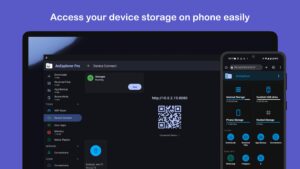
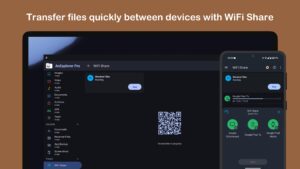
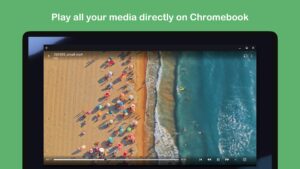
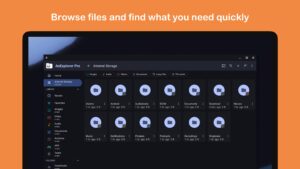


File Information
| Package Name | dev.dworks.apps.anexplorer |
|---|---|
| Version Name | 4.9.2 |
| Version Code | 49201 |
| Architecture | armeabi-v7a |
| Min Android Version | Android 19 (API 30) |
| Main Activity | dev.dworks.apps.anexplorer.DocumentsActivity |
| Framework | Native (Java/Kotlin) |
| File Size | 8.12 MB |
| Signature (SHA1) | 3E52782763E9E699CC1871EA32EC551A533DE411 |
| File Hash (SHA256) | b9d32ae3afba69a90d1835fc57272ab5c0e37ac1df6c1d21679dedb23172a263 |
What's New
* Fixed in-app purchase issue
* Fixed cut and paste files between storage on Android 11
* Minor fixes
* Fixed cut and paste files between storage on Android 11
* Minor fixes
App Description
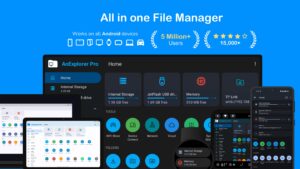
AnExplorer File Manager (File Explorer) is the best Android TV, Wear OS file management tool.
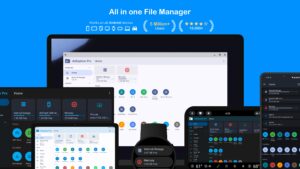
It is a Simple, Small, Fast and Efficient File Explorer and One of the Best File Manager apps on Google Play Store. Only file manager to support RTL and show the size of folders across the storages. File Manager is designed for all Android devices including Phones, Phablets, Tablets, Wear OS, Android TV and Chrome OS. It's fully designed with Material guidelines by Google. It supports all Android versions from Jellybean, KitKat, Lollipop, Marshmallow, Nougat to Pie
We don't take any unnecessary permissions.
Top Features
★
Full Featured File Manager (File Explorer)
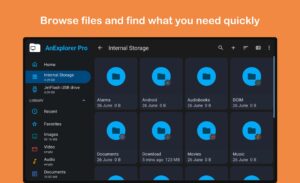
It is a Super File Manager that provides all features of file management including cut, copy, delete, rename, compress, extract. You can check the file details, full integrated search within the file system.
★
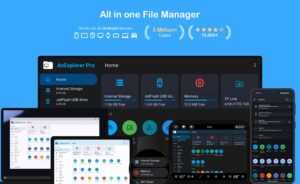
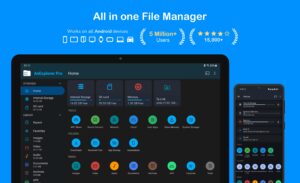
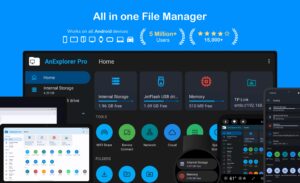
All in one File Manager
is available for all types of Android devices like Phone, Tablet, Phablet, TV and for Google Chrome OS on Chromebooks.
★
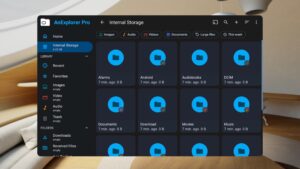
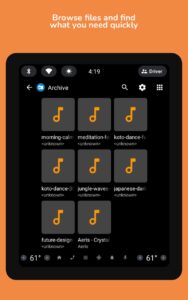
Smart Library File Explorer (File Manager)
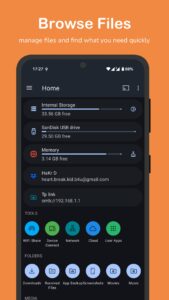
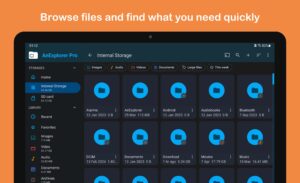
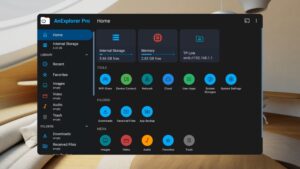
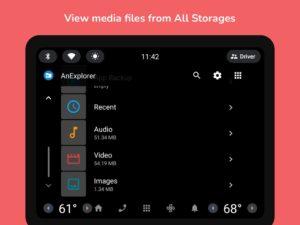
Categorize all files into Downloads from the internet, Movies, Audio, Music, Documents (pdf, Xls, ppt etc), Archives (zip, rar etc) and APK. You can also bookmark all your favorite folders so you can have quick access at any point in time.
★
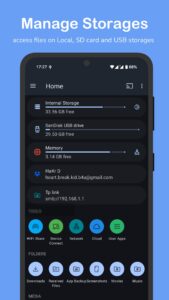
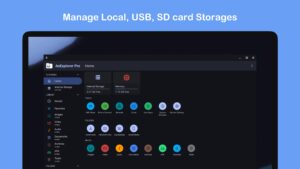
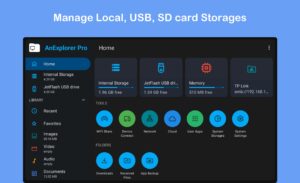
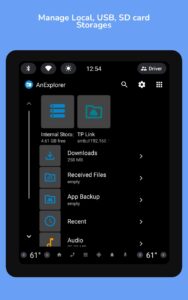
External Storage File Manager (File Explorer)
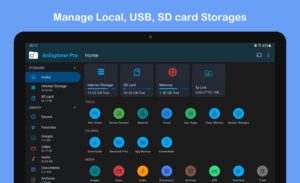
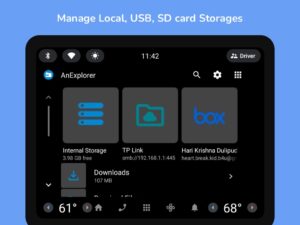
Access all files and folder from different types of storages like EMMC, MMC cars, SD Cards, Internal Storage, External Storage, Phone Memory, USB Storage, Flash Drive, Pen Drives, USB OTG (Nexus and Non nexus) with support for FAT file system. Fully Supports Storage Access Framework and copy/paste between all storages
★
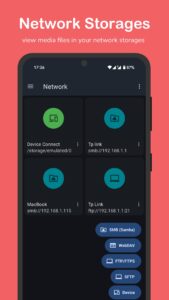
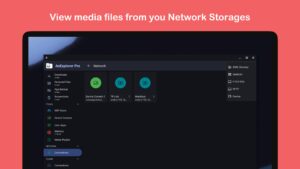
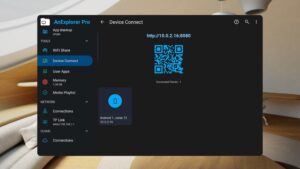
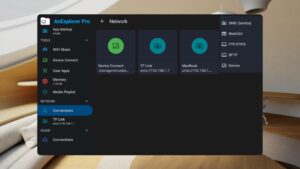
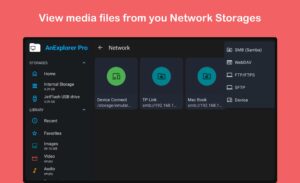
Network File Manager
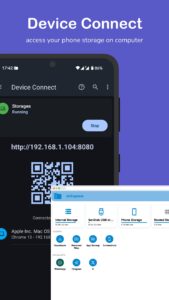
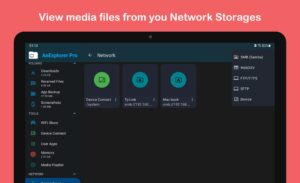
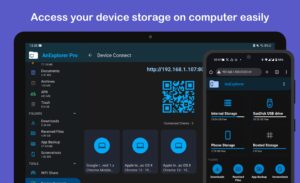
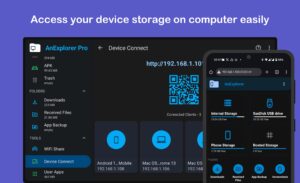
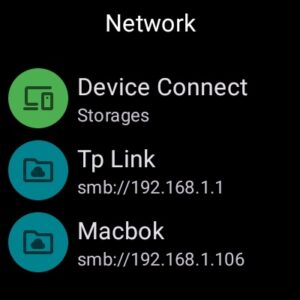
Transfer files with FTP Server from phone to PC. All you have to do is open the IP address in the browser and all your files on the phone are easily accessible. You can also share files from your phone using bluetooth, wifi direct other social networking apps etc . You can also browse FTP/ FTPS connection now.
★
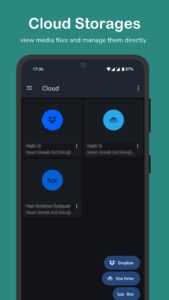
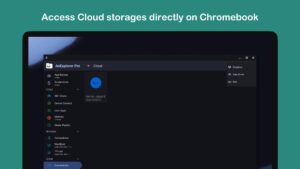
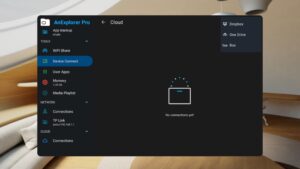
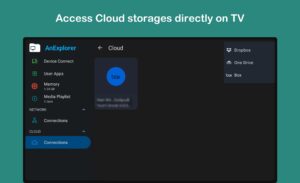
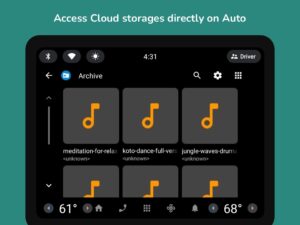
Cloud Storage Manager
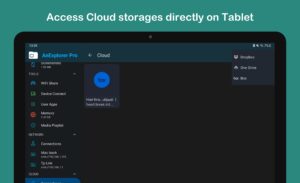
All files in Cloud Storage such as Box, One Drive, Google Drive, and Dropbox can be managed. You can create folders, upload and delete files. Directly view pictures and videos.
★
Root File Manager (File Explorer)
for advanced users to explore, edit, copy, paste and delete files in the root partition of phone storage for development purposes. Explore root folders of the system like data, cache.
★
Wear OS File Explorer
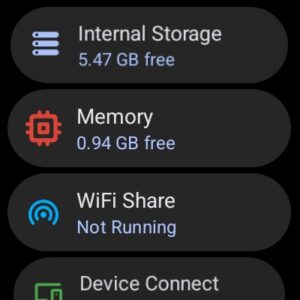
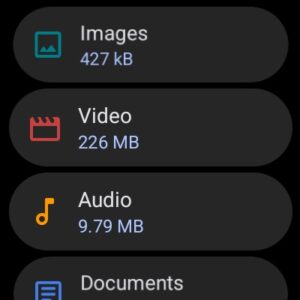
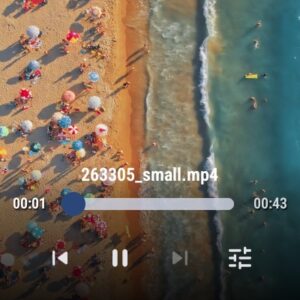
you can use it to browse internal storage and wear storages. You can cut/copy-paste files, check the media and compress/ uncompress files. You can also clear ram and manage your apps on the watch. The best watch file manage available.
★
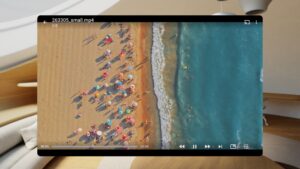
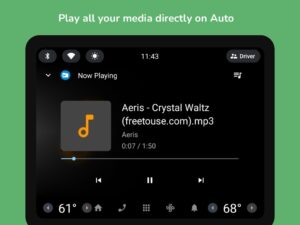
Chromecast File Manager
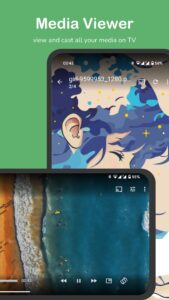
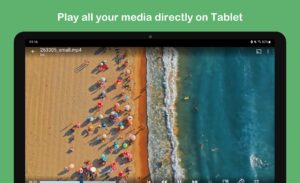
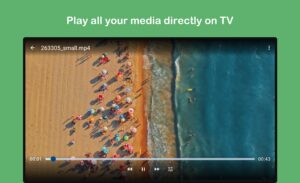
you can use it to play local media on your chromecast devices like Google Home, Android TV or other chromecast devices.. You can play music, videos and also manage their playlist directly from the explorer.
★ RAM & Junk Cleaner - Boost your mobile speed, optimize phone memory by freeing up RAM, and give you a faster and more responsive device.
★
App Manager and Process Manager
Quickly and easily uninstall multiple unwanted applications and free up phone storage space which is very valuable.
★
Document Editor
you can easily edit files on the go. Support for every type of text files such as HTML, XHTML, TXT etc. You can also edit files when the phone is rooted.
★
WhatsApp / Telegram File Manager
helps you organize your WhatsApp Media for storage space in your phone like Photos, Gifs, Videos, Audio, Stickers, Documents and everything easily.
★
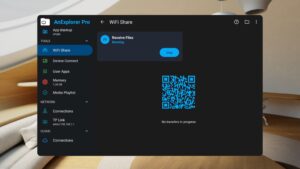
Wifi Easy share File Manager
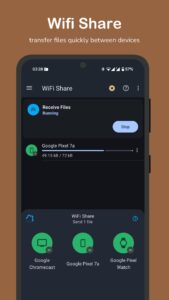
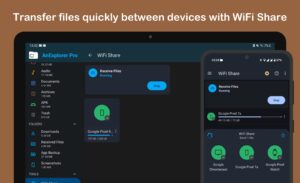
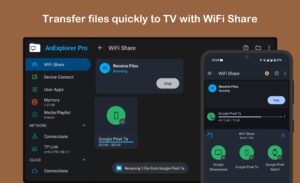
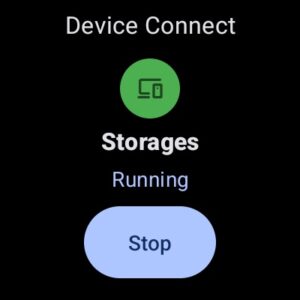
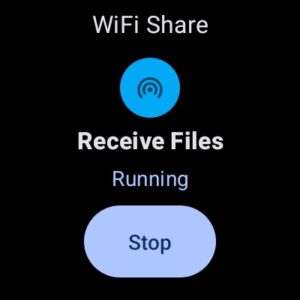
helps you transfer files between android devices easily. Support multiple files transfer over wifi without creating hotspots with devices on the same wifi network
It is a Simple, Small, Fast and Efficient File Explorer and One of the Best File Manager apps on Google Play Store. Only file manager to support RTL and show the size of folders across the storages. File Manager is designed for all Android devices including Phones, Phablets, Tablets, Wear OS, Android TV and Chrome OS. It's fully designed with Material guidelines by Google. It supports all Android versions from Jellybean, KitKat, Lollipop, Marshmallow, Nougat to Pie
We don't take any unnecessary permissions.
Top Features
★
Full Featured File Manager (File Explorer)
It is a Super File Manager that provides all features of file management including cut, copy, delete, rename, compress, extract. You can check the file details, full integrated search within the file system.
★
All in one File Manager
is available for all types of Android devices like Phone, Tablet, Phablet, TV and for Google Chrome OS on Chromebooks.
★
Smart Library File Explorer (File Manager)
Categorize all files into Downloads from the internet, Movies, Audio, Music, Documents (pdf, Xls, ppt etc), Archives (zip, rar etc) and APK. You can also bookmark all your favorite folders so you can have quick access at any point in time.
★
External Storage File Manager (File Explorer)
Access all files and folder from different types of storages like EMMC, MMC cars, SD Cards, Internal Storage, External Storage, Phone Memory, USB Storage, Flash Drive, Pen Drives, USB OTG (Nexus and Non nexus) with support for FAT file system. Fully Supports Storage Access Framework and copy/paste between all storages
★
Network File Manager
Transfer files with FTP Server from phone to PC. All you have to do is open the IP address in the browser and all your files on the phone are easily accessible. You can also share files from your phone using bluetooth, wifi direct other social networking apps etc . You can also browse FTP/ FTPS connection now.
★
Cloud Storage Manager
All files in Cloud Storage such as Box, One Drive, Google Drive, and Dropbox can be managed. You can create folders, upload and delete files. Directly view pictures and videos.
★
Root File Manager (File Explorer)
for advanced users to explore, edit, copy, paste and delete files in the root partition of phone storage for development purposes. Explore root folders of the system like data, cache.
★
Wear OS File Explorer
you can use it to browse internal storage and wear storages. You can cut/copy-paste files, check the media and compress/ uncompress files. You can also clear ram and manage your apps on the watch. The best watch file manage available.
★
Chromecast File Manager
you can use it to play local media on your chromecast devices like Google Home, Android TV or other chromecast devices.. You can play music, videos and also manage their playlist directly from the explorer.
★ RAM & Junk Cleaner - Boost your mobile speed, optimize phone memory by freeing up RAM, and give you a faster and more responsive device.
★
App Manager and Process Manager
Quickly and easily uninstall multiple unwanted applications and free up phone storage space which is very valuable.
★
Document Editor
you can easily edit files on the go. Support for every type of text files such as HTML, XHTML, TXT etc. You can also edit files when the phone is rooted.
★
WhatsApp / Telegram File Manager
helps you organize your WhatsApp Media for storage space in your phone like Photos, Gifs, Videos, Audio, Stickers, Documents and everything easily.
★
Wifi Easy share File Manager
helps you transfer files between android devices easily. Support multiple files transfer over wifi without creating hotspots with devices on the same wifi network
Download AnExplorer TV File Manager (Android TV) APK
Fast, free and safe download.
APK Permissions 19
- android.permission.ACCESS_NETWORK_STATE
- android.permission.ACCESS_SUPERUSER
- android.permission.ACCESS_WIFI_STATE
- android.permission.FOREGROUND_SERVICE
- android.permission.INTERNET
- android.permission.KILL_BACKGROUND_PROCESSES
- android.permission.MANAGE_EXTERNAL_STORAGE
- android.permission.QUERY_ALL_PACKAGES
- android.permission.READ_EXTERNAL_STORAGE
- android.permission.RECEIVE_BOOT_COMPLETED
- android.permission.REQUEST_DELETE_PACKAGES
- android.permission.REQUEST_INSTALL_PACKAGES
- android.permission.USE_BIOMETRIC
- android.permission.USE_FINGERPRINT
- android.permission.WAKE_LOCK
- android.permission.WRITE_EXTERNAL_STORAGE
- com.android.launcher.permission.INSTALL_SHORTCUT
- com.android.vending.BILLING
- com.google.android.finsky.permission.BIND_GET_INSTALL_REFERRER_SERVICE
APK Verified
The cryptographic signature guarantees that the file is safe to install and was not tampered with in any way.
Similar in Tools


More by DWorkS

Frequently Asked Questions about AnExplorer TV File Manager (Android TV) APK
This variant is built for 32-bit ARM (older Android phones, ~2013–2017). If your device's CPU matches, this is the smallest, fastest version to install.
Yes — the APK's signature has been cryptographically verified against the publisher's signing key. The SHA-256 hash is shown in the File Information panel so you can independently confirm the file matches the original release.
Android 19 (API level 30) or newer. Older devices will refuse the install.
Install a free app like 'CPU-Z' or 'Droid Hardware Info' from the Play Store and look at the ABI / Instruction Set row. Most phones made after 2017 are arm64-v8a; if in doubt, download the universal variant.
All variants are functionally identical — same features, same version. They differ only in which CPU architectures the native code is compiled for, and (sometimes) which screen densities the included graphics target. Pick the one that matches your device for the smallest install size, or pick 'Universal' if you're unsure.