
Download Figma: view. comment. mirror. APK
com.figma.mirror · by Figma Inc.
Screenshots
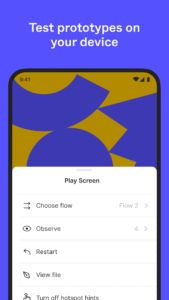
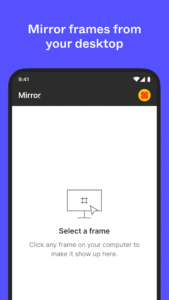
About Figma: view. comment. mirror.
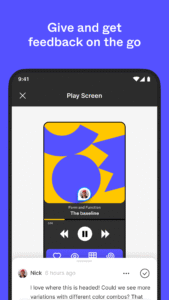
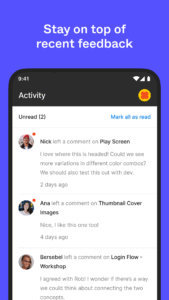
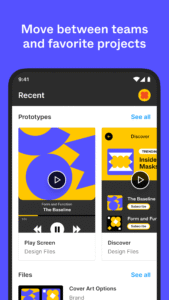
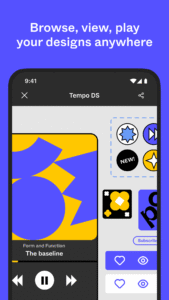
Collaborate on the go. View, share, and mirror designs with just a few taps. With Figma’s official mobile app, you can: REVIEW YOUR FILES Access Figma, FigJam, Prototype and Slides files. Quickly search for files by name or browse your recently viewed files. Navigate between pages and flows in any file. CREATE AND REPLY TO COMMENTS Add comments and mention teammates anywhere in a file. Get notified for new comments and replies. Resolve and respond to comments on the go. View a list of all comment threads in a file. SHARE FILES WITH YOUR TEAM Invite collaborators and share links to your files. PLAY YOUR PROTOTYPES Play and replay prototypes in full screen. Adjust prototype scaling. Toggle hotspot hints. MIRROR DESIGNS IN REAL-TIME Sync selected frames from desktop to your mobile device. Watch real-time edits to your designs on your mobile device. Preview how assets in your design look scaled to a device screen. EXPLORE SLIDES EFFORTLESSLY View and comment on decks in both landscape and portrait mode. MANAGE PERMISSIONS ON THE FLY Update file permissions to control who can view or edit your work. BROWSE AND SWITCH WORKSPACES Navigate between teams, plans, and projects tied to your account. On iPad, you can also use FigJam to: - Sketch with the Apple Pencil to explore and iterate on ideas more fluidly - Share and riff on early thinking with your team - Annotate designs to share feedback - Jot down ideas whenever inspiration strikes