
Download FlowCrypt Encrypted Email APK
com.flowcrypt.email · by FlowCrypt a.s.
Screenshots
About FlowCrypt Encrypted Email
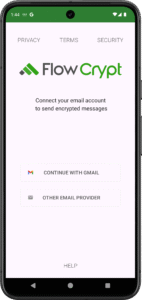
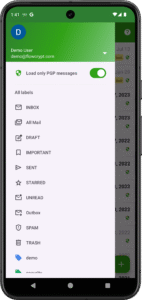
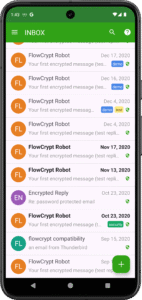
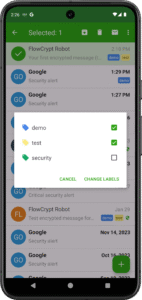
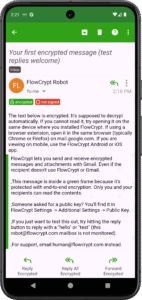
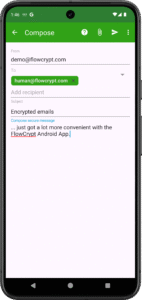
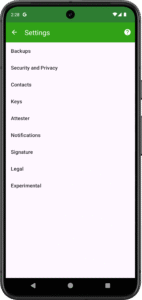
Simple end-to-end encryption to secure email and attachments on Gmail, Outlook or any other email provider. - Sets up in a few taps - Send encrypted email and attachments to anyone FlowCrypt lets you use PGP end-to-end encryption by generating a private and public key. Sources available at github.com/FlowCrypt/ There are a few ways this encryption app stands out: - Easy email encryption that just works. - Anyone can use it. We've worked to ensure every single way possible that email encryption can be confusing has been removed, so that more people can encrypt Gmail or other email. - You can send encrypted attachments. Text files, powerpoint slides, excel documents, image files, any and all files and attachments can be sent privately. - No understanding of cryptography needed. Don’t know what a public key is? You don’t need to know to secure your email with FlowCrypt. Power users with an existing public key are also served. Whether you have struggled with other ways to encrypt email or you are trying email encryption for the first time, you will find this a very simple secure email solution thanks to PGP. PGP stands for Pretty Good Privacy it's the standard for secure email encryption. This Gmail end-to-end encryption plugin lets you encrypt Gmail messages anytime your email security and privacy matters, without having to think about it. Most email providers don't give you the level of privacy that we should expect. That is why we created the FlowCrypt PGP plugin that lets you encrypt google email without needing to learn anything new. Email PGP encryption has been historically a very difficult area, which few people used because there was no easy PGP solution around. If you were asked for a Public Key or a PubKey so that others can encrypt messages for you, just install FlowCrypt and you will find your new Public Key in the settings. Also, file encryption is fully supported. To encrypt an attachment just open a compose screen, add the recipient's email, and attach a file. If they have encryption set up on their end, that's it - just send the encrypted email out. PGP or the OpenPGP is a standard for encrypted communication used by more than 10 million people. FlowCrypt is compatible with most OpenPGP software out there. Looking forward to your feedback! Email us at human@flowcrypt.com as we're improving the app every day.