
This is the armeabi-v7a build of Google Chrome 18.0.1025308, compiled for 32-bit ARM processors found in older Android phones (roughly 2013-2017). Use this build if your device's primary ABI is armeabi-v7a — modern 64-bit phones should pick the arm64-v8a or universal variant for better performance.
File size: 18.9 MB • Min Android: 14 • Target Android: 15 • Version code: 1025308 • Framework: Native (Java/Kotlin) • Permissions: 21
Screenshots
File Information
| Package Name | com.android.chrome |
|---|---|
| Version Name | 18.0.1025308 |
| Version Code | 1025308 |
| Architecture | armeabi-v7a |
| Min Android Version | Android 14 (API 15) |
| Main Activity | com.google.android.apps.chrome.Main |
| Framework | Native (Java/Kotlin) |
| File Size | 18.94 MB |
| Signature (SHA1) | 38918A453D07199354F8B19AF05EC6562CED5788 |
| File Hash (SHA256) | 9faf36beb383e93a94b96d1061eea1224df1ebb33ce92f23972919cbc5c7e8d0 |
What's New
Thanks for choosing Chrome! This release includes stability and performance improvements.
App Description
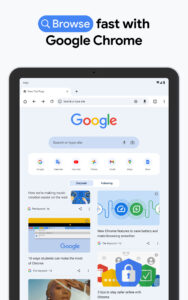
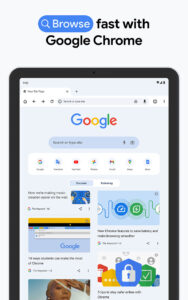
Google Chrome is a fast, easy to use, and secure web browser. Designed for Android, Chrome brings you personalized news articles, quick links to your favorite sites, downloads, and Google Search and Google Translate built-in. Download now to enjoy the same Chrome web browser experience you love across all your devices.
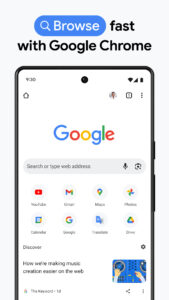
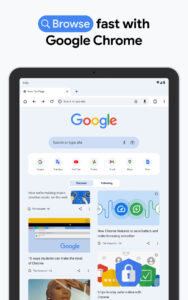
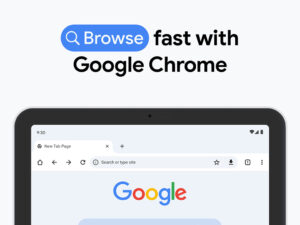
Browse fast and type less.
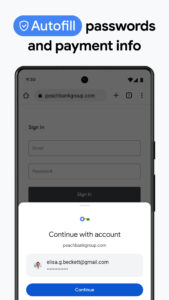
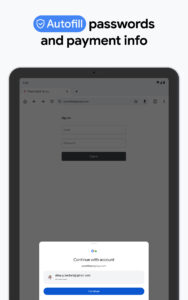
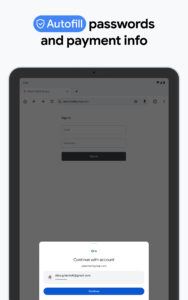
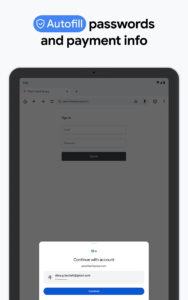
Choose from personalized search results that instantly appear as you type and quickly browse previously visited web pages. Fill in forms quickly with Autofill.
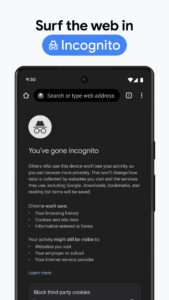
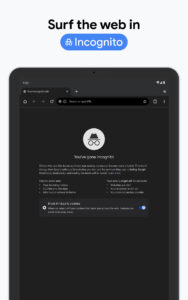
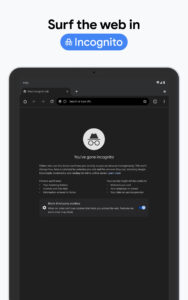
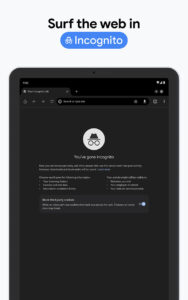
Incognito Browsing.
Use Incognito mode to browse the internet without saving your history. Browse privately across all your devices.
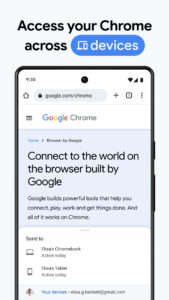
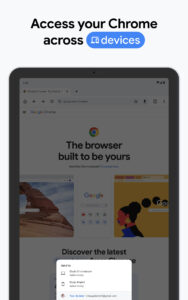
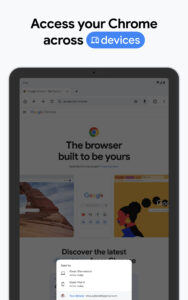
Sync Chrome Across Devices.
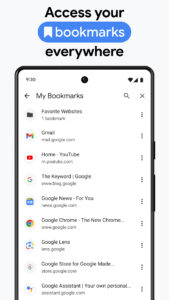
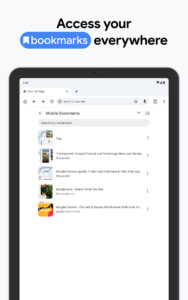
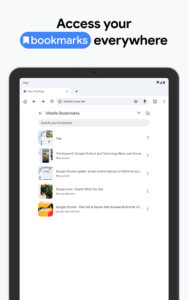
When you sign into Chrome, your bookmarks, passwords, and settings will be automatically synced across all your devices. You can seamlessly access all your information from your phone, tablet, or laptop.
All your favorite content, one tap away.
Chrome is not just fast for Google Search, but designed so you are one tap away from all your favorite content. You can tap on your favorite news sites or social media directly from the new tab page. Chrome also has the “Tap to Search”- feature on most webpages. You can tap on any word or phrase to start a Google search while still in the page you are enjoying.
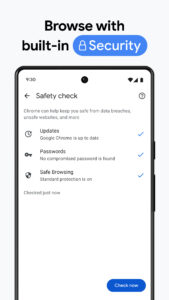
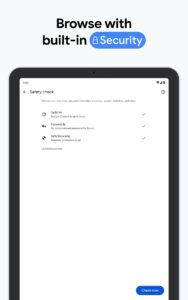
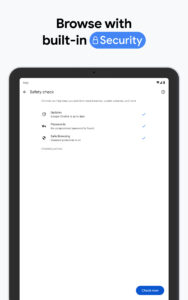
Protect your phone with Google Safe Browsing.
Chrome has Google Safe Browsing built-in. It keeps your phone safe by showing warnings to you when you attempt to navigate to dangerous sites or download dangerous files.
Fast downloads and view web pages and videos offline
Chrome has a dedicated download button, so you can easily download videos, pictures, and entire webpages with just one tap. Chrome also has downloads home right inside Chrome, where you can access all the content you downloaded, even when you are offline.
Google Voice Search.
Chrome gives you an actual web browser you can talk to. Use your voice to find answers on-the-go without typing and go hands free. You can browse and navigate quicker using your voice anywhere, anytime.
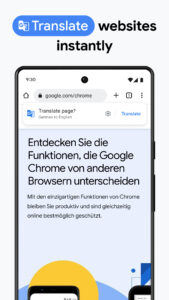
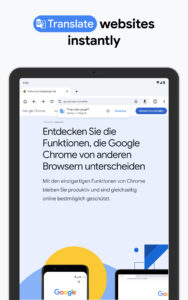
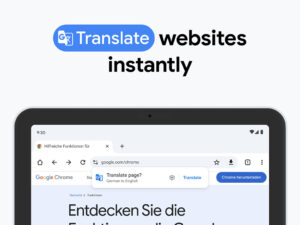
Google Translate built-in: Quickly translate entire web pages.
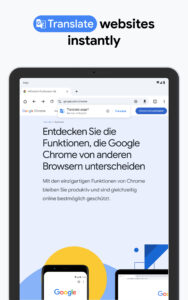
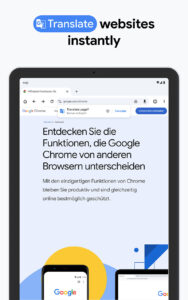
Chrome has Google Translate built in to help you to translate entire web to your own language with one tap.
Use less mobile data and speed up the web.
Turn on Lite mode and use up to 60% less data. Chrome can compress text, images, videos, and websites without lowering the quality.
Smart personalized recommendations.
Chrome creates an experience that is tailored to your interests. On the new tab page, you will find articles that Chrome selected based on your previous browsing history.
Browse fast and type less.
Choose from personalized search results that instantly appear as you type and quickly browse previously visited web pages. Fill in forms quickly with Autofill.
Incognito Browsing.
Use Incognito mode to browse the internet without saving your history. Browse privately across all your devices.
Sync Chrome Across Devices.
When you sign into Chrome, your bookmarks, passwords, and settings will be automatically synced across all your devices. You can seamlessly access all your information from your phone, tablet, or laptop.
All your favorite content, one tap away.
Chrome is not just fast for Google Search, but designed so you are one tap away from all your favorite content. You can tap on your favorite news sites or social media directly from the new tab page. Chrome also has the “Tap to Search”- feature on most webpages. You can tap on any word or phrase to start a Google search while still in the page you are enjoying.
Protect your phone with Google Safe Browsing.
Chrome has Google Safe Browsing built-in. It keeps your phone safe by showing warnings to you when you attempt to navigate to dangerous sites or download dangerous files.
Fast downloads and view web pages and videos offline
Chrome has a dedicated download button, so you can easily download videos, pictures, and entire webpages with just one tap. Chrome also has downloads home right inside Chrome, where you can access all the content you downloaded, even when you are offline.
Google Voice Search.
Chrome gives you an actual web browser you can talk to. Use your voice to find answers on-the-go without typing and go hands free. You can browse and navigate quicker using your voice anywhere, anytime.
Google Translate built-in: Quickly translate entire web pages.
Chrome has Google Translate built in to help you to translate entire web to your own language with one tap.
Use less mobile data and speed up the web.
Turn on Lite mode and use up to 60% less data. Chrome can compress text, images, videos, and websites without lowering the quality.
Smart personalized recommendations.
Chrome creates an experience that is tailored to your interests. On the new tab page, you will find articles that Chrome selected based on your previous browsing history.
Download Google Chrome APK
Fast, free and safe download.
APK Permissions 21
- android.permission.ACCESS_COARSE_LOCATION
- android.permission.ACCESS_FINE_LOCATION
- android.permission.ACCESS_NETWORK_STATE
- android.permission.GET_ACCOUNTS
- android.permission.INTERNET
- android.permission.MANAGE_ACCOUNTS
- android.permission.NFC
- android.permission.READ_SYNC_SETTINGS
- android.permission.READ_SYNC_STATS
- android.permission.RECORD_AUDIO
- android.permission.USE_CREDENTIALS
- android.permission.VIBRATE
- android.permission.WAKE_LOCK
- android.permission.WRITE_EXTERNAL_STORAGE
- android.permission.WRITE_SYNC_SETTINGS
- com.android.browser.permission.READ_HISTORY_BOOKMARKS
- com.android.browser.permission.WRITE_HISTORY_BOOKMARKS
- com.android.chrome.permission.C2D_MESSAGE
- com.android.chrome.TOS_ACKED
- com.android.launcher.permission.INSTALL_SHORTCUT
- com.google.android.c2dm.permission.RECEIVE
APK Verified
The cryptographic signature guarantees that the file is safe to install and was not tampered with in any way.
Similar in Communication


Frequently Asked Questions about Google Chrome APK
This variant is built for 32-bit ARM (older Android phones, ~2013–2017). If your device's CPU matches, this is the smallest, fastest version to install.
Yes — the APK's signature has been cryptographically verified against the publisher's signing key. The SHA-256 hash is shown in the File Information panel so you can independently confirm the file matches the original release.
Android 14 (API level 15) or newer. Older devices will refuse the install.
Install a free app like 'CPU-Z' or 'Droid Hardware Info' from the Play Store and look at the ABI / Instruction Set row. Most phones made after 2017 are arm64-v8a; if in doubt, download the universal variant.
All variants are functionally identical — same features, same version. They differ only in which CPU architectures the native code is compiled for, and (sometimes) which screen densities the included graphics target. Pick the one that matches your device for the smallest install size, or pick 'Universal' if you're unsure.