
Download Gmail APK 2025.08.18.796307704.Release arm64-v8a, armeabi-v7a, x86, x86_64 · Android 23+
Download APK
Verified Safe
This is the arm64-v8a, armeabi-v7a, x86, x86_64 build of Gmail 2025.08.18.796307704.Release. Pick this build if your device's primary ABI matches.
File size: 166.2 MB • Min Android: 23 • Target Android: 35 • Version code: 65299372 • Framework: Native (Java/Kotlin) • Permissions: 67
Screenshots
File Information
| Package Name | com.google.android.gm |
|---|---|
| Version Name | 2025.08.18.796307704.Release |
| Version Code | 65299372 |
| Architecture | arm64-v8a, armeabi-v7a, x86, x86_64 |
| Min Android Version | Android 23 (API 35) |
| Main Activity | com.google.android.gm.ConversationListActivityGmail |
| Framework | Native (Java/Kotlin) |
| File Size | 166.21 MB |
| Signature (SHA1) | 38918A453D07199354F8B19AF05EC6562CED5788 |
| File Hash (SHA256) | 6f5e5be72cd8c3c2c93b5ec6818d544cf9ceffccccf644f42ba59c187eb874b2 |
What's New
Stay on top of the work that matters with Gmail, part of Google Workspace. With secure email as the foundation, you can also chat, collaborate with a group in spaces or make voice or video calls - all in one place.
App Description
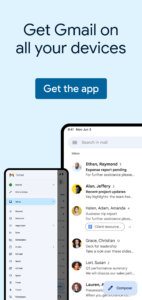
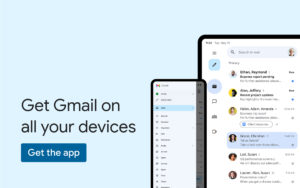
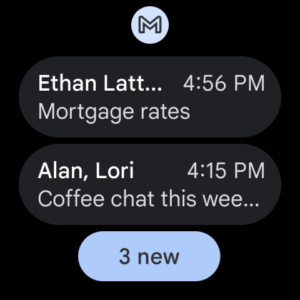
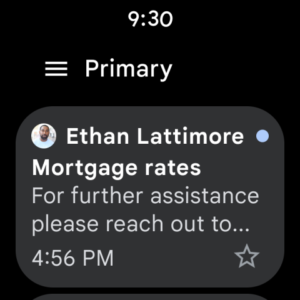
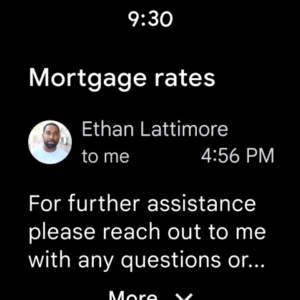
The official Gmail app brings the best of Gmail to your Android phone or tablet with robust security, real-time notifications, multiple account support, and search that works across all your mail. Gmail is also available on Wear OS so you can stay productive and manage emails right from your wrist.
With the Gmail app you can:
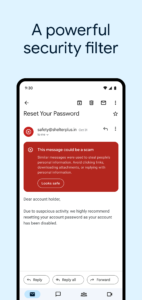
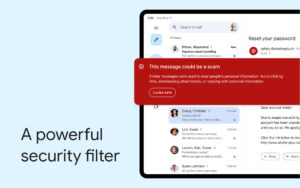
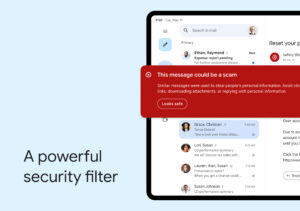
• Automatically block more than 99.9 percent of spam, phishing, malware, and dangerous links from ever reaching your inbox
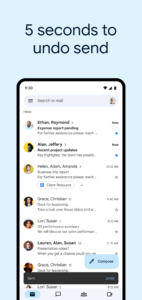
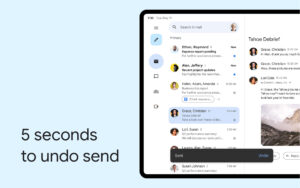
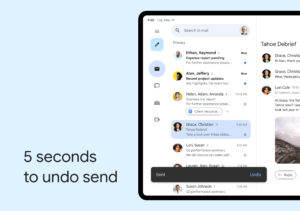
• Undo send, to prevent embarrassing mistakes
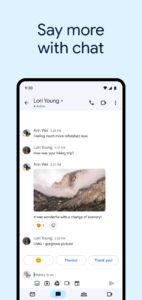
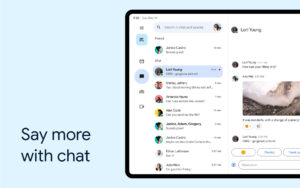
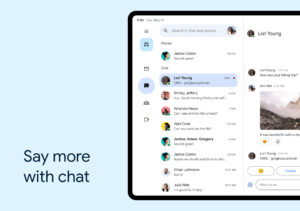
• Turn on Google Chat to connect, create and collaborate with others
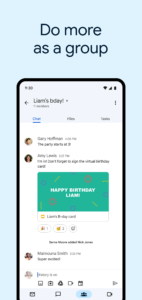
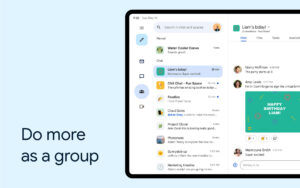
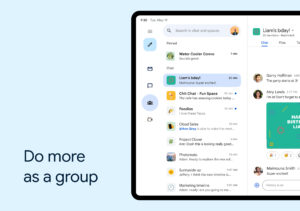
• Get more done as a group in Spaces - a dedicated place for organizing people, topics, and projects
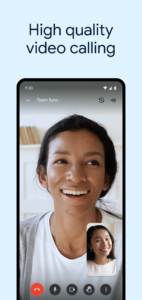
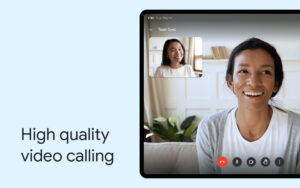
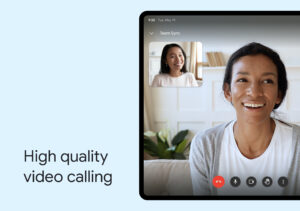
• Enjoy high quality video calling with Google Meet
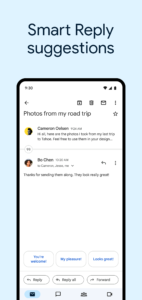
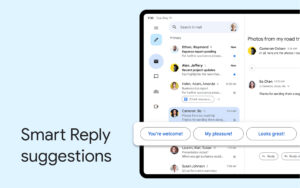
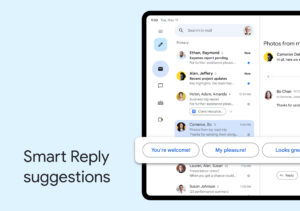
• Respond to emails quickly with Smart Reply suggestions
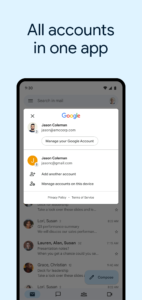
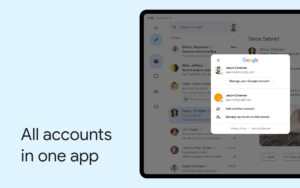
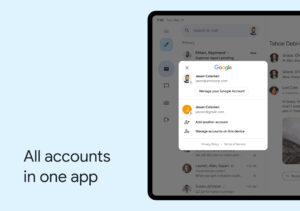
• Switch between multiple accounts
• Attach and share files with ease
• Get notified of new mail fast, with notification center, badge, and lock screen options
• Search your mail faster with instant results, predictions as you type, and spelling suggestions
• Organize your mail by labeling, starring, deleting, and reporting spam
• Swipe to archive/delete, to quickly clear out your inbox
• Read your mail with threaded conversations
• Auto-complete contact names as you type from your Google contacts or your phone
• Respond to Google Calendar invites right from the app
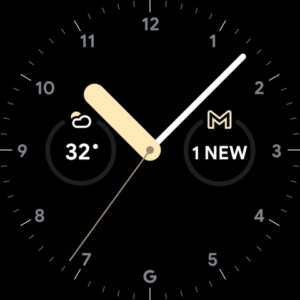
• Add a Gmail complication and tile on your Wear OS watch to get a quick overview of your emails
Gmail is part of Google Workspace, allowing you and your team to easily connect, create, and collaborate. You can:
• Connect with coworkers via Google Meet or Google Chat, send an invite in Calendar, add an action to your task list, and more without leaving Gmail
• Use suggested actions — like Smart Reply, Smart Compose, grammar suggestions, and nudges — to help you stay on top of work and take care of simple tasks, so you can be more efficient with your time
• Stay safe. Our machine learning models block more than 99.9% of spam, phishing, and malware from reaching our users
Learn more about Google Workspace:
workspace.google.com/products/gmail/
Follow us for more:
Twitter:
twitter.com/googleworkspace
LinkedIn:
www.linkedin.com/showcase/googleworkspace
Facebook:
www.facebook.com/googleworkspace/
With the Gmail app you can:
• Automatically block more than 99.9 percent of spam, phishing, malware, and dangerous links from ever reaching your inbox
• Undo send, to prevent embarrassing mistakes
• Turn on Google Chat to connect, create and collaborate with others
• Get more done as a group in Spaces - a dedicated place for organizing people, topics, and projects
• Enjoy high quality video calling with Google Meet
• Respond to emails quickly with Smart Reply suggestions
• Switch between multiple accounts
• Attach and share files with ease
• Get notified of new mail fast, with notification center, badge, and lock screen options
• Search your mail faster with instant results, predictions as you type, and spelling suggestions
• Organize your mail by labeling, starring, deleting, and reporting spam
• Swipe to archive/delete, to quickly clear out your inbox
• Read your mail with threaded conversations
• Auto-complete contact names as you type from your Google contacts or your phone
• Respond to Google Calendar invites right from the app
• Add a Gmail complication and tile on your Wear OS watch to get a quick overview of your emails
Gmail is part of Google Workspace, allowing you and your team to easily connect, create, and collaborate. You can:
• Connect with coworkers via Google Meet or Google Chat, send an invite in Calendar, add an action to your task list, and more without leaving Gmail
• Use suggested actions — like Smart Reply, Smart Compose, grammar suggestions, and nudges — to help you stay on top of work and take care of simple tasks, so you can be more efficient with your time
• Stay safe. Our machine learning models block more than 99.9% of spam, phishing, and malware from reaching our users
Learn more about Google Workspace:
workspace.google.com/products/gmail/
Follow us for more:
Twitter:
twitter.com/googleworkspace
LinkedIn:
www.linkedin.com/showcase/googleworkspace
Facebook:
www.facebook.com/googleworkspace/
Download Gmail APK
Fast, free and safe download.
APK Permissions 67
- android.permission.ACCESS_ADSERVICES_AD_ID
- android.permission.ACCESS_ADSERVICES_ATTRIBUTION
- android.permission.ACCESS_NETWORK_STATE
- android.permission.ACCESS_NOTIFICATION_POLICY
- android.permission.ACCESS_WIFI_STATE
- android.permission.ANSWER_PHONE_CALLS
- android.permission.AUTHENTICATE_ACCOUNTS
- android.permission.BLUETOOTH
- android.permission.BLUETOOTH_CONNECT
- android.permission.CALL_PHONE
- android.permission.CAMERA
- android.permission.CHANGE_NETWORK_STATE
- android.permission.DOWNLOAD_WITHOUT_NOTIFICATION
- android.permission.FOREGROUND_SERVICE
- android.permission.FOREGROUND_SERVICE_CAMERA
- android.permission.FOREGROUND_SERVICE_DATA_SYNC
- android.permission.FOREGROUND_SERVICE_MEDIA_PLAYBACK
- android.permission.FOREGROUND_SERVICE_MEDIA_PROJECTION
- android.permission.FOREGROUND_SERVICE_MICROPHONE
- android.permission.FOREGROUND_SERVICE_PHONE_CALL
- android.permission.GET_ACCOUNTS
- android.permission.GET_PACKAGE_SIZE
- android.permission.INTERNET
- android.permission.MANAGE_ACCOUNTS
- android.permission.MANAGE_OWN_CALLS
- android.permission.MODIFY_AUDIO_SETTINGS
- android.permission.POST_NOTIFICATIONS
- android.permission.READ_CALENDAR
- android.permission.READ_CONTACTS
- android.permission.READ_PHONE_STATE
- android.permission.READ_PROFILE
- android.permission.READ_SYNC_SETTINGS
- android.permission.READ_SYNC_STATS
- android.permission.RECEIVE_BOOT_COMPLETED
- android.permission.RECORD_AUDIO
- android.permission.SUBSCRIBED_FEEDS_READ
- android.permission.SUBSCRIBED_FEEDS_WRITE
- android.permission.USE_CREDENTIALS
- android.permission.USE_FULL_SCREEN_INTENT
- android.permission.VIBRATE
- android.permission.WAKE_LOCK
- android.permission.WRITE_CALENDAR
- android.permission.WRITE_CONTACTS
- android.permission.WRITE_EXTERNAL_STORAGE
- android.permission.WRITE_SYNC_SETTINGS
- com.android.email.partnerprovider.PARTNER_PROVIDER
- com.android.launcher.permission.INSTALL_SHORTCUT
- com.google.android.apps.dynamite.permission.C2D_MESSAGE
- com.google.android.c2dm.permission.RECEIVE
- com.google.android.calendar.permission.READ_OOBE
- com.google.android.email.permission.ACCESS_PROVIDER
- com.google.android.gm.DYNAMIC_RECEIVER_NOT_EXPORTED_PERMISSION
- com.google.android.gm.email.permission.ACCESS_PROVIDER
- com.google.android.gm.email.permission.GET_WIDGET_UPDATE
- com.google.android.gm.email.permission.READ_ATTACHMENT
- com.google.android.gm.exchange.BIND
- com.google.android.gm.permission.AUTO_SEND
- com.google.android.gm.permission.BROADCAST_INTERNAL
- com.google.android.gm.permission.READ_GMAIL
- com.google.android.gm.permission.WRITE_GMAIL
- com.google.android.gms.permission.AD_ID
- com.google.android.gms.permission.REQUEST_SCREEN_LOCK_COMPLEXITY
- com.google.android.googleapps.permission.GOOGLE_AUTH
- com.google.android.googleapps.permission.GOOGLE_AUTH.mail
- com.google.android.hangouts.START_HANGOUT
- com.google.android.providers.gsf.permission.READ_GSERVICES
- com.google.android.voicesearch.AUDIO_FILE_ACCESS
APK Verified
The cryptographic signature guarantees that the file is safe to install and was not tampered with in any way.
Similar in Communication


Frequently Asked Questions about Gmail APK
This variant is built for devices that report `arm64-v8a, armeabi-v7a, x86, x86_64` as their primary ABI. If your device's CPU matches, this is the smallest, fastest version to install.
Yes — the APK's signature has been cryptographically verified against the publisher's signing key. The SHA-256 hash is shown in the File Information panel so you can independently confirm the file matches the original release.
Android 23 (API level 35) or newer. Older devices will refuse the install.
Install a free app like 'CPU-Z' or 'Droid Hardware Info' from the Play Store and look at the ABI / Instruction Set row. Most phones made after 2017 are arm64-v8a; if in doubt, download the universal variant.
All variants are functionally identical — same features, same version. They differ only in which CPU architectures the native code is compiled for, and (sometimes) which screen densities the included graphics target. Pick the one that matches your device for the smallest install size, or pick 'Universal' if you're unsure.