
Download Google Calendar APK 2025.33.0-796182133-release-wear Universal · Android 30+
This is the universal build of Google Calendar 2025.33.0-796182133-release-wear. It contains native libraries for every CPU architecture (arm64-v8a, armeabi-v7a, x86, x86_64), so it installs on any Android device. The trade-off is size — it's larger than per-architecture variants. Pick this one if you're unsure which CPU your phone has, or if you plan to share the APK with multiple devices.
File size: 8.1 MB • Min Android: 30 • Target Android: 36 • Version code: 2017864011 • Framework: Native (Java/Kotlin) • Permissions: 13
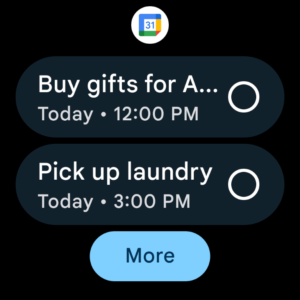
Screenshots
File Information
| Package Name | com.google.android.calendar |
|---|---|
| Version Name | 2025.33.0-796182133-release-wear |
| Version Code | 2017864011 |
| Architecture | Universal |
| Min Android Version | Android 30 (API 36) |
| Main Activity | com.google.android.apps.calendar.wear.overlay.CalendarWearActivity |
| Framework | Native (Java/Kotlin) |
| File Size | 8.09 MB |
| Signature (SHA1) | 38918A453D07199354F8B19AF05EC6562CED5788 |
| File Hash (SHA256) | ddb2fb7179cca7bcecd3e4be574af28ff05d4c8c4dcd9603388a9dd3c786d916 |
What's New
2025.20.0-760371611-release-wear
:
• Bug fixes and performance improvements.
App Description
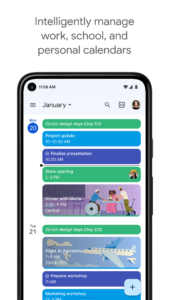
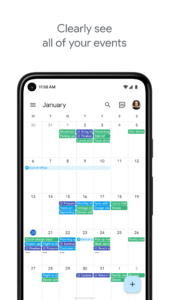
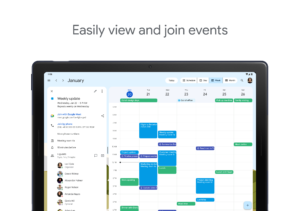
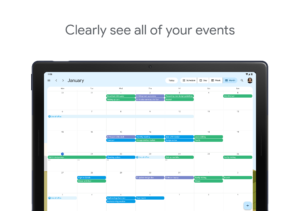
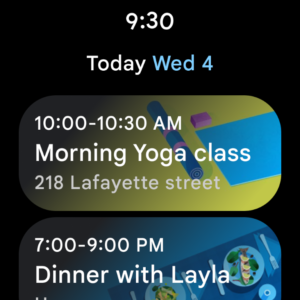
• Different ways to view your calendar - Quickly switch between month, week, and day view.
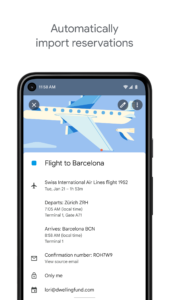
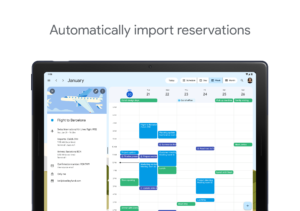
• Events from Gmail - Flight, hotel, concert, restaurant reservations, and more are added to your calendar automatically.
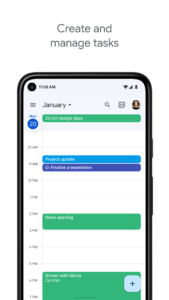
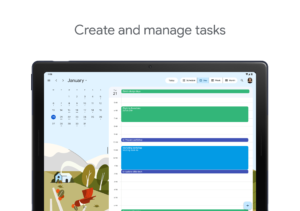
• Tasks - Create, manage, and view your tasks alongside your events in Calendar.
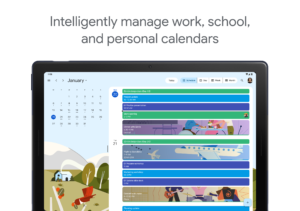
• All your calendars in one place - Google Calendar works with all calendars on your phone, including Exchange.
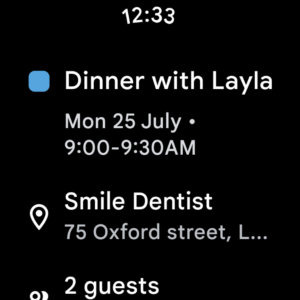
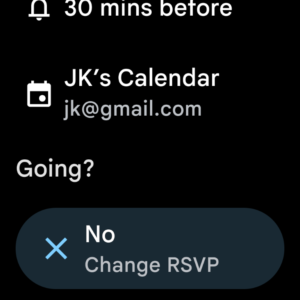
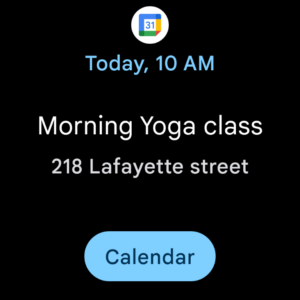
• Never miss an event or task on the go - On Wear OS devices, Google Calendar notifies you on time and supports tiles and complications.
Google Calendar is part of Google Workspace. With Google Workspace, you and your team can:
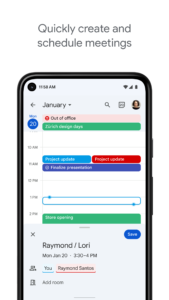
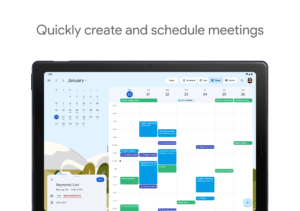
• Schedule meetings quickly by checking coworkers availability or layering their calendars in a single view
• See if meeting rooms or shared resources are free
• Share calendars so people see full event details or just if you are free
• Access from your laptop, tablet or phone
• Publish calendars on the web
Learn more about Google Workspace:
workspace.google.com/products/calendar/
Follow us for more:
Twitter:
twitter.com/googleworkspace
Linkedin:
www.linkedin.com/showcase/googleworkspace
Facebook:
www.facebook.com/googleworkspace/
Fast, free and safe download.
APK Permissions 13
- android.permission.ACCESS_NETWORK_STATE
- android.permission.FOREGROUND_SERVICE
- android.permission.INTERNET
- android.permission.POST_NOTIFICATIONS
- android.permission.READ_SYNC_SETTINGS
- android.permission.READ_SYNC_STATS
- android.permission.RECEIVE_BOOT_COMPLETED
- android.permission.USE_EXACT_ALARM
- android.permission.VIBRATE
- android.permission.WAKE_LOCK
- android.permission.WRITE_SYNC_SETTINGS
- com.google.android.c2dm.permission.RECEIVE
- com.google.android.providers.gsf.permission.READ_GSERVICES
APK Verified
The cryptographic signature guarantees that the file is safe to install and was not tampered with in any way.
Other Variants
This release has multiple variants (e.g. diff architectures).
arm64-v8a, armeabi-v7a, x86, x86_64


