
Download Google Keep - Notes and Lists APK 5.25.342.02.90 arm64-v8a, armeabi-v7a, x86, x86_64 · Android 26+
Download APK
Verified Safe
This is the arm64-v8a, armeabi-v7a, x86, x86_64 build of Google Keep - Notes and Lists 5.25.342.02.90. Pick this build if your device's primary ABI matches.
File size: 26.2 MB • Min Android: 26 • Target Android: 35 • Version code: 220624943 • Framework: Native (Java/Kotlin) • Permissions: 23
Screenshots
File Information
| Package Name | com.google.android.keep |
|---|---|
| Version Name | 5.25.342.02.90 |
| Version Code | 220624943 |
| Architecture | arm64-v8a, armeabi-v7a, x86, x86_64 |
| Min Android Version | Android 26 (API 35) |
| Main Activity | com.google.android.keep.activities.BrowseActivity |
| Framework | Native (Java/Kotlin) |
| File Size | 26.16 MB |
| Signature (SHA1) | 38918A453D07199354F8B19AF05EC6562CED5788 |
| File Hash (SHA256) | 0653c32bdbd205b5a46bab92a4b88b7d883845685e3e02bca4c6caf2ac712f4d |
What's New
* Bug fixes and performance improvements
App Description
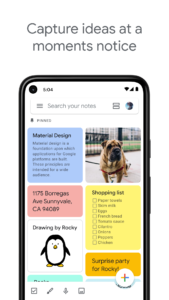
Quickly capture what’s on your mind and get a reminder later at the right place or time. Speak a voice memo on the go and have it automatically transcribed. Grab a photo of a poster, receipt or document and easily organize or find it later in search. Google Keep makes it easy to capture a thought or list for yourself, and share it with friends and family.
Capture what’s on your mind
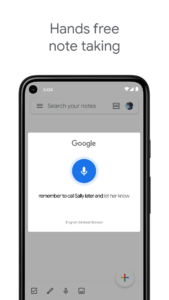
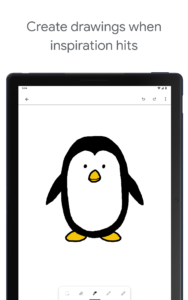
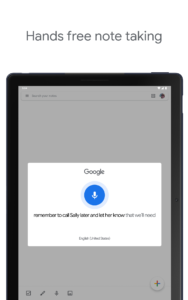
• Add notes, lists and photos to Google Keep. Pressed for time? Record a voice memo and Keep will transcribe it so you can find it later.
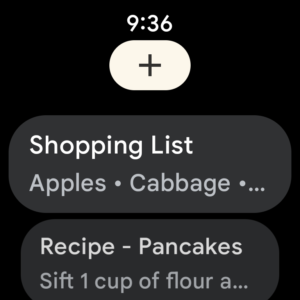
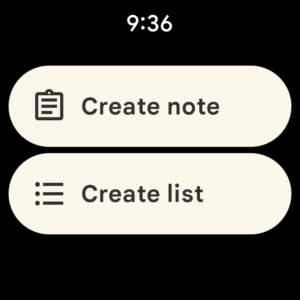
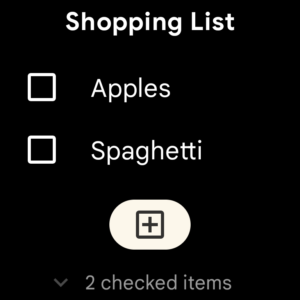
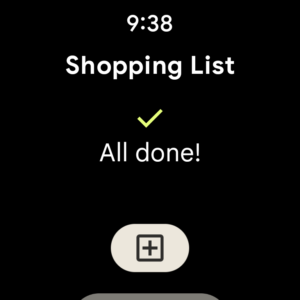
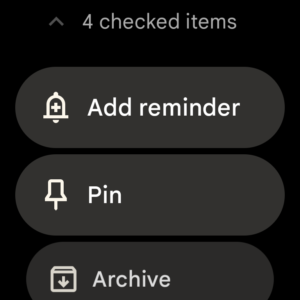
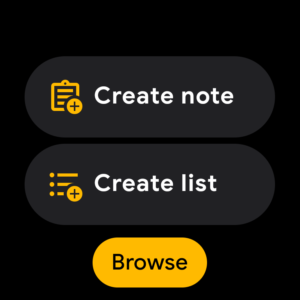
• Take advantage of widgets on your phone and tablet and add tiles and complications to your Wear OS device to quickly capture your thoughts.
Share ideas with friends and family
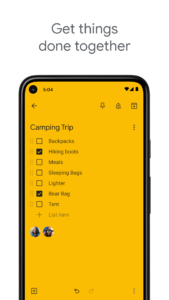
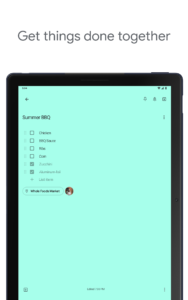
• Easily plan that surprise party by sharing your Keep notes with others and collaborating on them in real time.
Find what you need, fast
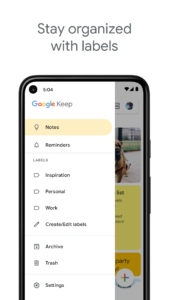
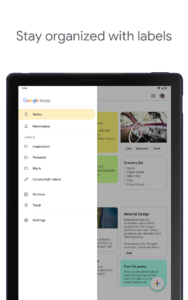
• Color and add labels to notes to quickly organize and get on with your life. If you need to find something you saved, a simple search will turn it up.
• Pin notes to your phone or tablet homescreen with widgets and add shortcuts to your notes with tiles on a Wear OS device.
Always within reach
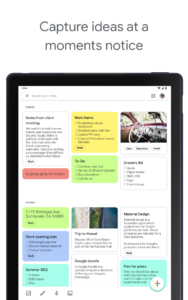
• Keep works on your phone, tablet, computer and Wear OS device. Everything you add syncs across all of your devices so your thoughts are always with you.
The right note at the right time
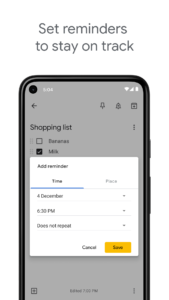
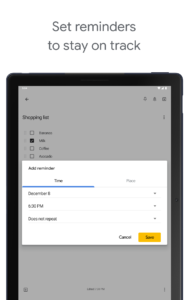
• Need to remember to pick up some groceries? Set a location-based reminder to pull up your grocery list right when you get to the store.
Available everywhere
• Try Google Keep on the web at
keep.google.com
and find it in the Chrome Web Store at
g.co/keepinchrome
.
Capture what’s on your mind
• Add notes, lists and photos to Google Keep. Pressed for time? Record a voice memo and Keep will transcribe it so you can find it later.
• Take advantage of widgets on your phone and tablet and add tiles and complications to your Wear OS device to quickly capture your thoughts.
Share ideas with friends and family
• Easily plan that surprise party by sharing your Keep notes with others and collaborating on them in real time.
Find what you need, fast
• Color and add labels to notes to quickly organize and get on with your life. If you need to find something you saved, a simple search will turn it up.
• Pin notes to your phone or tablet homescreen with widgets and add shortcuts to your notes with tiles on a Wear OS device.
Always within reach
• Keep works on your phone, tablet, computer and Wear OS device. Everything you add syncs across all of your devices so your thoughts are always with you.
The right note at the right time
• Need to remember to pick up some groceries? Set a location-based reminder to pull up your grocery list right when you get to the store.
Available everywhere
• Try Google Keep on the web at
keep.google.com
and find it in the Chrome Web Store at
g.co/keepinchrome
.
Download Google Keep - Notes and Lists APK
Fast, free and safe download.
APK Permissions 23
- android.permission.ACCESS_BACKGROUND_LOCATION
- android.permission.ACCESS_COARSE_LOCATION
- android.permission.ACCESS_FINE_LOCATION
- android.permission.ACCESS_NETWORK_STATE
- android.permission.GET_ACCOUNTS
- android.permission.GET_PACKAGE_SIZE
- android.permission.INTERNET
- android.permission.LAUNCH_CAPTURE_CONTENT_ACTIVITY_FOR_NOTE
- android.permission.POST_NOTIFICATIONS
- android.permission.READ_CONTACTS
- android.permission.READ_SYNC_SETTINGS
- android.permission.READ_SYNC_STATS
- android.permission.RECEIVE_BOOT_COMPLETED
- android.permission.RECORD_AUDIO
- android.permission.SUBSCRIBED_FEEDS_READ
- android.permission.SUBSCRIBED_FEEDS_WRITE
- android.permission.USE_CREDENTIALS
- android.permission.VIBRATE
- android.permission.WAKE_LOCK
- android.permission.WRITE_SYNC_SETTINGS
- com.google.android.c2dm.permission.RECEIVE
- com.google.android.providers.gsf.permission.READ_GSERVICES
- com.google.android.voicesearch.AUDIO_FILE_ACCESS
APK Verified
The cryptographic signature guarantees that the file is safe to install and was not tampered with in any way.
Similar in Productivity


Frequently Asked Questions about Google Keep - Notes and Lists APK
This variant is built for devices that report `arm64-v8a, armeabi-v7a, x86, x86_64` as their primary ABI. If your device's CPU matches, this is the smallest, fastest version to install.
Yes — the APK's signature has been cryptographically verified against the publisher's signing key. The SHA-256 hash is shown in the File Information panel so you can independently confirm the file matches the original release.
Android 26 (API level 35) or newer. Older devices will refuse the install.
Install a free app like 'CPU-Z' or 'Droid Hardware Info' from the Play Store and look at the ABI / Instruction Set row. Most phones made after 2017 are arm64-v8a; if in doubt, download the universal variant.
All variants are functionally identical — same features, same version. They differ only in which CPU architectures the native code is compiled for, and (sometimes) which screen densities the included graphics target. Pick the one that matches your device for the smallest install size, or pick 'Universal' if you're unsure.