
Download Google Play Games APK 2025.04.61203 (799029564.799029564-190300) Universal · Android 29+
This is the universal build of Google Play Games 2025.04.61203 (799029564.799029564-190300). It contains native libraries for every CPU architecture (arm64-v8a, armeabi-v7a, x86, x86_64), so it installs on any Android device. The trade-off is size — it's larger than per-architecture variants. Pick this one if you're unsure which CPU your phone has, or if you plan to share the APK with multiple devices.
File size: 19.4 MB • Min Android: 29 • Target Android: 35 • Version code: 612032430 • Framework: Native (Java/Kotlin) • Permissions: 22
Screenshots
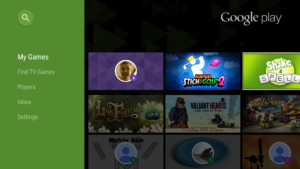


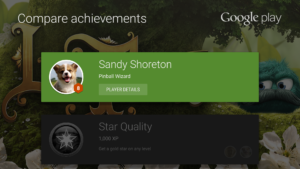
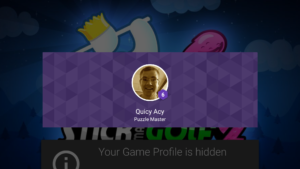
File Information
| Package Name | com.google.android.play.games |
|---|---|
| Version Name | 2025.04.61203 (799029564.799029564-190300) |
| Version Code | 612032430 |
| Architecture | Universal |
| Min Android Version | Android 29 (API 35) |
| Main Activity | com.google.android.gms.games.ui.destination.main.MainActivity |
| Framework | Native (Java/Kotlin) |
| File Size | 19.39 MB |
| Signature (SHA1) | 38918A453D07199354F8B19AF05EC6562CED5788 |
| File Hash (SHA256) | 36ec522b0f58a19a6cb15cf045511dfa39c0a20366abffeec5a4b6d504bfb061 |
What's New
2021.08.29097
:
• More built-in mini games are coming soon. Mix it up when you’re offline.
• Signing in to games is now automatic. Just pick your account and go. (Yes, you can change that account anytime in settings.)
App Description
KEY FEATURES
•
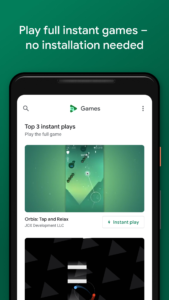
Instant play:
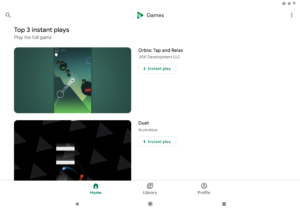
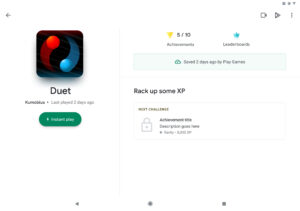
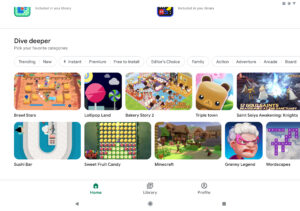
There’s no installation needed – look for the "Instant play" button to instantly play full games.
•
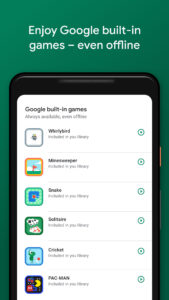
Built-in Google games:
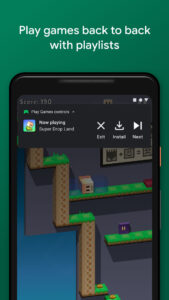
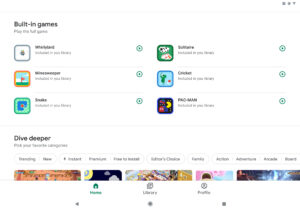
Play Solitaire, Minesweeper, Snake, PAC-MAN, Cricket, and Whirlybird – even when you’re offline.
•
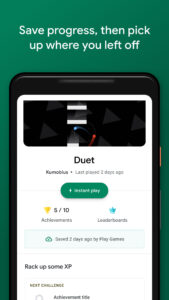
Save your progress:
Your progress is automatically saved to the cloud when you see "Progress saved by Play Games."
•
Gamer profile:
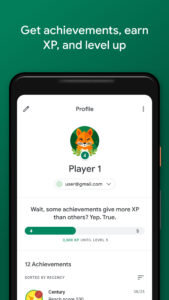
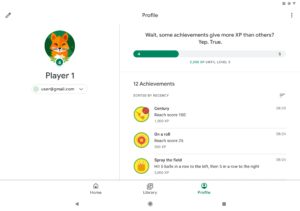
Create a custom gamer ID, unlock achievements, earn XP, and level up.
•
Gameplay recording:
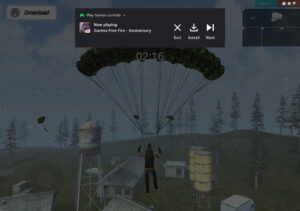
Easily record and share your best gameplay moments.
Fast, free and safe download.
APK Permissions 22
- android.permission.ACCESS_ADSERVICES_AD_ID
- android.permission.ACCESS_ADSERVICES_AD_SELECTION
- android.permission.ACCESS_ADSERVICES_ATTRIBUTION
- android.permission.ACCESS_ADSERVICES_CUSTOM_AUDIENCE
- android.permission.ACCESS_ADSERVICES_PROTECTED_SIGNALS
- android.permission.ACCESS_ADSERVICES_TOPICS
- android.permission.ACCESS_NETWORK_STATE
- android.permission.GET_ACCOUNTS
- android.permission.INTERNET
- android.permission.POST_NOTIFICATIONS
- android.permission.RECEIVE_BOOT_COMPLETED
- android.permission.REQUEST_DELETE_PACKAGES
- android.permission.USE_CREDENTIALS
- android.permission.VIBRATE
- android.permission.WAKE_LOCK
- com.android.launcher.permission.INSTALL_SHORTCUT
- com.google.android.c2dm.permission.RECEIVE
- com.google.android.finsky.permission.BIND_GET_INSTALL_REFERRER_SERVICE
- com.google.android.gms.permission.AD_ID
- com.google.android.gms.permission.INTERNAL_BROADCAST
- com.google.android.providers.gsf.permission.READ_GSERVICES
- com.google.android.providers.gsf.permission.WRITE_GSERVICES
APK Verified
The cryptographic signature guarantees that the file is safe to install and was not tampered with in any way.
Other Variants
This release has multiple variants (e.g. diff architectures).
Universal Universal Universal Universal Universal Universal Universal Universal Universal Universal Universal Universal Universal


