
Download Google Maps APK 25.37.01.805077116 arm64-v8a, armeabi-v7a, x86, x86_64 · Android 28+
Download APK
Verified Safe
This is the arm64-v8a, armeabi-v7a, x86, x86_64 build of Google Maps 25.37.01.805077116. Pick this build if your device's primary ABI matches.
File size: 220.7 MB • Min Android: 28 • Target Android: 36 • Version code: 1068236319 • Framework: Native (Java/Kotlin) • Permissions: 48
Screenshots
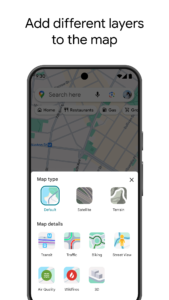
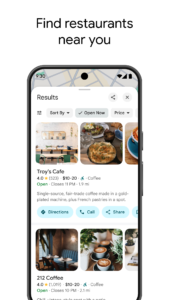
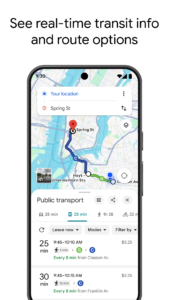
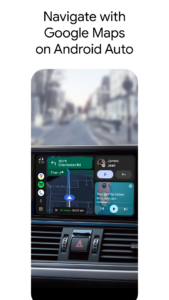
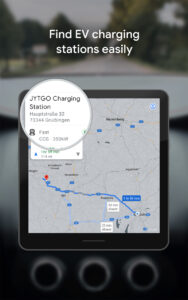

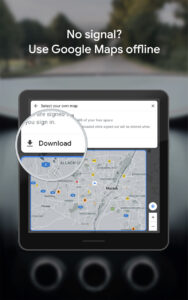
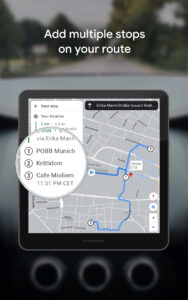
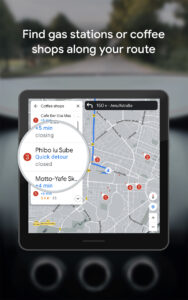
File Information
| Package Name | com.google.android.apps.maps |
|---|---|
| Version Name | 25.37.01.805077116 |
| Version Code | 1068236319 |
| Architecture | arm64-v8a, armeabi-v7a, x86, x86_64 |
| Min Android Version | Android 28 (API 36) |
| Main Activity | com.google.android.maps.MapsActivity |
| Framework | Native (Java/Kotlin) |
| File Size | 220.75 MB |
| Signature (SHA1) | 38918A453D07199354F8B19AF05EC6562CED5788 |
| File Hash (SHA256) | a2bb5e2cb5caef6522a8bebac56bd826e12883ad13a888dc00595b6d43982e67 |
What's New
Thanks for using Google Maps! This release brings bug fixes that improve our product to help you discover new places and navigate to them.
Become a beta tester:
goo.gl/vLUcaJ
Become a beta tester:
goo.gl/vLUcaJ
App Description
Explore and navigate the world with confidence using Google Maps. Find the best routes with live traffic data and real-time GPS navigation for driving, walking, cycling, and public transport. Discover over 250 million businesses and places - from restaurants and shops to everyday essentials – with photos, reviews, and helpful information.
Navigate the world, the way you want:
• Get to where you need to go with fuel-efficient route options
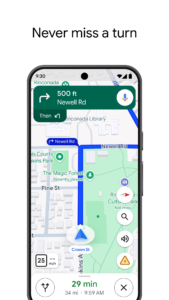
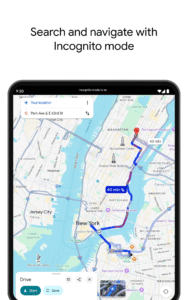
• Find the best route with real-time, turn-by-turn voice, and on screen navigation
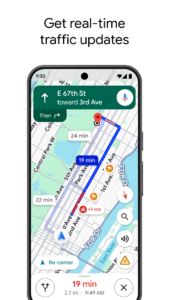
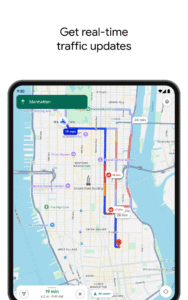
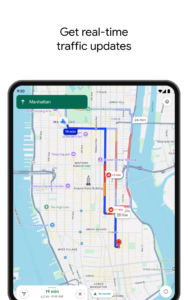
• Save time with automatic rerouting based on live traffic, incidents, and road closures
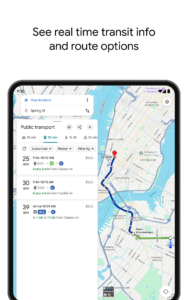
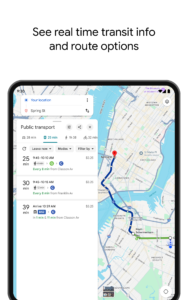
• Catch the bus, train, and ride-share effortlessly, with real-time updates
• Find bike or scooter rentals to get around more easily
Plan trips and experiences effortlessly:
• Preview an area before you go (e.g. parking, entrances) with Street View
• Use Immersive View to experience what landmarks, parks and routes look like, and even check the weather so you can be ready in advance
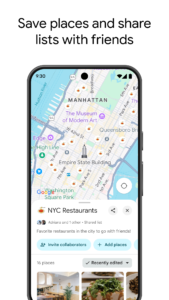
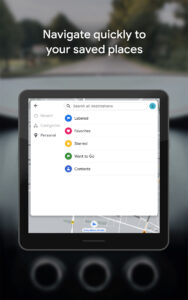
• Create custom lists of your favorite saved places and share with others
• Order delivery and takeout, make reservations, and book hotels
• Don't get lost with offline maps in an area with bad signal
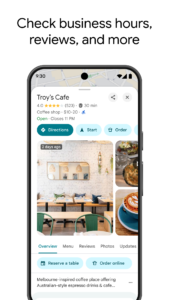
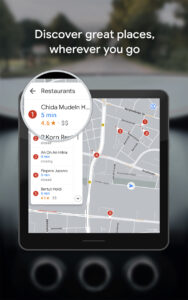
• Search for local places and things to do, and decide based on user reviews and photos
Discover and explore like a local:
• Explore with confidence knowing 500 million users contribute and keep the map up to date each year
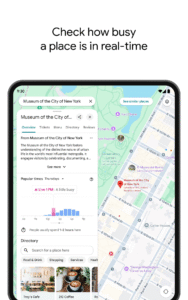
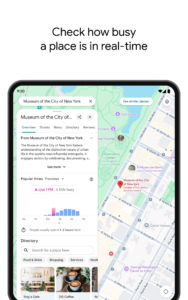
• Avoid the crowds by seeing how busy a place is before you get there
• Use Lens in Maps to see walking directions overlaid on the real world
• Filter restaurants by cuisine, hours, price, rating and more
• Ask questions about a place, from dishes to parking, and get quick answers
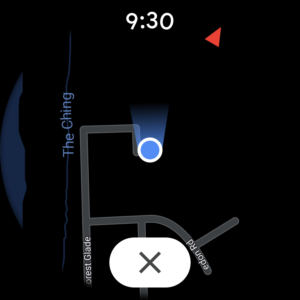
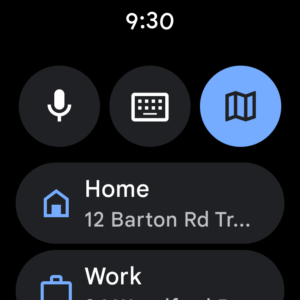
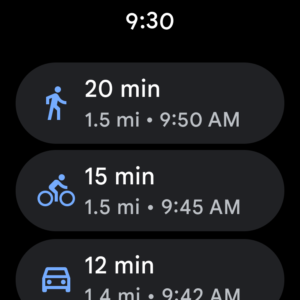
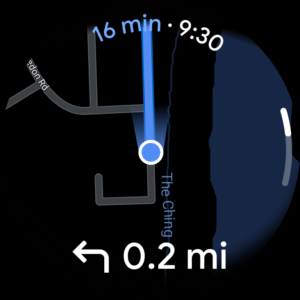
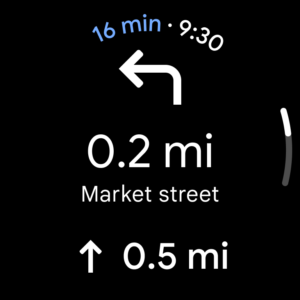
Add tiles and complications to your Wear OS device to quickly search and navigate.
Some features not available in all countries or cities
Navigation isn't intended to be used by oversized or emergency vehicles
Navigate the world, the way you want:
• Get to where you need to go with fuel-efficient route options
• Find the best route with real-time, turn-by-turn voice, and on screen navigation
• Save time with automatic rerouting based on live traffic, incidents, and road closures
• Catch the bus, train, and ride-share effortlessly, with real-time updates
• Find bike or scooter rentals to get around more easily
Plan trips and experiences effortlessly:
• Preview an area before you go (e.g. parking, entrances) with Street View
• Use Immersive View to experience what landmarks, parks and routes look like, and even check the weather so you can be ready in advance
• Create custom lists of your favorite saved places and share with others
• Order delivery and takeout, make reservations, and book hotels
• Don't get lost with offline maps in an area with bad signal
• Search for local places and things to do, and decide based on user reviews and photos
Discover and explore like a local:
• Explore with confidence knowing 500 million users contribute and keep the map up to date each year
• Avoid the crowds by seeing how busy a place is before you get there
• Use Lens in Maps to see walking directions overlaid on the real world
• Filter restaurants by cuisine, hours, price, rating and more
• Ask questions about a place, from dishes to parking, and get quick answers
Add tiles and complications to your Wear OS device to quickly search and navigate.
Some features not available in all countries or cities
Navigation isn't intended to be used by oversized or emergency vehicles
Download Google Maps APK
Fast, free and safe download.
APK Permissions 48
- android.permission.ACCESS_ADSERVICES_ATTRIBUTION
- android.permission.ACCESS_BACKGROUND_LOCATION
- android.permission.ACCESS_COARSE_LOCATION
- android.permission.ACCESS_FINE_LOCATION
- android.permission.ACCESS_NETWORK_STATE
- android.permission.ACCESS_WIFI_STATE
- android.permission.ACTIVITY_RECOGNITION
- android.permission.BROADCAST_STICKY
- android.permission.CAMERA
- android.permission.CHANGE_NETWORK_STATE
- android.permission.CHANGE_WIFI_STATE
- android.permission.DISABLE_KEYGUARD
- android.permission.DOWNLOAD_WITHOUT_NOTIFICATION
- android.permission.FOREGROUND_SERVICE
- android.permission.FOREGROUND_SERVICE_DATA_SYNC
- android.permission.FOREGROUND_SERVICE_LOCATION
- android.permission.FOREGROUND_SERVICE_MEDIA_PROCESSING
- android.permission.GET_ACCOUNTS
- android.permission.GET_PACKAGE_SIZE
- android.permission.INTERNET
- android.permission.MANAGE_ACCOUNTS
- android.permission.NFC
- android.permission.POST_NOTIFICATIONS
- android.permission.POST_PROMOTED_NOTIFICATIONS
- android.permission.READ_CONTACTS
- android.permission.READ_EXTERNAL_STORAGE
- android.permission.READ_MEDIA_IMAGES
- android.permission.READ_MEDIA_VIDEO
- android.permission.READ_MEDIA_VISUAL_USER_SELECTED
- android.permission.READ_SYNC_SETTINGS
- android.permission.RECEIVE_BOOT_COMPLETED
- android.permission.RECORD_AUDIO
- android.permission.RUN_USER_INITIATED_JOBS
- android.permission.SCHEDULE_EXACT_ALARM
- android.permission.USE_CREDENTIALS
- android.permission.VIBRATE
- android.permission.WAKE_LOCK
- android.permission.WRITE_EXTERNAL_STORAGE
- android.permission.WRITE_SYNC_SETTINGS
- com.android.launcher.permission.INSTALL_SHORTCUT
- com.google.android.apps.maps.DYNAMIC_RECEIVER_NOT_EXPORTED_PERMISSION
- com.google.android.c2dm.permission.RECEIVE
- com.google.android.gms.permission.ACTIVITY_RECOGNITION
- com.google.android.gms.permission.AD_ID
- com.google.android.gms.permission.CAR_SPEED
- com.google.android.googlequicksearchbox.permission.LAUNCH_FROM_GMM
- com.google.android.googlequicksearchbox.permission.LENSVIEW_BROADCAST
- com.google.android.providers.gsf.permission.READ_GSERVICES
APK Verified
The cryptographic signature guarantees that the file is safe to install and was not tampered with in any way.
Similar in Travel & Local


Frequently Asked Questions about Google Maps APK
This variant is built for devices that report `arm64-v8a, armeabi-v7a, x86, x86_64` as their primary ABI. If your device's CPU matches, this is the smallest, fastest version to install.
Yes — the APK's signature has been cryptographically verified against the publisher's signing key. The SHA-256 hash is shown in the File Information panel so you can independently confirm the file matches the original release.
Android 28 (API level 36) or newer. Older devices will refuse the install.
Install a free app like 'CPU-Z' or 'Droid Hardware Info' from the Play Store and look at the ABI / Instruction Set row. Most phones made after 2017 are arm64-v8a; if in doubt, download the universal variant.
All variants are functionally identical — same features, same version. They differ only in which CPU architectures the native code is compiled for, and (sometimes) which screen densities the included graphics target. Pick the one that matches your device for the smallest install size, or pick 'Universal' if you're unsure.