
Download AR Floor Plan 3D: Tape Measure APK
com.grymala.arplan · by Grymala apps
Screenshots
About AR Floor Plan 3D: Tape Measure
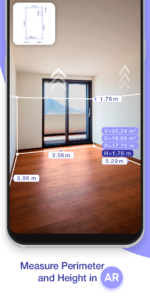
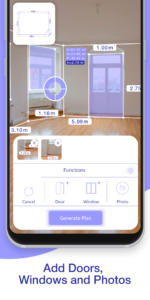
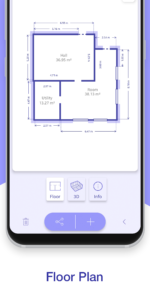
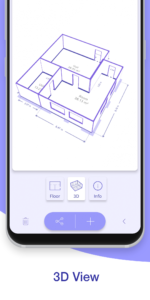
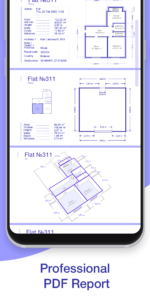
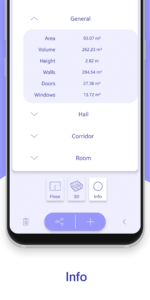
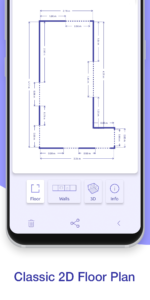
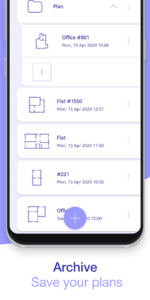
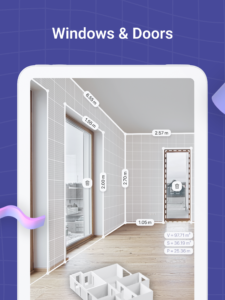
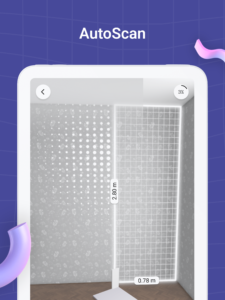
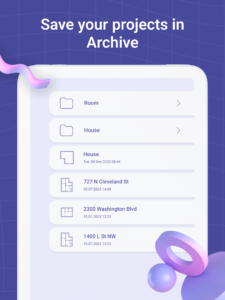
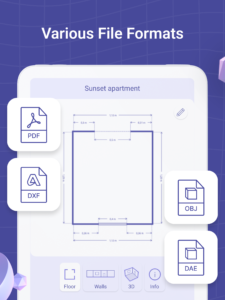
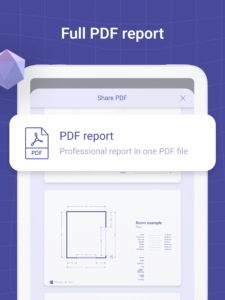
AR Floorplan 3D – Innovative measurement app, augmented reality (AR, lidar scanner) for quick room measurement. AR camera sensor technology allows to lay virtual tape measure ruler on a real-world surfaces, making measurement process and 3D floor planner creation much easier and quicker. Use the device camera sensor - sketch home, draw blueprints, build design. With AR Plan 3D ruler app you can: 1) Tape measure perimeter and height of the room in Metric or Imperial units (cm, m, mm ruler app, inch ruler app, feet, yard). 2) Tape measure doors, windows, house flooring. 3) Use the lidar scanner, camera sensor to automatically calculate perimeter, floor square, walls square and other layout values, which might be useful for construction materials quantity estimations. 4) 3D Floorplanner – create 3D floor plan, draw room sketch, build design with all measured dimensions. 5) Floorplanner design – classic floorplan creator, draw house layout, build layout, blueprint maker. 6) 2D Side view Floor planner – scan and create side view floorplan sketch with doors and windows. 7) Store and view floor plan measurements and saved blueprints in the Floor planner Archive. 8) Share house floor plan measurements via email, message, social network, etc. Our commitment to innovation extends to every feature of AR Plan 3D. With the integration of Apple's advanced technology, our app offers a pro-level design experience that's accessible to all. Whether you're measuring for construction materials or planning a new house layout, our lidar scanner and AR capabilities make the process seamless. Plus, with the ability to share your plans via correo, redes sociales, or mensaje, collaborating on projects has never been easier. In the ever-evolving world of home design, AR Plan 3D stands out as a beacon of innovation. Our app is not just about measuring and planning; it's about creating magic in your living spaces. With each update, we strive to enhance your experience, incorporating feedback to make our app the ultimate tool for architects, designers, and homeowners alike. Whether you're planning a simple room redesign or a comprehensive house overhaul, AR Plan 3D is here to transform your design journey. Try AR Plan 3D ruler app now – we’d love to hear your feedback! The Autoscan function is available on such devices: Samsung s20+, Samsung note10+, Samsung s20 ultra, LG v60. Customer Support: Your feedback is crucial to our continuous improvement. If you have any questions or suggestions about AR Plan 3D, please reach out to us via developer email. Let's design the future together, one space at a time.

