
Download Weather & Clock Widget APK
com.devexpert.weather · by Interactive Saudi Arabia
Screenshots
About Weather & Clock Widget
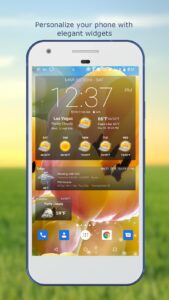
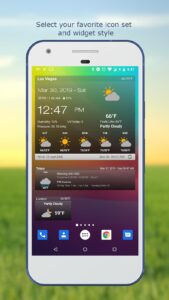
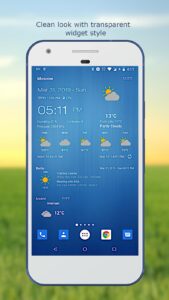
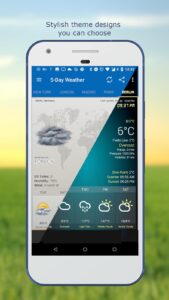
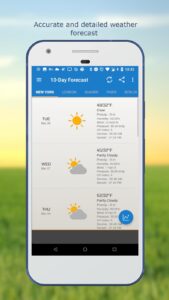
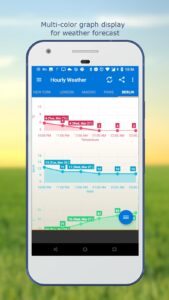
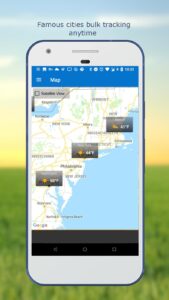
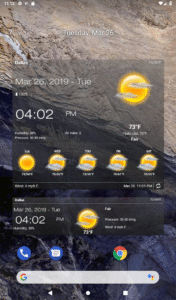
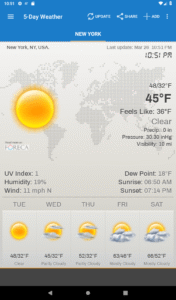
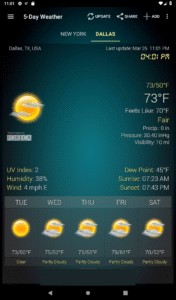
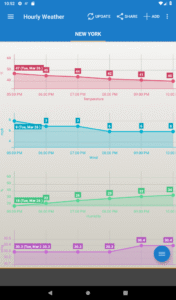
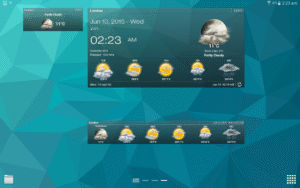
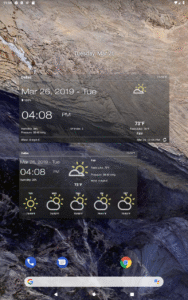
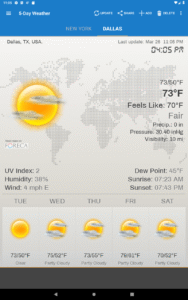
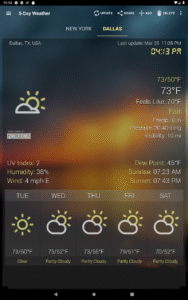
Stay updated with the latest weather observations and the most accurate future weather forecast. Personalize your phone/tablet with the most elegant and customizable widgets, showing current weather, hourly/daily forecast, moon phase, time and date, your calendar events, next alarm, battery level. Make decisions for your day with the most accurate hourly, 5-day, and 10-day forecasts displayed with elegant tools including graph charts. Features: - Automatic location detection - Locate by network and GPS (Global Positioning System). - Manually search for location by name or zip code. - Weather notification alerts. - Multiple weather providers. - Current weather condition. - Hourly weather forecast. - 10-day weather forecast. - Temperature. - Celsius and Fahrenheit temperature unit. - Relative humidity percentage. - Atmospheric pressure. - Visibility distance. - Precipitation. - UV-Index. - Dew point. - Wind speed and direction with different units. - Sunrise and Sunset times. - Display temperature in status bar (Notification bar). - Share weather and location information with friends. - Elegant home screen widgets. - Next alarm and current battery level display. - Customize font for clock and date. - Moon phase. - Update on WiFi only and stop while roaming. - Automatic update intervals: 15, 30 min, 1, 3, 6, 9, 12 hours or Manual update. - Follow weather and forecast for multiple locations. - Themes. - Chart graphs.