
This is the armeabi-v7a build of AirScreen - AirPlay & Cast 1.6.9, compiled for 32-bit ARM processors found in older Android phones (roughly 2013-2017). Use this build if your device's primary ABI is armeabi-v7a — modern 64-bit phones should pick the arm64-v8a or universal variant for better performance.
File size: 42.2 MB • Min Android: 17 • Target Android: 27 • Version code: 59 • Framework: Native (Java/Kotlin) • Permissions: 17
Screenshots

File Information
| Package Name | com.ionitech.airscreen |
|---|---|
| Version Name | 1.6.9 |
| Version Code | 59 |
| Architecture | armeabi-v7a |
| Min Android Version | Android 17 (API 27) |
| Main Activity | com.ionitech.airscreen.GuideActivity |
| Framework | Native (Java/Kotlin) |
| File Size | 42.17 MB |
| Signature (SHA1) | B79AB885E734817370955116FFCE66FA196D9EFD |
| File Hash (SHA256) | 9494683c0ac19ec92a57d6ad5693b8a8ba4ff1130c4c50353800780d4661ffaa |
What's New
1. Fixed a potential casting failure issue on Chromebooks and the Chrome browser.
2. Stability and performance improvements.
2. Stability and performance improvements.
App Description
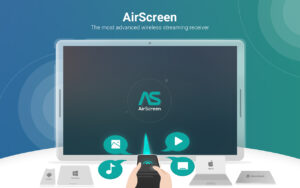
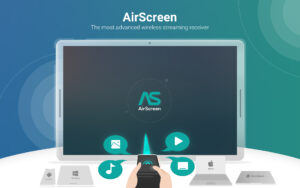
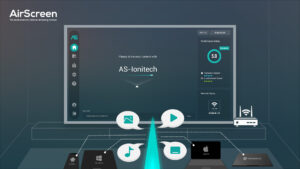
Experience the excitement of sharing and streaming your favorite media content on a larger screen with AirScreen, a top-notch wireless streaming receiver compatible with AirPlay, Cast, Miracast*, and DLNA.
Why pick AirScreen:
•
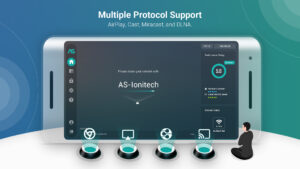
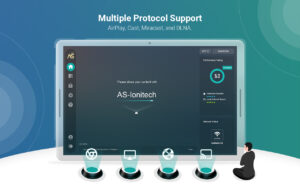
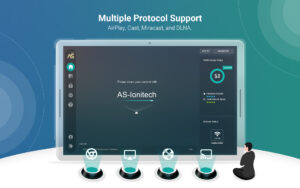
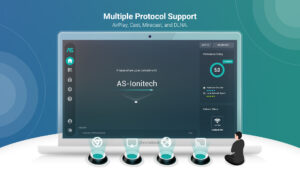
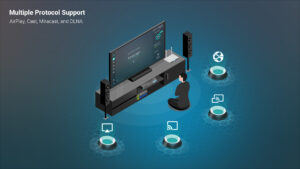
Multiple Protocol Support
: AirScreen supports AirPlay, Cast, Miracast*, and DLNA, making it easy to receive content from your devices without any cables.
•
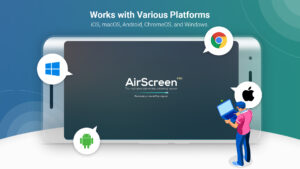
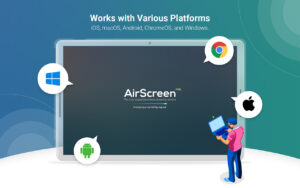
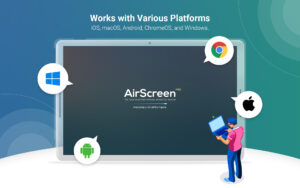
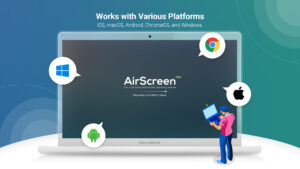
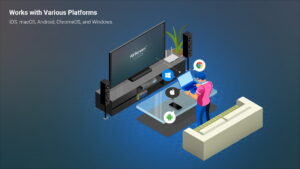
Works with Various Platforms
: Enjoy smooth media sharing across iOS 8-18, macOS 10.5-15, Android 5-15, ChromeOS 63-134, and Windows 7-11 devices.
•
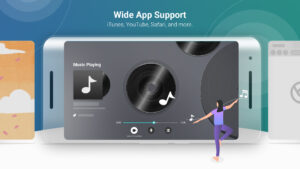
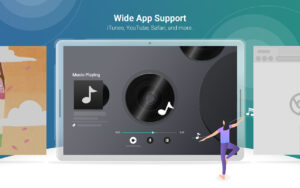
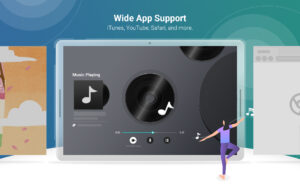
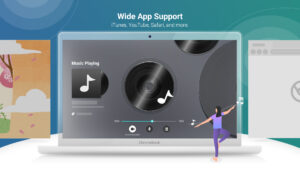
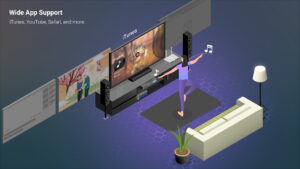
Wide App Support
: Listen to tunes from iTunes, watch videos on YouTube, browse Safari and Chrome webpages, and more. With thousands of compatible apps, AirScreen offers endless entertainment possibilities.
•
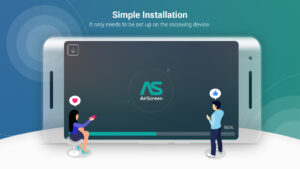
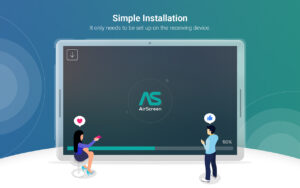
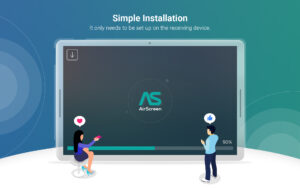
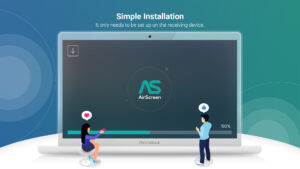
Simple Installation
: Set up AirScreen on the receiving devices only, with no need to install it on the sender devices.
•
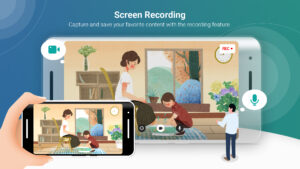
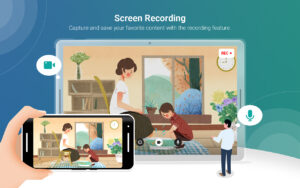
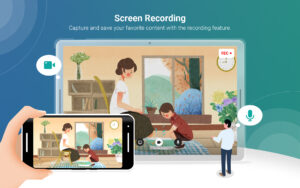
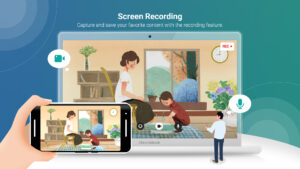
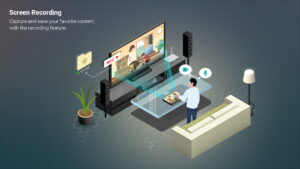
Screen Recording
: Capture and save your favorite content with AirScreen's recording feature.
•
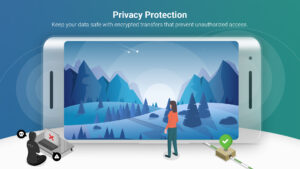
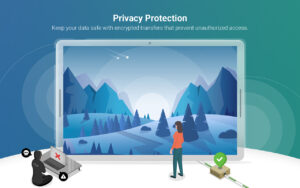
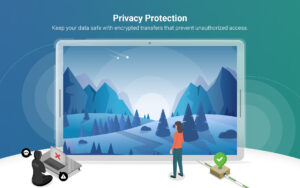
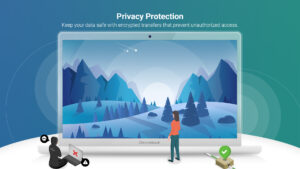
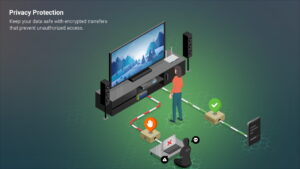
Privacy Protection
: Keep your data safe with encrypted transfers that prevent unauthorized access.
•
Extra Perks
: Get improved video playback with Video Hardware Acceleration, enjoy crystal-clear 4K Ultra High-Definition resolution, multitask with Background Service Mode, personalize device names, and more.
Upgrade your media sharing experience with AirScreen, the user-friendly wireless streaming receiver perfect for quality time with family and friends.
AirScreen Video Tutorials:
www.youtube.com/c/AirScreenApp
We want your feedback! Email your comments, questions, or concerns to
support-as@ionitech.cn
.
* Miracast feature disabled since Android Oreo (8.0).
PLEASE NOTE BEFORE DOWNLOADING: Some Android phones/tablets and Android TV models might not be fully supported by the current version. If you experience glitches, report any issues (including your device model and AirScreen app ID) to
support-as@ionitech.cn
. We're working hard to make AirScreen available on all devices as soon as possible.
Why pick AirScreen:
•
Multiple Protocol Support
: AirScreen supports AirPlay, Cast, Miracast*, and DLNA, making it easy to receive content from your devices without any cables.
•
Works with Various Platforms
: Enjoy smooth media sharing across iOS 8-18, macOS 10.5-15, Android 5-15, ChromeOS 63-134, and Windows 7-11 devices.
•
Wide App Support
: Listen to tunes from iTunes, watch videos on YouTube, browse Safari and Chrome webpages, and more. With thousands of compatible apps, AirScreen offers endless entertainment possibilities.
•
Simple Installation
: Set up AirScreen on the receiving devices only, with no need to install it on the sender devices.
•
Screen Recording
: Capture and save your favorite content with AirScreen's recording feature.
•
Privacy Protection
: Keep your data safe with encrypted transfers that prevent unauthorized access.
•
Extra Perks
: Get improved video playback with Video Hardware Acceleration, enjoy crystal-clear 4K Ultra High-Definition resolution, multitask with Background Service Mode, personalize device names, and more.
Upgrade your media sharing experience with AirScreen, the user-friendly wireless streaming receiver perfect for quality time with family and friends.
AirScreen Video Tutorials:
www.youtube.com/c/AirScreenApp
We want your feedback! Email your comments, questions, or concerns to
support-as@ionitech.cn
.
* Miracast feature disabled since Android Oreo (8.0).
PLEASE NOTE BEFORE DOWNLOADING: Some Android phones/tablets and Android TV models might not be fully supported by the current version. If you experience glitches, report any issues (including your device model and AirScreen app ID) to
support-as@ionitech.cn
. We're working hard to make AirScreen available on all devices as soon as possible.
Download AirScreen - AirPlay & Cast APK
Fast, free and safe download.
APK Permissions 17
- android.permission.ACCESS_NETWORK_STATE
- android.permission.ACCESS_WIFI_STATE
- android.permission.CHANGE_NETWORK_STATE
- android.permission.CHANGE_WIFI_MULTICAST_STATE
- android.permission.CHANGE_WIFI_STATE
- android.permission.GET_TASKS
- android.permission.INTERNET
- android.permission.MODIFY_AUDIO_SETTINGS
- android.permission.MOUNT_UNMOUNT_FILESYSTEMS
- android.permission.RECEIVE_BOOT_COMPLETED
- android.permission.WAKE_LOCK
- android.permission.WRITE_EXTERNAL_STORAGE
- android.permission.WRITE_SETTINGS
- com.android.vending.BILLING
- com.google.android.c2dm.permission.RECEIVE
- com.google.android.finsky.permission.BIND_GET_INSTALL_REFERRER_SERVICE
- com.ionitech.airscreen.permission.C2D_MESSAGE
APK Verified
The cryptographic signature guarantees that the file is safe to install and was not tampered with in any way.


Frequently Asked Questions about AirScreen - AirPlay & Cast APK
This variant is built for 32-bit ARM (older Android phones, ~2013–2017). If your device's CPU matches, this is the smallest, fastest version to install.
Yes — the APK's signature has been cryptographically verified against the publisher's signing key. The SHA-256 hash is shown in the File Information panel so you can independently confirm the file matches the original release.
Android 17 (API level 27) or newer. Older devices will refuse the install.
Install a free app like 'CPU-Z' or 'Droid Hardware Info' from the Play Store and look at the ABI / Instruction Set row. Most phones made after 2017 are arm64-v8a; if in doubt, download the universal variant.
All variants are functionally identical — same features, same version. They differ only in which CPU architectures the native code is compiled for, and (sometimes) which screen densities the included graphics target. Pick the one that matches your device for the smallest install size, or pick 'Universal' if you're unsure.