
Download KDE Connect APK
org.kde.kdeconnect_tp · by KDE Community
Screenshots
About KDE Connect
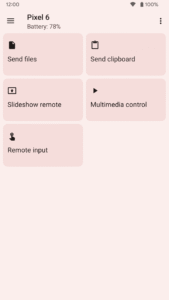
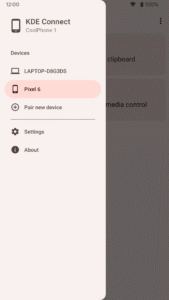
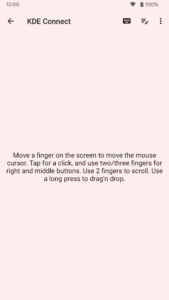
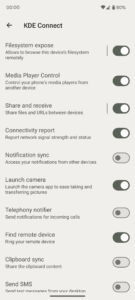
KDE Connect provides a set of features to integrate your workflow across devices: - Transfer files between your devices. - Access files on your phone from your computer, without wires. - Shared clipboard: copy and paste between your devices. - Get notifications for incoming calls and messages on your computer. - Virtual touchpad: Use your phone screen as your computer's touchpad. - Notifications sync: Access your phone notifications from your computer and reply to messages. - Multimedia remote control: Use your phone as a remote for Linux media players. - WiFi connection: no USB wire or bluetooth needed. - End-to-end TLS encryption: your information is safe. Please note you will need to install KDE Connect on your computer for this app to work, and keep the desktop version up-to-date with the Android version for the latest features to work. Sensitive permissions information: * Accessibility permission: Required to receive input from another device to control your Android phone, if you use the Remote Input feature. * Background location permission: Required to know to which WiFi network you are connected to, if you use the Trusted Networks feature. KDE Connect never sends any information to KDE nor to any third party. KDE Connect sends data from one device to the other directly using the local network, never through the internet, and using end to end encryption. This app is part of an open source project and it exists thanks to all the people who contributed to it. Visit the website to grab the source code.