
Download CPU Info (open-source) APK CPU Info (open-source) (Wear OS) Universal · Android 26+
Download APK
Verified Safe
This is the universal build of CPU Info (open-source) CPU Info (open-source) (Wear OS). It contains native libraries for every CPU architecture (arm64-v8a, armeabi-v7a, x86, x86_64), so it installs on any Android device. The trade-off is size — it's larger than per-architecture variants. Pick this one if you're unsure which CPU your phone has, or if you plan to share the APK with multiple devices.
File size: 2.9 MB • Min Android: 26 • Target Android: 35 • Version code: 1060400 • Framework: Native (Java/Kotlin) • Permissions: 9
Screenshots
File Information
| Package Name | com.kgurgul.cpuinfo |
|---|---|
| Version Name | CPU Info (open-source) (Wear OS) |
| Version Code | 1060400 |
| Architecture | Universal |
| Min Android Version | Android 26 (API 35) |
| Main Activity | com.kgurgul.cpuinfo.wear.WearMainActivity |
| Framework | Native (Java/Kotlin) |
| File Size | 2.86 MB |
| Signature (SHA1) | B50DA76668813094953301BEE101E6848BCF1A58 |
| File Hash (SHA256) | 399171ebd5855a753c17d2d717f297fa79cc034b24fc54ef76dc295068ca3846 |
What's New
Initial Wear OS release
App Description
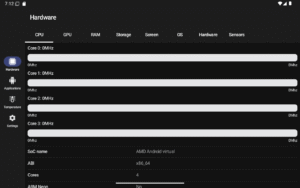
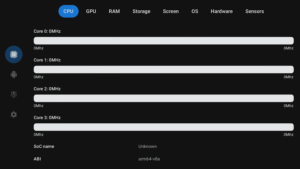
CPU Info provide main information about hardware and software of your device:
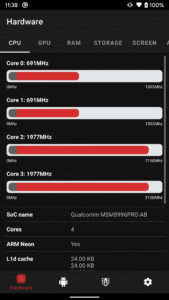
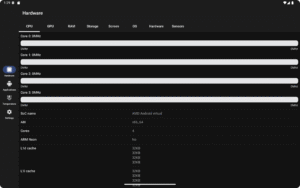
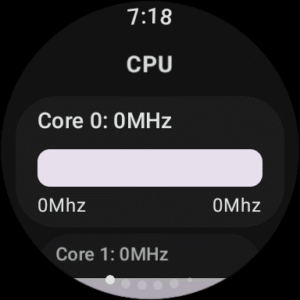
- CPU specification (with current frequency on specific cores)
- GPU specification
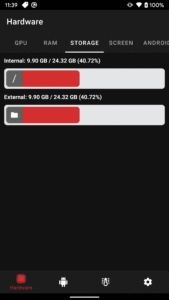
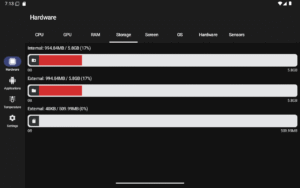
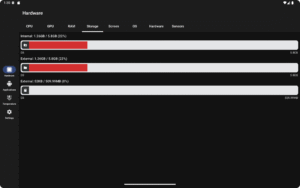
- RAM and storage state (internal, external and SD card)
- Display metrics
- Android OS details
- Sensors data
- Battery status
- WiFi and Bluetooth mac address (on older Androids)
- Audio card info
- Native libraries used in another applications
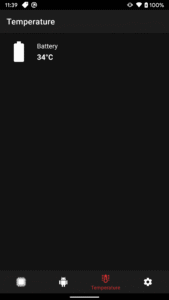
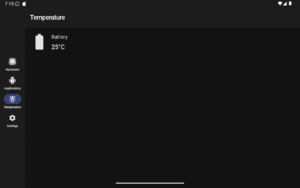
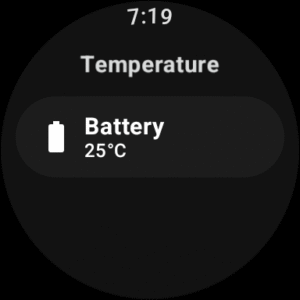
- CPU and battery temperature monitor
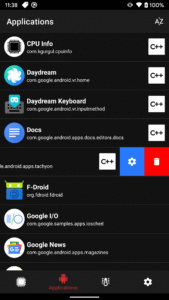
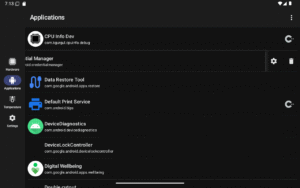
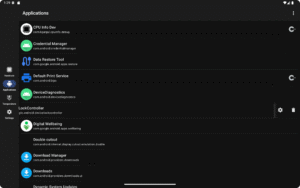
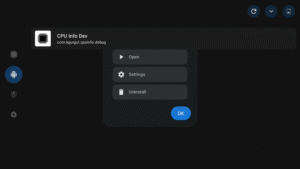
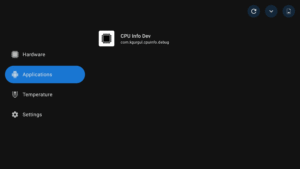
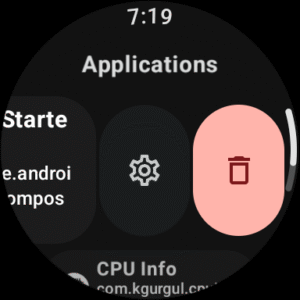
Additionally you can manage installed applications and check running processes (on older Androids).
INFO: Whole project will be Open Source now:
github.com/kamgurgul/cpu-info
All issues and ideas can be posted on Github.
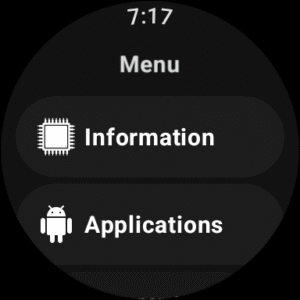
Additionally, the application supports Wear OS, allowing you to display watch data and manage applications.
- CPU specification (with current frequency on specific cores)
- GPU specification
- RAM and storage state (internal, external and SD card)
- Display metrics
- Android OS details
- Sensors data
- Battery status
- WiFi and Bluetooth mac address (on older Androids)
- Audio card info
- Native libraries used in another applications
- CPU and battery temperature monitor
Additionally you can manage installed applications and check running processes (on older Androids).
INFO: Whole project will be Open Source now:
github.com/kamgurgul/cpu-info
All issues and ideas can be posted on Github.
Additionally, the application supports Wear OS, allowing you to display watch data and manage applications.
Download CPU Info (open-source) APK
Fast, free and safe download.
APK Permissions 9
- android.permission.ACCESS_NETWORK_STATE
- android.permission.ACCESS_WIFI_STATE
- android.permission.GET_PACKAGE_SIZE
- android.permission.KILL_BACKGROUND_PROCESSES
- android.permission.QUERY_ALL_PACKAGES
- android.permission.REQUEST_DELETE_PACKAGES
- android.permission.WAKE_LOCK
- com.google.android.providers.gsf.permission.READ_GSERVICES
- com.kgurgul.cpuinfo.DYNAMIC_RECEIVER_NOT_EXPORTED_PERMISSION
APK Verified
The cryptographic signature guarantees that the file is safe to install and was not tampered with in any way.


Frequently Asked Questions about CPU Info (open-source) APK
This is the universal variant — a single APK that contains native libraries for every CPU architecture. It installs on any Android device but is larger than per-architecture variants.
Yes — the APK's signature has been cryptographically verified against the publisher's signing key. The SHA-256 hash is shown in the File Information panel so you can independently confirm the file matches the original release.
Android 26 (API level 35) or newer. Older devices will refuse the install.
Install a free app like 'CPU-Z' or 'Droid Hardware Info' from the Play Store and look at the ABI / Instruction Set row. Most phones made after 2017 are arm64-v8a; if in doubt, download the universal variant.
All variants are functionally identical — same features, same version. They differ only in which CPU architectures the native code is compiled for, and (sometimes) which screen densities the included graphics target. Pick the one that matches your device for the smallest install size, or pick 'Universal' if you're unsure.