
Xb Remote Play Game Controller
xbox.controller.remote.control
Screenshots
Description
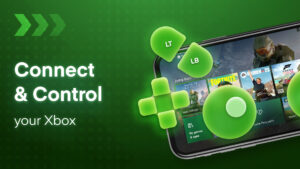
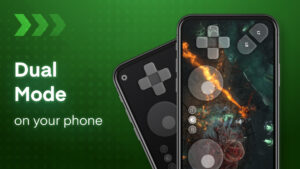
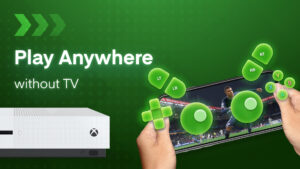
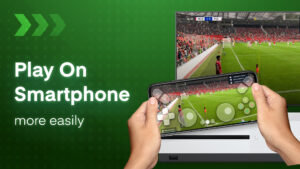
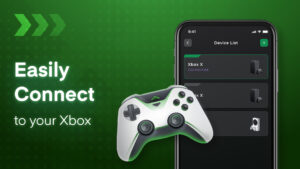
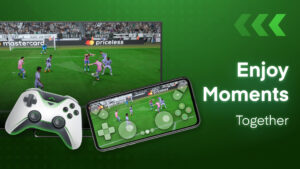
Turn Your Phone into an Xbox Controller for Remote Play 🎮 Leave your Xbox controller at home and use your smartphone as a portable controller with the Xbox Stream app. Stream and control your Xbox One, Xbox Series X/S games remotely from any room in the house or when you're on the go. 📱 Play Multiplayer Xbox Games Remotely with Friends 🕹️ No need to purchase extra controllers - remotely join multiplayer sessions over WiFi. Your friends can use their phones as controllers too. Enjoy cooperative and competitive games together without being in the same room. 🙌 Key Features: ⭐ Stream Xbox games directly to your phone screen in remote mode 📺 Use gamepad mode for native controller input like a standard Xbox controller 🎮 Easily connect your Xbox console and phone to the same network 💻 Supports voice chat and Bluetooth keyboard for text chat 💬 Customizable button mapping and controller sensitivity 🛠 Switch seamlessly between paired Xbox devices 💻 How to Set Up Your Phone as an Xbox Controller: 📱 Download the Xbox Stream app on iOS/Android 📥 Connect Xbox and phone to your home network 🏡 Select your Xbox console and login with your Xbox account 👤 Choose gamepad mode or remote display streaming 📺 The Xbox Stream app allows you to extend your gaming anywhere by turning your phone into a fully-functioning Xbox controller for remote play on Xbox One/Series X consoles. 💻