
Screenshots
File Information
| Package Name | xbox.controller.remote.control |
|---|---|
| Version Name | 2.2.9 |
| Version Code | 53 |
| Architecture | Universal |
| Min Android Version | Android 26 (API 35) |
| Main Activity | controller.xbox.remote.control.features.MainActivity |
| Framework | Native (Java/Kotlin) |
| File Size | 81.85 MB |
| Signature (SHA1) | 51FD57020E15BBF9A34C1C15297C454FACB7E290 |
| File Hash (SHA256) | 3d7b41df1991885079bf703f3f4fbd9bda08573e3a2dd8a9a533cd9764f7a820 |
What's New
From version
2.2.6
:
We updated the app regularly to support you better.
Still having issues? Please leave us a message at
support@leostudio.global
2.2.6
:
We updated the app regularly to support you better.
Still having issues? Please leave us a message at
support@leostudio.global
App Description
Turn Your Phone into an Xbox Controller for Remote Play 🎮
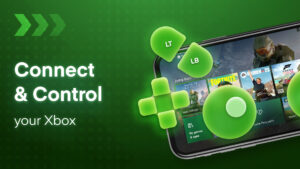
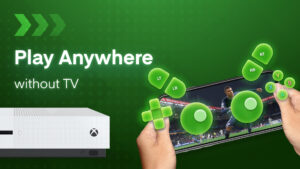
Leave your Xbox controller at home and use your smartphone as a portable controller with the Xbox Stream app. Stream and control your Xbox One, Xbox Series X/S games remotely from any room in the house or when you're on the go. 📱
Play Multiplayer Xbox Games Remotely with Friends 🕹️
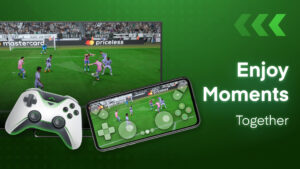
No need to purchase extra controllers - remotely join multiplayer sessions over WiFi. Your friends can use their phones as controllers too. Enjoy cooperative and competitive games together without being in the same room. 🙌
Key Features: ⭐
Stream Xbox games directly to your phone screen in remote mode 📺
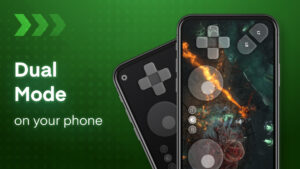
Use gamepad mode for native controller input like a standard Xbox controller 🎮
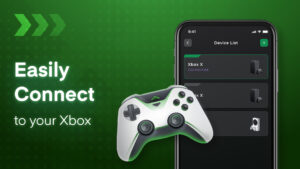
Easily connect your Xbox console and phone to the same network 💻
Supports voice chat and Bluetooth keyboard for text chat 💬
Customizable button mapping and controller sensitivity 🛠
Switch seamlessly between paired Xbox devices 💻
How to Set Up Your Phone as an Xbox Controller: 📱
Download the Xbox Stream app on iOS/Android 📥
Connect Xbox and phone to your home network 🏡
Select your Xbox console and login with your Xbox account 👤
Choose gamepad mode or remote display streaming 📺
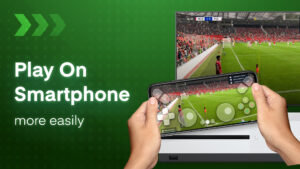
The Xbox Stream app allows you to extend your gaming anywhere by turning your phone into a fully-functioning Xbox controller for remote play on Xbox One/Series X consoles. 💻
Leave your Xbox controller at home and use your smartphone as a portable controller with the Xbox Stream app. Stream and control your Xbox One, Xbox Series X/S games remotely from any room in the house or when you're on the go. 📱
Play Multiplayer Xbox Games Remotely with Friends 🕹️
No need to purchase extra controllers - remotely join multiplayer sessions over WiFi. Your friends can use their phones as controllers too. Enjoy cooperative and competitive games together without being in the same room. 🙌
Key Features: ⭐
Stream Xbox games directly to your phone screen in remote mode 📺
Use gamepad mode for native controller input like a standard Xbox controller 🎮
Easily connect your Xbox console and phone to the same network 💻
Supports voice chat and Bluetooth keyboard for text chat 💬
Customizable button mapping and controller sensitivity 🛠
Switch seamlessly between paired Xbox devices 💻
How to Set Up Your Phone as an Xbox Controller: 📱
Download the Xbox Stream app on iOS/Android 📥
Connect Xbox and phone to your home network 🏡
Select your Xbox console and login with your Xbox account 👤
Choose gamepad mode or remote display streaming 📺
The Xbox Stream app allows you to extend your gaming anywhere by turning your phone into a fully-functioning Xbox controller for remote play on Xbox One/Series X consoles. 💻
Download Xb Remote Play Game Controller APK
Fast, free and safe download.
APK Permissions 24
- android.permission.ACCESS_ADSERVICES_AD_ID
- android.permission.ACCESS_ADSERVICES_ATTRIBUTION
- android.permission.ACCESS_ADSERVICES_CUSTOM_AUDIENCE
- android.permission.ACCESS_ADSERVICES_TOPICS
- android.permission.ACCESS_NETWORK_STATE
- android.permission.ACCESS_WIFI_STATE
- android.permission.CHANGE_WIFI_MULTICAST_STATE
- android.permission.FOREGROUND_SERVICE
- android.permission.FOREGROUND_SERVICE_REMOTE_MESSAGING
- android.permission.INTERNET
- android.permission.POST_NOTIFICATIONS
- android.permission.READ_EXTERNAL_STORAGE
- android.permission.READ_MEDIA_AUDIO
- android.permission.READ_MEDIA_IMAGES
- android.permission.READ_MEDIA_VIDEO
- android.permission.READ_MEDIA_VISUAL_USER_SELECTED
- android.permission.RECORD_AUDIO
- android.permission.WAKE_LOCK
- com.android.vending.BILLING
- com.applovin.array.apphub.permission.BIND_APPHUB_SERVICE
- com.google.android.c2dm.permission.RECEIVE
- com.google.android.finsky.permission.BIND_GET_INSTALL_REFERRER_SERVICE
- com.google.android.gms.permission.AD_ID
- xbox.controller.remote.control.DYNAMIC_RECEIVER_NOT_EXPORTED_PERMISSION
APK Verified
The cryptographic signature guarantees that the file is safe to install and was not tampered with in any way.


