
LG Mobile Gamepad : Wi-Fi
com.lge.mobilegamepadwifi
Screenshots
Description
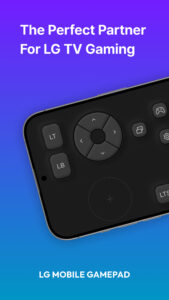
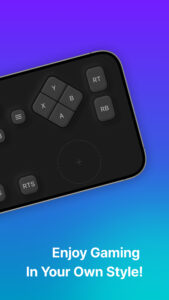
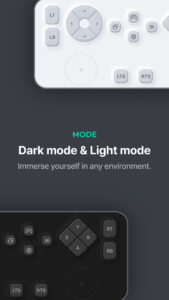
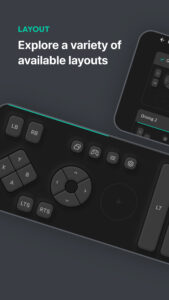
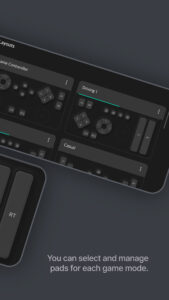
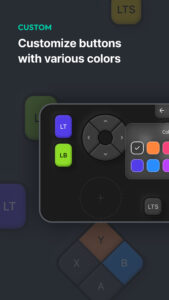
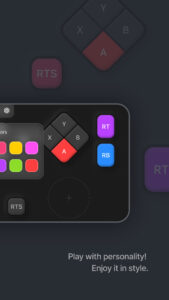
Experience a new level of gaming with the LG Mobile GamePad. This app turns your smartphone into a virtual game controller, offering a smooth and responsive gaming experience on LG Smart TVs. Advertisement Remove ads, dark theme, and more with Premium Key Features: · Game Portal Integration – Instantly connect to the LG Game Portal on webOS TV for quick access to a variety of cloud and casual games. · Customizable Layouts – Choose from multiple preset layouts, including Game Controller, Driving Mode, and Casual Mode, to match your play style. · Touch & Motion Control – Utilize touch-based joysticks and buttons with vibration feedback for enhanced interaction. · Seamless TV Connectivity – Effortlessly sync with your LG Smart TV via Wi-Fi or Bluetooth for lag-free gameplay. · Personalized Settings – Adjust button colors, display brightness, haptic feedback, and more to optimize your gaming experience. · Smart Integration with LG ThinQ – Easily switch between gaming and home automation by linking the app with LG ThinQ. Get ready to elevate your gaming experience—download LG Mobile GamePad today! [Required Permissions] To use all features of the app, required permissions must be granted. (The app may not function properly without allowing the following permissions.) • Location (Wi-Fi) - Location permission is required to discover and connect to your LG Smart TV via Wi-Fi. [Notes] • Users can change or revoke app permissions anytime in their smartphone settings menu. • If you have any questions or encounter issues while using the app, please contact us via the provided email, and we’ll assist you promptly. [Support Information] • This app may not be supported on certain LG Smart TV models. • Additionally, it may not function properly on some mobile devices from other manufacturers. Show more Show less


