
Download Device Info: View phone info v3.0.1.0 (120-640dpi) (Android APK
com.liuzh.deviceinfo · by LiuZho Soft
Screenshots
About Device Info: View phone info v3.0.1.0 (120-640dpi) (Android
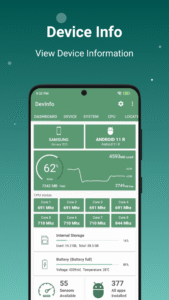
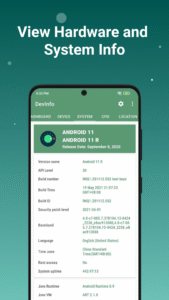
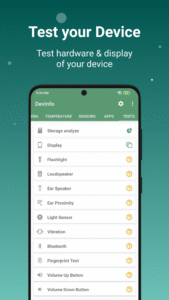
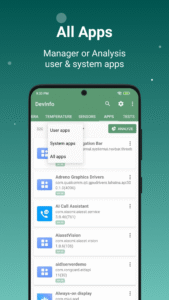
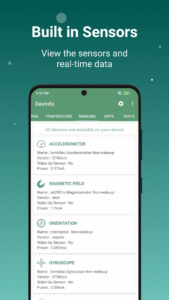
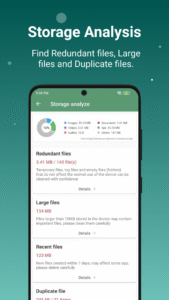
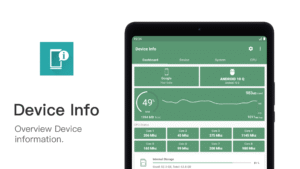
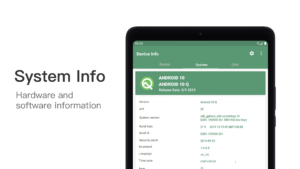
Device Info: View hardware, software and system information. Test Android Device Hardware. Key Features 👉 Device id, Phone id, Advertising ID, Phone info View phone info and device id, find your iccid, mcc, mnc, carrier id, etc. 👉 Storage Analysis Quickly find redundant files, duplicate files, and large files to free up more storage space. 👉 Apps Analysis Target sdk, min sdk, app installer, native library, sensitive permissions, perform a comprehensive physical examination of the applications in your phone. 👉 Device Test Benchmark Screen test, button test, sensor test and hardware test to see if everything is normal on your phone. 👉 Device Benchmark Test Device hardware, view sensors realtime data and test it. 👉 App Detail Activities, services, broadcast receivers, permissions, view AndroidManifest.xml, you can see all the details of the application. 👉 Management Apps Export app icons, export app APKs, share apps, uninstall apps, it’s very convenient for you to perform any operations on apps 👉 Floating Monitor Using the floating monitor, you can see various data of the mobile phone in real time, such as real-time monitoring of FPS, battery current, battery voltage, mobile phone signal, CPU&GPU status, etc. 📱Device Info provides following information of your Android device which grouped as below. ▸ Device information, Phone information ▸ System Information ▸ Hardware Information ▸ Device benchmark ▸ Device Test & Hardware Test ▸ SIM Information ▸ Real time Sensor Information ▸ CPU & Processor Details ▸ Battery Health ▸ Hardware temperature ▸ Network(WiFi & Mobile network) ▸ Camera info ▸ Internal Storage & System Storage & External Storage ▸ Display ▸ GPU & RAM ▸ App details ▸ GPS & Realtime Satellite