
Download Files To SD Card or USB Drive APK 1.6996 Universal · Android 21+
Download APK
Verified Safe
This is the universal build of Files To SD Card or USB Drive 1.6996. It contains native libraries for every CPU architecture (arm64-v8a, armeabi-v7a, x86, x86_64), so it installs on any Android device. The trade-off is size — it's larger than per-architecture variants. Pick this one if you're unsure which CPU your phone has, or if you plan to share the APK with multiple devices.
File size: 5.7 MB • Min Android: 21 • Target Android: 35 • Version code: 207 • Framework: Native (Java/Kotlin) • Permissions: 22
Screenshots
File Information
| Package Name | cz.bukacek.filestosdcard |
|---|---|
| Version Name | 1.6996 |
| Version Code | 207 |
| Architecture | Universal |
| Min Android Version | Android 21 (API 35) |
| Main Activity | cz.bukacek.filestosdcard.filestosdcard |
| Framework | Native (Java/Kotlin) |
| File Size | 5.68 MB |
| Signature (SHA1) | C2025ED7ACA7EEFA6B978DAEC2DFDFEE13B062E3 |
| File Hash (SHA256) | 9dafcb936c1664b7ab33287a776eb2cad5a75dbab3031151fcabe92bdd1faa36 |
What's New
✅ Faster process
✅ Improved recognition of connected USB drives
✅ Fixed bug in file count calculation
✅ Better control of transferred files
✅ Improved recognition of connected USB drives
✅ Fixed bug in file count calculation
✅ Better control of transferred files
App Description
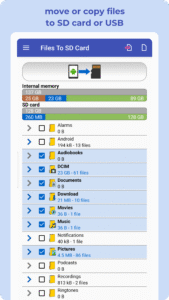
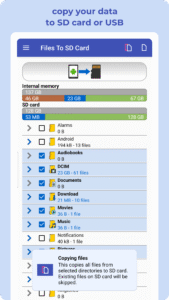
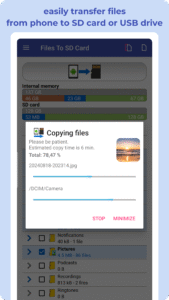
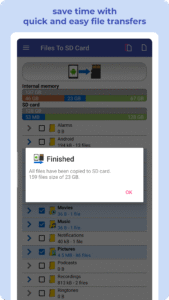
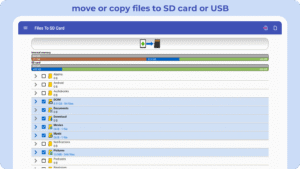
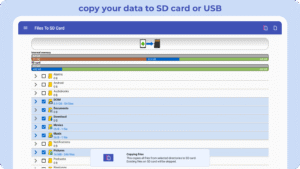
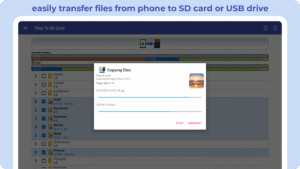
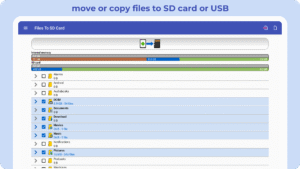
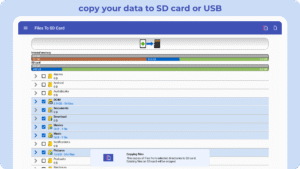
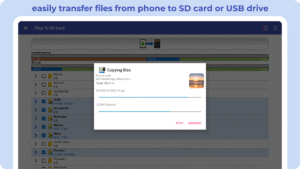
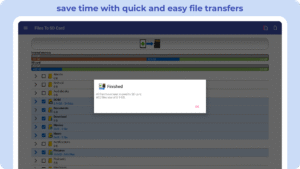
The 📂 Files To SD Card app makes it effortless to transfer your files from your device's internal storage to a micro SD card or USB flash drive. Whether it's photos, videos, music, downloads, or documents, you can organize and protect your data with ease. 🚀 Experience fast, reliable, and secure file transfers!
Key Features:
✅ Quick file transfers: Free up space by moving files to your SD card, boosting your device's performance.
✅ Secure data transfers: Safely transfer important files to your SD card or USB drive for easy backup and access.
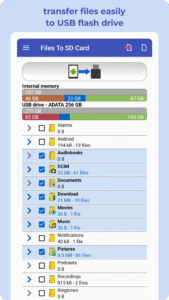
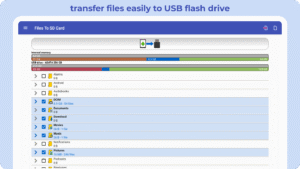
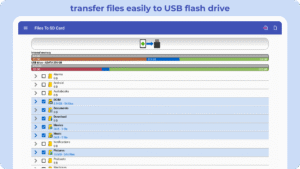
✅ USB OTG support: Seamlessly transfer files to USB flash drives (OTG).
✅ Intuitive interface: Manage transfers effortlessly with a user-friendly design.
✅ Offline transfers: Keep your files accessible without relying on cloud services.
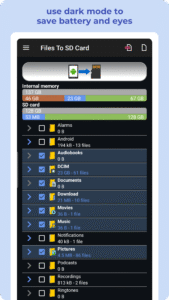
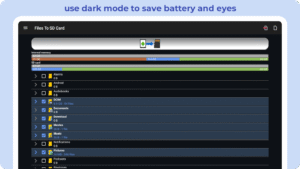
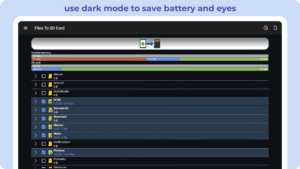
✅ Dark Mode: Save battery and reduce eye strain.
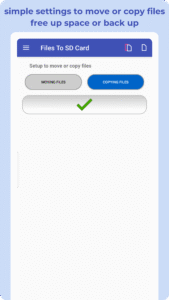
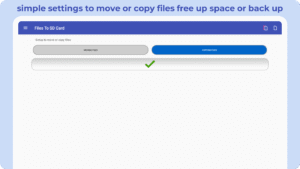
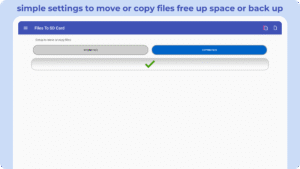
With just one click, you can transfer, back up, or organize your files, ensuring your data is always secure and your device runs efficiently.
Optimize Your Storage with Fast File Transfers:
✅ Boost performance: Regularly transfer files to your SD card to keep your device clutter-free and responsive.
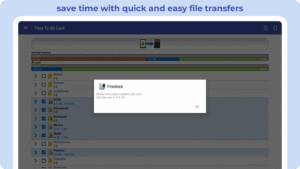
✅ Save time: Avoid duplicates during transfers with smart skip options for existing files.
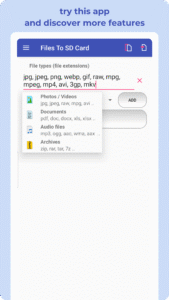
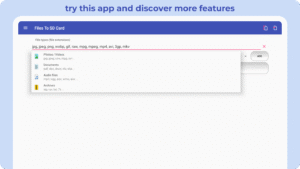
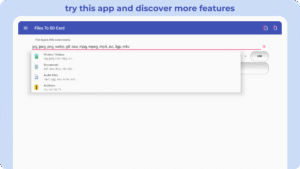
✅ Custom file selection: Choose specific files or folders to transfer, organized by type for convenience.
✅ Preview before transferring: View large file previews to ensure you're selecting the right content.
✅ Timely reminders: Get notifications to transfer files and manage storage when needed.
The Files To SD Card app is perfect for devices with limited internal storage, providing a fast and reliable solution to transfer files directly to an SD card or USB flash drive. Fully compatible with Android Go devices.
Supported Devices:
Samsung Galaxy, Nokia, Motorola, HTC, OPPO, Lenovo, Asus, Sony Xperia, Alcatel, and more.
Important Note: This app does not transfer other apps to the SD card. App movement depends on developer support and can be managed through Android settings.
Start transferring files, freeing up space, and securing your data today with the Files To SD Card app!
This version keeps "transfer" as the central theme while maintaining clarity and promoting the app's key benefits. Let me know if you'd like further adjustments!
Key Features:
✅ Quick file transfers: Free up space by moving files to your SD card, boosting your device's performance.
✅ Secure data transfers: Safely transfer important files to your SD card or USB drive for easy backup and access.
✅ USB OTG support: Seamlessly transfer files to USB flash drives (OTG).
✅ Intuitive interface: Manage transfers effortlessly with a user-friendly design.
✅ Offline transfers: Keep your files accessible without relying on cloud services.
✅ Dark Mode: Save battery and reduce eye strain.
With just one click, you can transfer, back up, or organize your files, ensuring your data is always secure and your device runs efficiently.
Optimize Your Storage with Fast File Transfers:
✅ Boost performance: Regularly transfer files to your SD card to keep your device clutter-free and responsive.
✅ Save time: Avoid duplicates during transfers with smart skip options for existing files.
✅ Custom file selection: Choose specific files or folders to transfer, organized by type for convenience.
✅ Preview before transferring: View large file previews to ensure you're selecting the right content.
✅ Timely reminders: Get notifications to transfer files and manage storage when needed.
The Files To SD Card app is perfect for devices with limited internal storage, providing a fast and reliable solution to transfer files directly to an SD card or USB flash drive. Fully compatible with Android Go devices.
Supported Devices:
Samsung Galaxy, Nokia, Motorola, HTC, OPPO, Lenovo, Asus, Sony Xperia, Alcatel, and more.
Important Note: This app does not transfer other apps to the SD card. App movement depends on developer support and can be managed through Android settings.
Start transferring files, freeing up space, and securing your data today with the Files To SD Card app!
This version keeps "transfer" as the central theme while maintaining clarity and promoting the app's key benefits. Let me know if you'd like further adjustments!
Download Files To SD Card or USB Drive APK
Fast, free and safe download.
APK Permissions 22
- android.permission.ACCESS_ADSERVICES_AD_ID
- android.permission.ACCESS_ADSERVICES_ATTRIBUTION
- android.permission.ACCESS_ADSERVICES_CUSTOM_AUDIENCE
- android.permission.ACCESS_ADSERVICES_TOPICS
- android.permission.ACCESS_NETWORK_STATE
- android.permission.ACCESS_WIFI_STATE
- android.permission.FOREGROUND_SERVICE
- android.permission.FOREGROUND_SERVICE_DATA_SYNC
- android.permission.INTERNET
- android.permission.MANAGE_EXTERNAL_STORAGE
- android.permission.POST_NOTIFICATIONS
- android.permission.READ_EXTERNAL_STORAGE
- android.permission.READ_MEDIA_AUDIO
- android.permission.READ_MEDIA_IMAGES
- android.permission.READ_MEDIA_VIDEO
- android.permission.READ_MEDIA_VISUAL_USER_SELECTED
- android.permission.RECEIVE_BOOT_COMPLETED
- android.permission.WAKE_LOCK
- android.permission.WRITE_EXTERNAL_STORAGE
- com.google.android.finsky.permission.BIND_GET_INSTALL_REFERRER_SERVICE
- com.google.android.gms.permission.AD_ID
- cz.bukacek.filestosdcard.DYNAMIC_RECEIVER_NOT_EXPORTED_PERMISSION
APK Verified
The cryptographic signature guarantees that the file is safe to install and was not tampered with in any way.
Similar in Tools


More by Michal Bukáček

Frequently Asked Questions about Files To SD Card or USB Drive APK
This is the universal variant — a single APK that contains native libraries for every CPU architecture. It installs on any Android device but is larger than per-architecture variants.
Yes — the APK's signature has been cryptographically verified against the publisher's signing key. The SHA-256 hash is shown in the File Information panel so you can independently confirm the file matches the original release.
Android 21 (API level 35) or newer. Older devices will refuse the install.
Install a free app like 'CPU-Z' or 'Droid Hardware Info' from the Play Store and look at the ABI / Instruction Set row. Most phones made after 2017 are arm64-v8a; if in doubt, download the universal variant.
All variants are functionally identical — same features, same version. They differ only in which CPU architectures the native code is compiled for, and (sometimes) which screen densities the included graphics target. Pick the one that matches your device for the smallest install size, or pick 'Universal' if you're unsure.