
Download Microsoft Lists APK
com.microsoft.lists.public · by Microsoft Corporation
Screenshots



About Microsoft Lists
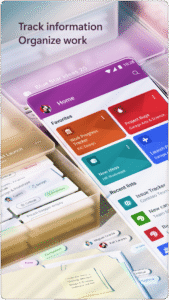
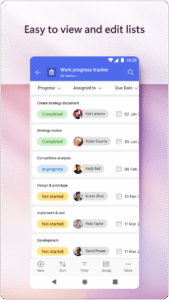
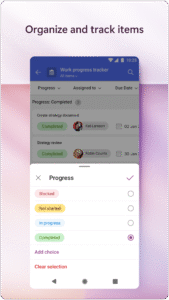
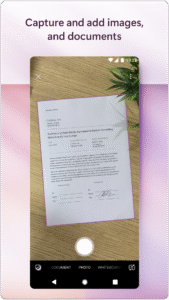
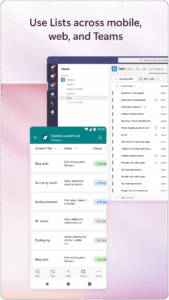
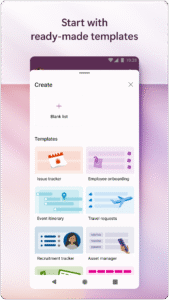
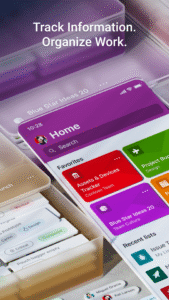
Note: This app will be retired soon. For more details, please visit aka.ms/listsmobileapp Get Microsoft Lists to track information, manage work, and stay organized with the work that matters most to you and your team. With Lists, you can manage events, track issues and assets, help with new employees onboarding, and keep coordinated across inventory. With access on the go and collaboration, you can keep everyone connected with Microsoft Lists. Start quickly with ready-made templates, add content to the columns, set priorities, share lists, invite teammates, and manage your work and information seamlessly. The Microsoft Lists app lets you take your lists wherever you go and includes: Co-authoring: Share your lists with your team and allow them to view, edit, and collaborate on them. Ready-made templates: Start quickly with ready-made templates, add images and attachments, assign people to items, and set priority. Intuitive interface: Get a quick overview of your data with Sort, Filter, and Group by. Edit-ready canvas: Tap the cell that you want to edit and enter your data – such as text, images, hyperlinks, and so on. Offline access: View and organize lists even if you aren’t connected to the internet. Add attachments: Click and upload images, attach files such as PDFs, photos, and videos from your device or OneDrive. Anywhere, anytime: Whether you’re working from home or office or during commute, it’s easy to access your lists across mobile, web and desktop. Security: Built-in enterprise-grade data security and compliance. Intune device management support with MDM and MAM policies. Please refer to the Microsoft Software License Terms for Microsoft Office. See “License Agreement” link under Information. By installing the app, you agree to these terms and conditions. To learn more about Microsoft Lists, please visit aka.ms/MSLists Social media handles: @SharePoint


