
Download YourHour : Screen Time Control APK
com.mindefy.phoneaddiction.mobilepe · by Mindefy Labs
Screenshots
About YourHour : Screen Time Control
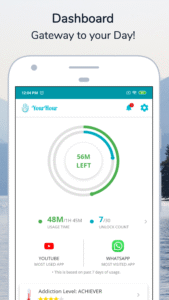
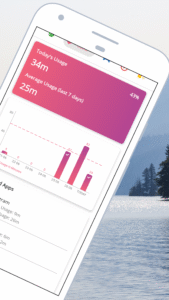
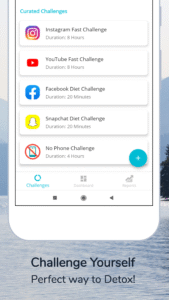
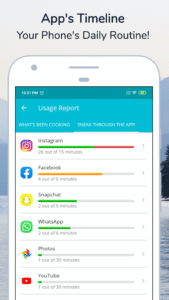
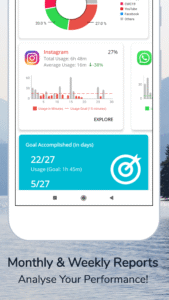
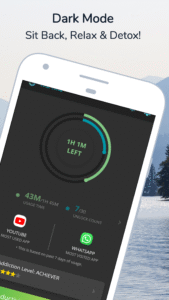
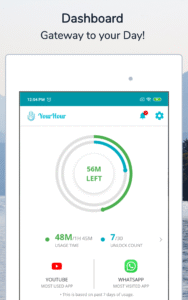
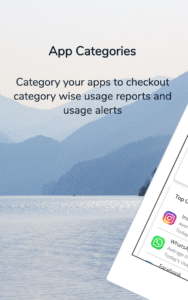
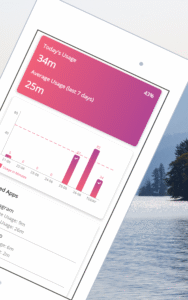
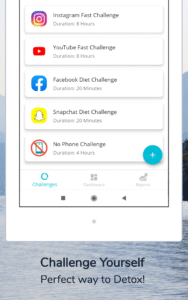
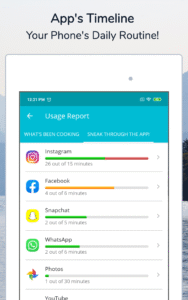
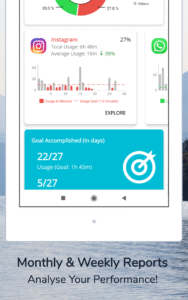
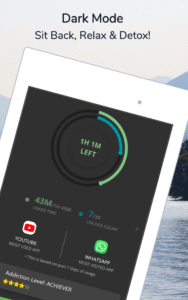
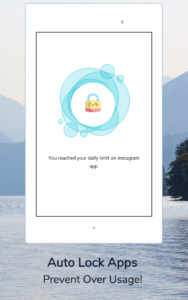
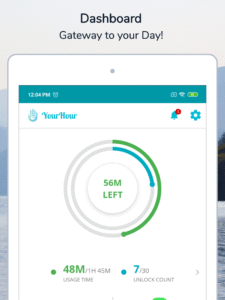
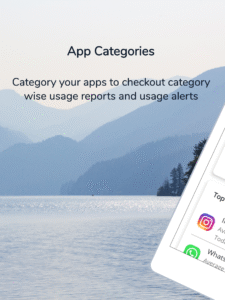
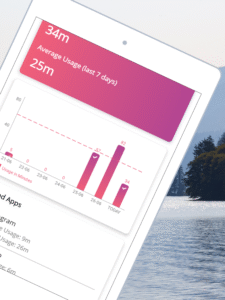
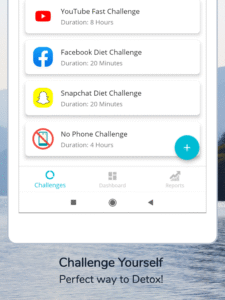
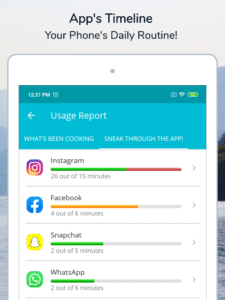
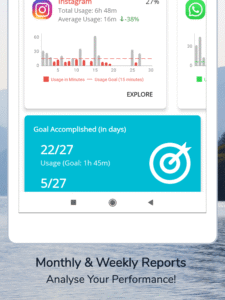
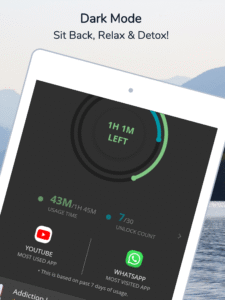
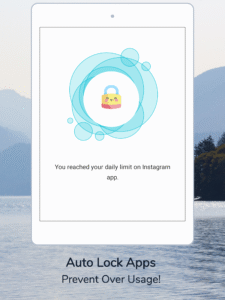
✔️ Trusted Globally By Over 4+ Million Users for Curing their Phone Addiction. ✔️ Best Tailored & Curated Solution to Awaken Self-Realization Against Excessive phone Usage and also to Experience features like App Block, App Lock. ✔️ Available in 22 Global Languages including English, German, Spanish, French etc. ✔️ Get Personalized Challenge Recommendations to Break the Habit Loop & Control Screentime. ✔️ Highly Rated By Over 75K+ Users to Help Control Screen Time & achieve Digital Wellbeing Are you struggling with screen time addiction? Feeling overwhelmed by constant notifications and the endless scroll? YourHour is here to empower you with the tools you need to take control of your digital life. Trusted by over 4 million+ users worldwide , YourHour is the comprehensive solution to curb excessive phone usage. With its user-friendly interface and personalized features, you'll gain insights into your screen time habits and break the cycle of addiction. We have got a Smart Digital Solution to achieve digital wellness. Our app gives a variety of fun, user-friendly and personalized features that can help to track & control usage. Key features of YourHour: 💙 Dashboard: Gateway to Complete Day! Dashboard provides all essential information at one place. It keeps a track on "Usage Time" & “Unlock Count" & thereby, gives a comparative info-graphic view of today’s and past 7 days activity. 💙 Goal Spots: Know Level of Addiction! By analyzing data of past 7 days, we define Category of Phone Addict that user currently belong to from this listed six categories vis-a-vis Addicted, Obsessed, Dependent, Habitual, Achiever and Champion. 💙 "Clock Timer": See Days slip by! "Floating Timer" is one of unique feature to show realtime statistics. It appears on all apps so that users can see for themselves their time slipping by. It can easily be dragged & dropped anywhere on screen. And it would even change color from Green to Amber to Red, highlighting that preset limit has reached. We don't block notifications or calls because we want users to be the best judge of their time. 💙 Tap That App! This section shows comprehensive insights in a progress bar about how much individual apps has been used out of set limit. There are numerous setting that can be customized here as per own preference. 💙 Phone’s Daily Routine! Timeline is a sequential diary of *What's Been Cooking* around whole day, it goes on recording every minute details. In short, it is *WHAT, WHEN and HOW MUCH* of all used apps. 💙 Multiple Detailed Reports! Insightful Daily, Weekly and Monthly report with great analytics. Daily consolidated report gets delivered to you everyday through a notification. For Premium members, there is also an option to export PDF format of weekly and monthly reports. 💙 Export data to XLSX format! We does not store any personal data, as everything is stored in local storage. Entire data can be exported in an excel-sheet since installation date for data analysis or statistics purpose. Benefits: 💙 Reduce screen time and improve productivity 💙Enhance focus and concentration 💙Improve sleep quality and overall well-being 💙 Foster self-awareness and digital mindfulness 💙 Break the cycle of addiction and reclaim your time Join the millions of users who have transformed their digital habits with YourHour. Download now and embark on a journey towards a healthier and more balanced screen time experience! : Credit for freely available images used here goes to Kirsty Barnby and Ryan Stone.