
Download NissanConnect® EV & Services (Wear OS) APK
com.aqsmartphone.android.nissan · by Nissan North America, Inc.
Screenshots
About NissanConnect® EV & Services (Wear OS)
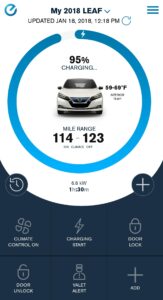
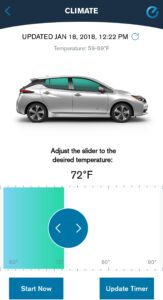
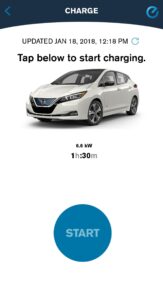
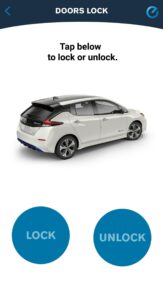
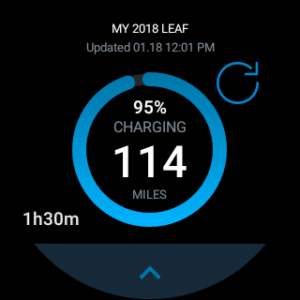
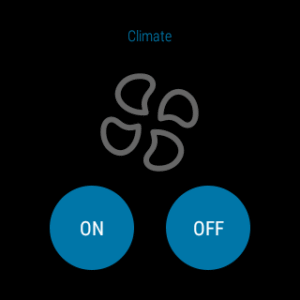
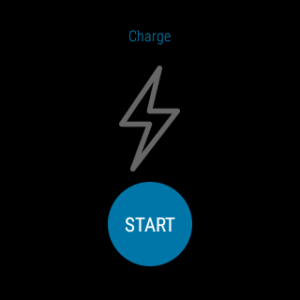
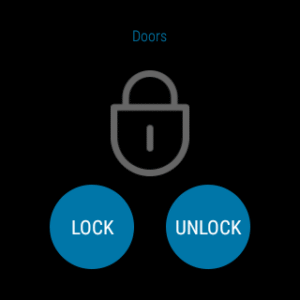
The NissanConnect® EV & Services** app is designed especially for owners and drivers of the Nissan LEAF®. The NissanConnect EV & Services** app lets you manage the unique features of your LEAF like charging the battery, adjusting climate controls and checking the battery status, all from your mobile device and Wear OS. You can also personalize the app dashboard with the features that you use the most. LEAF drivers require an active subscription to access the features of NissanConnect EV**, but it is complimentary for the first three years of ownership. NissanConnect EV & Services is available for the following models and trim levels (Model Year 2018-2023): - LEAF SV - LEAF SV PLUS - LEAF SL PLUS Model year 2018-2023 LEAF owners require an active subscription to NissanConnect EV with Services** powered by SiriusXM®. As an added security measure, a PIN is required before the Remote Door Lock/Unlock feature can be used. This PIN is established when enrolling in NissanConnect EV with Services**. If you have not yet enrolled in NissanConnect EV with Services** or need to reset your PIN, download the NissanConnect EV & Services app or visit www.owners.nissanusa.com . For more information on set up and using the NissanConnect EV & Services** app visit www.owners.nissanusa.com or contact a NissanConnect EV Customer Support Specialist at (877) NO GAS EV , Monday through Saturday, 7 a.m. to 9 p.m. Central Time. Have feedback? Open the main menu in the app and click "HELP & SUPPORT". From there, you'll find methods to reach a NissanConnect EV Customer Support Specialist, like by calling (877) NO GAS EV or by sending an email to Nissanownerservices@nissan-usa.com . Please make sure to mention your device type to ensure that we can properly address your feedback. This app allows model year 2018-2023 LEAF owners to access these features**: •Remote Start Charge •Remote Battery Status Check •Remote Climate Control On/Off •Remote Climate Control Timer •Route Planner •Plug-in Reminder Notification •Charge Complete Notification •My Car Finder* •Remote Door Lock/Unlock* •Remote Horn & Lights* •Curfew, Boundary and Speed alerts* •and more Please see important information below on 3G cellular network discontinuation impacting MY11-17 LEAF vehicles***. Please note that the Android Watch app is a companion app and cannot be used without first downloading the app and logging in. * Feature availability is dependent on vehicle model, trim level, packaging and options. ** Available services/features may be shown. Use feature only when safe and legal. Compatible device and service required. Subject to third party service availability. For more information see www.nissanusa.com/connect/legal ***The NissanConnect Services telematics program was affected by AT&T’s decision to discontinue its 3G cellular network. As of February 22, 2022, all Nissan vehicles equipped with telematics hardware compatible for use with the 3G cellular network will be unable to connect to the 3G network and unable to access the NissanConnect Services features. Clients having purchased a Nissan vehicle with this type of hardware must have enrolled in NissanConnect Services prior to June 1, 2021 to activate the service to have received access through February 22, 2022 (access is subject to cellular network availability and coverage limitations). For more information, please visit www.nissanusa.com/connect/support .