
This is the universal build of BlackVue 4.15. It contains native libraries for every CPU architecture (arm64-v8a, armeabi-v7a, x86, x86_64), so it installs on any Android device. The trade-off is size — it's larger than per-architecture variants. Pick this one if you're unsure which CPU your phone has, or if you plan to share the APK with multiple devices.
File size: 97.6 MB • Min Android: 29 • Target Android: 35 • Version code: 41500 • Framework: Native (Java/Kotlin) • Permissions: 44
Screenshots
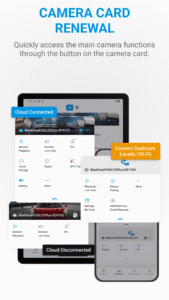
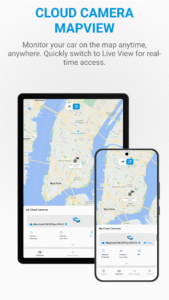
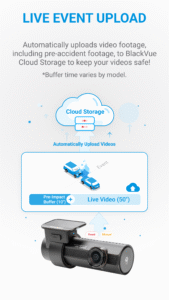
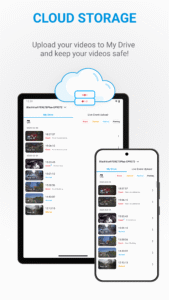
File Information
| Package Name | comb.blackvuec |
|---|---|
| Version Name | 4.15 |
| Version Code | 41500 |
| Architecture | Universal |
| Min Android Version | Android 29 (API 35) |
| Main Activity | comb.blackvuec.LoadingActivity |
| Framework | Native (Java/Kotlin) |
| File Size | 97.62 MB |
| Signature (SHA1) | E3133AD9FA9D4D8D66F032AFC66980DFC8B80AE7 |
| File Hash (SHA256) | 58fc05d5b2e95f01fdde869bbbe88691a40f5efab149b156350a45f8e64aa013 |
What's New
• Minor UI Improvements in Camera Settings
• Other Bug Fixes and System Stability Improvements
• Other Bug Fixes and System Stability Improvements
App Description
The Official BlackVue Dash Cameras app.
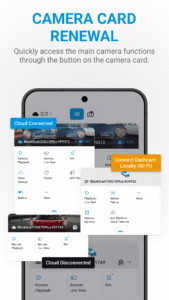
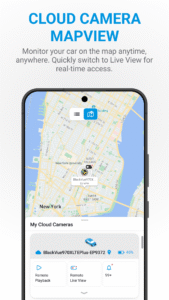
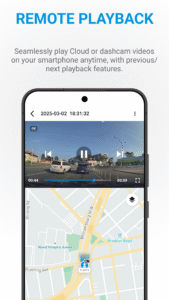
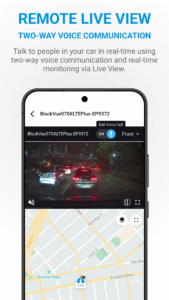
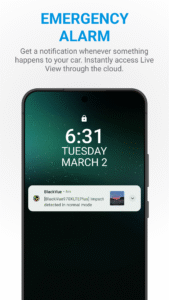
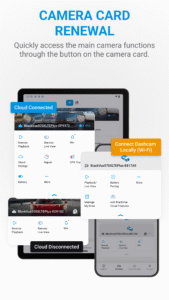
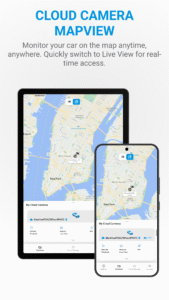
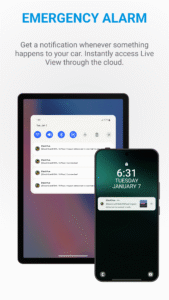
Taking advantage of a mobile or car-embedded Internet connection and a BlackVue dashcam, BlackVue Cloud connects you to your car through the Cloud. Using the BlackVue App on your smartphone or tablet, you see in real time where your car is located and what is happening around it.
BlackVue APP Features
- Explore
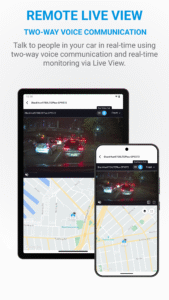
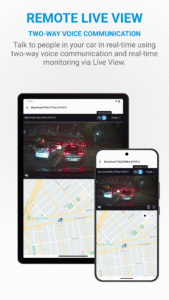
- Live View
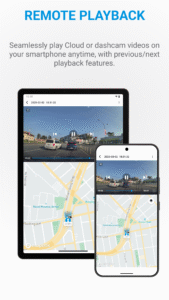
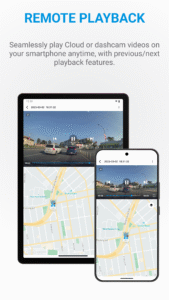
- Video Playback
- GPS Tracking
- Reports
- Event Map
- Voice Call
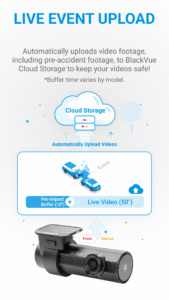
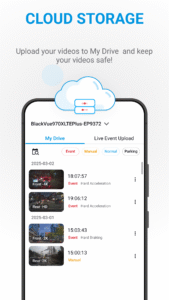
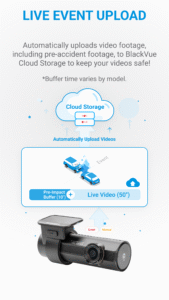
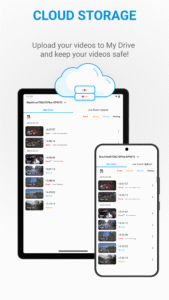
- Video Backup / Live Event Upload
- Firmware update over the air
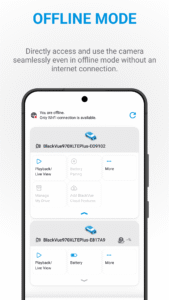
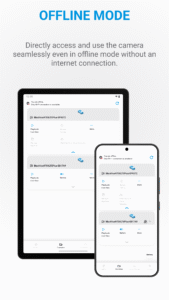
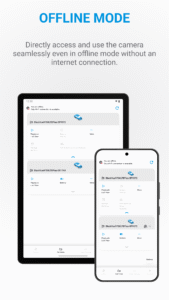
You can access your dashcam through a direct connection via Wi-Fi. Once connected, you can access all the videos stored on the dashcam's microSD card, adjust the camera angle, and modify BlackVue's settings as needed. You can also apply firmware updates wirelessly (FOTA).
BlackVue Cloud is a dedicated service for BlackVue users that allows you to access your BlackVue from anywhere at any time. Creating a BlackVue Cloud account is simple and free. After creating an account, you can register your Cloud-compatible BlackVue in the app and configure it to connect to your hotspot.
For troubleshooting, visit our Help Center at helpcenter.blackvue.com or email Customer Support at
cs@pittasoft.com
.
For more info and news about BlackVue, visit:
Homepage:
www.blackvue.com
Facebook:
www.facebook.com/BlackVueOfficial
Instagram:
www.instagram.com/blackvueofficial
YouTube:
www.youtube.com/BlackVueOfficial
Twitter:
www.twitter.com/BlackVue
Terms of Use:
www.blackvue.com/warranty-terms-conditions/
Taking advantage of a mobile or car-embedded Internet connection and a BlackVue dashcam, BlackVue Cloud connects you to your car through the Cloud. Using the BlackVue App on your smartphone or tablet, you see in real time where your car is located and what is happening around it.
BlackVue APP Features
- Explore
- Live View
- Video Playback
- GPS Tracking
- Reports
- Event Map
- Voice Call
- Video Backup / Live Event Upload
- Firmware update over the air
You can access your dashcam through a direct connection via Wi-Fi. Once connected, you can access all the videos stored on the dashcam's microSD card, adjust the camera angle, and modify BlackVue's settings as needed. You can also apply firmware updates wirelessly (FOTA).
BlackVue Cloud is a dedicated service for BlackVue users that allows you to access your BlackVue from anywhere at any time. Creating a BlackVue Cloud account is simple and free. After creating an account, you can register your Cloud-compatible BlackVue in the app and configure it to connect to your hotspot.
For troubleshooting, visit our Help Center at helpcenter.blackvue.com or email Customer Support at
cs@pittasoft.com
.
For more info and news about BlackVue, visit:
Homepage:
www.blackvue.com
Facebook:
www.facebook.com/BlackVueOfficial
Instagram:
www.instagram.com/blackvueofficial
YouTube:
www.youtube.com/BlackVueOfficial
Twitter:
www.twitter.com/BlackVue
Terms of Use:
www.blackvue.com/warranty-terms-conditions/
Download BlackVue APK
Fast, free and safe download.
APK Permissions 44
- android.permission.ACCESS_COARSE_LOCATION
- android.permission.ACCESS_FINE_LOCATION
- android.permission.ACCESS_LOCATION_EXTRA_COMMANDS
- android.permission.ACCESS_MEDIA_LOCATION
- android.permission.ACCESS_MOCK_LOCATION
- android.permission.ACCESS_NETWORK_STATE
- android.permission.ACCESS_WIFI_STATE
- android.permission.AUTHENTICATE_ACCOUNTS
- android.permission.BLUETOOTH
- android.permission.BLUETOOTH_ADMIN
- android.permission.BLUETOOTH_CONNECT
- android.permission.BLUETOOTH_SCAN
- android.permission.BROADCAST_STICKY
- android.permission.CAMERA
- android.permission.CHANGE_CONFIGURATION
- android.permission.CHANGE_NETWORK_STATE
- android.permission.CHANGE_WIFI_MULTICAST_STATE
- android.permission.CHANGE_WIFI_STATE
- android.permission.GET_TASKS
- android.permission.INTERNET
- android.permission.MICROPHONE
- android.permission.MODIFY_AUDIO_SETTINGS
- android.permission.NEARBY_WIFI_DEVICES
- android.permission.POST_NOTIFICATIONS
- android.permission.READ_EXTERNAL_STORAGE
- android.permission.READ_INTERNAL_STORAGE
- android.permission.READ_MEDIA_AUDIO
- android.permission.READ_MEDIA_IMAGES
- android.permission.READ_MEDIA_VIDEO
- android.permission.READ_MEDIA_VISUAL_USER_SELECTED
- android.permission.RECORD_AUDIO
- android.permission.SYSTEM_ALERT_WINDOW
- android.permission.USE_CREDENTIALS
- android.permission.VIBRATE
- android.permission.WAKE_LOCK
- android.permission.WRITE_EXTERNAL_STORAGE
- android.permission.WRITE_INTTERNAL_STORAGE
- android.permission.WRITE_SETTINGS
- com.android.launcher.permission.READ_SETTINGS
- com.android.vending.BILLING
- com.google.android.c2dm.permission.RECEIVE
- com.google.android.finsky.permission.BIND_GET_INSTALL_REFERRER_SERVICE
- com.google.android.providers.gsf.permission.READ_GSERVICES
- comb.blackvuec.DYNAMIC_RECEIVER_NOT_EXPORTED_PERMISSION
APK Verified
The cryptographic signature guarantees that the file is safe to install and was not tampered with in any way.
Similar in Maps & Navigation


Frequently Asked Questions about BlackVue APK
This is the universal variant — a single APK that contains native libraries for every CPU architecture. It installs on any Android device but is larger than per-architecture variants.
Yes — the APK's signature has been cryptographically verified against the publisher's signing key. The SHA-256 hash is shown in the File Information panel so you can independently confirm the file matches the original release.
Android 29 (API level 35) or newer. Older devices will refuse the install.
Install a free app like 'CPU-Z' or 'Droid Hardware Info' from the Play Store and look at the ABI / Instruction Set row. Most phones made after 2017 are arm64-v8a; if in doubt, download the universal variant.
All variants are functionally identical — same features, same version. They differ only in which CPU architectures the native code is compiled for, and (sometimes) which screen densities the included graphics target. Pick the one that matches your device for the smallest install size, or pick 'Universal' if you're unsure.