
Download Barquode: Barcode & QR Scanner APK 8.1.1 Universal · Android 21+
Download APK
Verified Safe
This is the universal build of Barquode: Barcode & QR Scanner 8.1.1. It contains native libraries for every CPU architecture (arm64-v8a, armeabi-v7a, x86, x86_64), so it installs on any Android device. The trade-off is size — it's larger than per-architecture variants. Pick this one if you're unsure which CPU your phone has, or if you plan to share the APK with multiple devices.
File size: 7.6 MB • Min Android: 21 • Target Android: 36 • Version code: 85 • Framework: Native (Java/Kotlin) • Permissions: 17
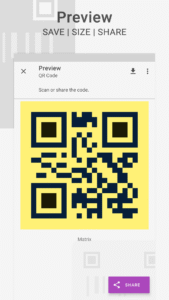
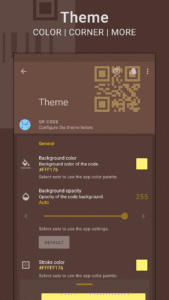
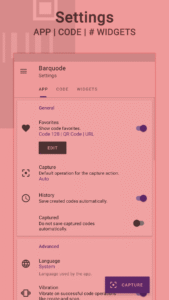
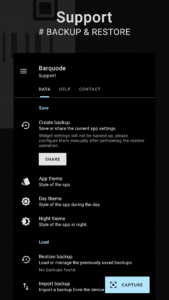
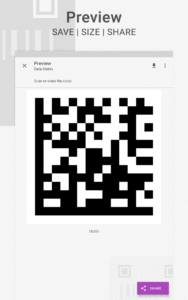
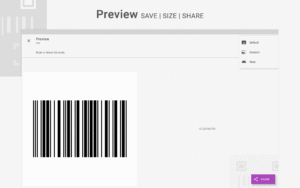
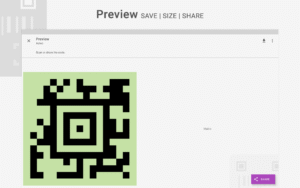
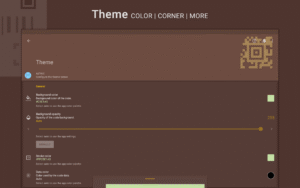
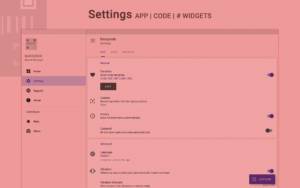
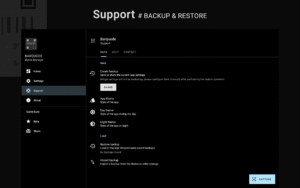
Screenshots
File Information
| Package Name | com.pranavpandey.matrix |
|---|---|
| Version Name | 8.1.1 |
| Version Code | 85 |
| Architecture | Universal |
| Min Android Version | Android 21 (API 36) |
| Main Activity | com.pranavpandey.matrix.activity.SplashActivity |
| Framework | Native (Java/Kotlin) |
| File Size | 7.59 MB |
| Signature (SHA1) | 3EBA118838452A781B8489C67D17B91AE9EC70A5 |
| File Hash (SHA256) | a6fc9994e207ca6796e44a98e9f7673356125cf18fa8fcde45592ff61213ba36 |
What's New
Introducing subscriptions to support the development event better.
Palettes Key will remain valid to unlock features with no restrictions.
Added support for Android 16.
Added Japanese and Korean translations.
# Added support to capture multiple matrix codes in a batch.
A complete overhaul with various tweaks and design improvements.
Palettes Key will remain valid to unlock features with no restrictions.
Added support for Android 16.
Added Japanese and Korean translations.
# Added support to capture multiple matrix codes in a batch.
A complete overhaul with various tweaks and design improvements.
App Description
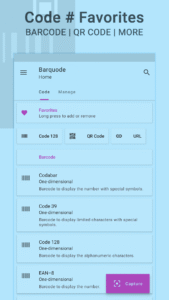
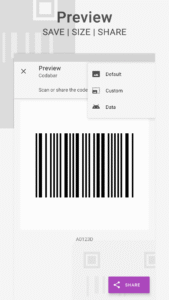
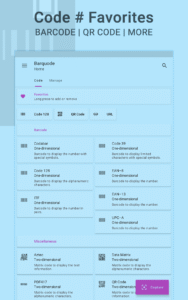
Barquode is a tool to create, capture and manage a wide variety of matrix codes, including barcodes and QR codes. It is highly customizable, featuring a dynamic theme engine that allows you to match your style. Let's give it a try to explore its other features.
FEATURES
Matrix codes
• Codabar • Code 39 • Code 128 • EAN-8 • EAN-13
• ITF • UPC-A • Aztec • Data Matrix • PDF417 • QR Code
Data formats
• URL • Wi-Fi • Location • Email
• Phone • Message • Contact • Event
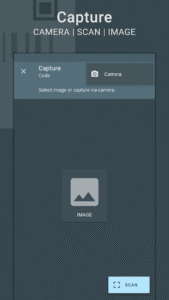
Capture codes
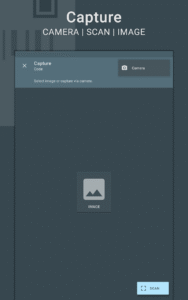
• Built-in scanner • Image • Device camera
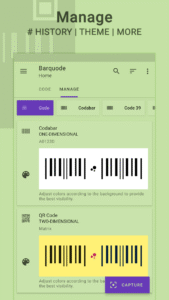
Manage codes
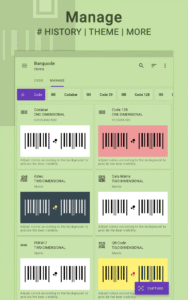
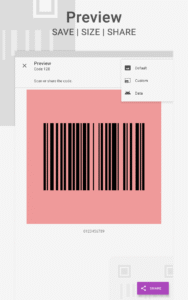
• Background color • Opacity • Stroke color • Data color • Corner size
• A dynamic theme engine with background-aware functionality to avoid any visibility issues.
QR Code
• Finder color • Overlay (logo) • Overlay color
Others
# Favorites to create frequently used codes.
• History and capture settings for complete control.
# Capture multiple matrix codes in a batch.
• Detailed app settings to configure all codes at once.
# Customizable widget
, shortcuts and notification tile to perform various operations.
Support
• Dedicated support section to troubleshoot general issues.
# Perform backup and restore operations to save and load the app settings.
Features marked with
#
are paid, and
Premium
is required to use them.
LANGUAGES
English, Deutsch, Español, Français, हिंदी, Indonesia, Italiano, Português, Русский, Türkçe, 日本語, 한국인, 中文 (简体), 中文 (繁體)
PERMISSIONS
Internet access
– To display ads in the free version.
Take pictures and videos
– To scan codes via scanner.
View Wi-Fi connections
– To create Wi-Fi configurations.
Connect and disconnect from Wi-Fi
– To apply Wi-Fi data format.
Control vibration
– To provide feedback on successful code operations.
Modify USB storage (Android 4.3 and below)
– To create and restore backups.
------------------------------
-
Buy
Premium
to support the development.
-
Kindly contact me via email in case of any issues.
-
An image must contain a matrix code that can be scanned. It cannot convert any image into a matrix code.
Android is a trademark of Google LLC.
QR Code is a registered trademark of DENSO WAVE INCORPORATED in Japan and in other countries.
FEATURES
Matrix codes
• Codabar • Code 39 • Code 128 • EAN-8 • EAN-13
• ITF • UPC-A • Aztec • Data Matrix • PDF417 • QR Code
Data formats
• URL • Wi-Fi • Location • Email
• Phone • Message • Contact • Event
Capture codes
• Built-in scanner • Image • Device camera
Manage codes
• Background color • Opacity • Stroke color • Data color • Corner size
• A dynamic theme engine with background-aware functionality to avoid any visibility issues.
QR Code
• Finder color • Overlay (logo) • Overlay color
Others
# Favorites to create frequently used codes.
• History and capture settings for complete control.
# Capture multiple matrix codes in a batch.
• Detailed app settings to configure all codes at once.
# Customizable widget
, shortcuts and notification tile to perform various operations.
Support
• Dedicated support section to troubleshoot general issues.
# Perform backup and restore operations to save and load the app settings.
Features marked with
#
are paid, and
Premium
is required to use them.
LANGUAGES
English, Deutsch, Español, Français, हिंदी, Indonesia, Italiano, Português, Русский, Türkçe, 日本語, 한국인, 中文 (简体), 中文 (繁體)
PERMISSIONS
Internet access
– To display ads in the free version.
Take pictures and videos
– To scan codes via scanner.
View Wi-Fi connections
– To create Wi-Fi configurations.
Connect and disconnect from Wi-Fi
– To apply Wi-Fi data format.
Control vibration
– To provide feedback on successful code operations.
Modify USB storage (Android 4.3 and below)
– To create and restore backups.
------------------------------
-
Buy
Premium
to support the development.
-
Kindly contact me via email in case of any issues.
-
An image must contain a matrix code that can be scanned. It cannot convert any image into a matrix code.
Android is a trademark of Google LLC.
QR Code is a registered trademark of DENSO WAVE INCORPORATED in Japan and in other countries.
Download Barquode: Barcode & QR Scanner APK
Fast, free and safe download.
APK Permissions 17
- android.permission.ACCESS_ADSERVICES_AD_ID
- android.permission.ACCESS_ADSERVICES_ATTRIBUTION
- android.permission.ACCESS_ADSERVICES_TOPICS
- android.permission.ACCESS_NETWORK_STATE
- android.permission.ACCESS_WIFI_STATE
- android.permission.CAMERA
- android.permission.CHANGE_WIFI_STATE
- android.permission.FOREGROUND_SERVICE
- android.permission.INTERNET
- android.permission.VIBRATE
- android.permission.WAKE_LOCK
- android.permission.WRITE_EXTERNAL_STORAGE
- com.android.vending.BILLING
- com.google.android.gms.permission.AD_ID
- com.pranavpandey.matrix.DYNAMIC_RECEIVER_NOT_EXPORTED_PERMISSION
- com.pranavpandey.theme.permission.DYNAMIC_THEME
- com.pranavpandey.theme.permission.READ_THEME
APK Verified
The cryptographic signature guarantees that the file is safe to install and was not tampered with in any way.
Similar in Tools


More by Pranav Pandey


Frequently Asked Questions about Barquode: Barcode & QR Scanner APK
This is the universal variant — a single APK that contains native libraries for every CPU architecture. It installs on any Android device but is larger than per-architecture variants.
Yes — the APK's signature has been cryptographically verified against the publisher's signing key. The SHA-256 hash is shown in the File Information panel so you can independently confirm the file matches the original release.
Android 21 (API level 36) or newer. Older devices will refuse the install.
Install a free app like 'CPU-Z' or 'Droid Hardware Info' from the Play Store and look at the ABI / Instruction Set row. Most phones made after 2017 are arm64-v8a; if in doubt, download the universal variant.
All variants are functionally identical — same features, same version. They differ only in which CPU architectures the native code is compiled for, and (sometimes) which screen densities the included graphics target. Pick the one that matches your device for the smallest install size, or pick 'Universal' if you're unsure.