
Download Total Adblock for Samsung APK
com.totaladblock.contentblock · by Protected.net Group Limited T/A Total Security
Screenshots
About Total Adblock for Samsung
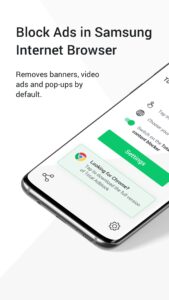
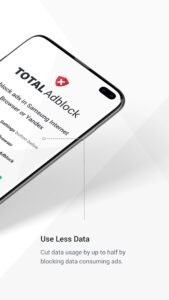
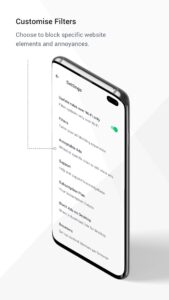
Total Adblock enables you to experience a cleaner web by blocking annoying ads in Samsung & Yandex browsers. As well as a cleaner web, ad blocking provides a faster and more private web by stopping trackers which follow you around as you browse. The full list of Total Adblock features includes: Samsung & Yandex browser Ad blocking The endless scrolling past ads is over, Total Adblock removes banners, video ads and pop-ups by default. Websites can be added to a whitelist to turn off ad blocking if required too. Less Data usage Ads consume a huge amount of data usage, by blocking them you don’t only speed up your web experience but also can cut data usage in half. Increased battery life Every page load full of ads consumes more memory, and therefore puts pressure on your battery. High quality video ads especially impact battery usage. Web annoyance blocking A custom filter to block frustrating web elements, not necessarily ads, but page elements that take up screen real estate. Social media tracking blocking A filter for blocking social media platforms tracking you around the web. It prevents big platform ‘like’ and ‘share’ buttons appearing on websites and pages. Cookie warning blocking Removes cookie and privacy warnings that interrupt and slow down access to loading pages. Dangerous website blocking Outright blocks websites and webpages known to distribute malware, keeping you protected online. Sign up today and use Total Adblock to improve your Samsung & Yandex browser experience, it’s quick and easy! Total Adblock is part of the TotalAV cybersecurity and protection suite. We help millions of users enjoy a cleaner and safer browsing experience the world over. Subscription fees apply.