
Download Ultra Watch Face (Wear OS) APK
com.watch.richface.ultra · by RichFace
Screenshots
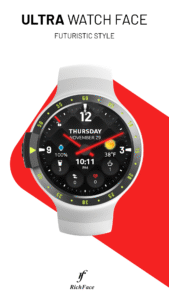
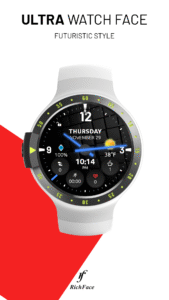
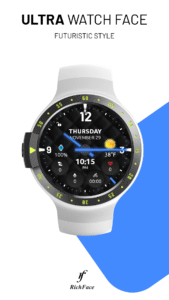
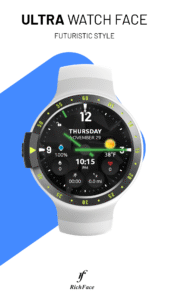
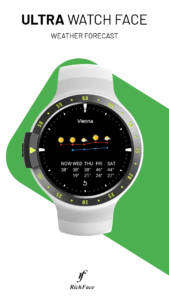
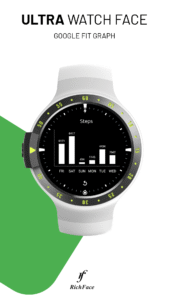
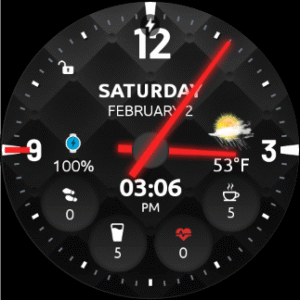
About Ultra Watch Face (Wear OS)
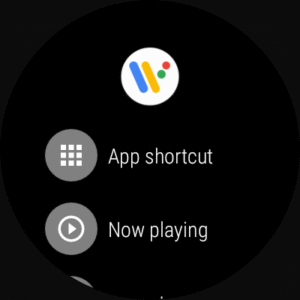
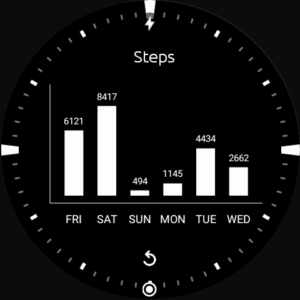
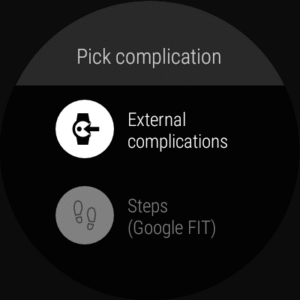
★ Ultra Watch Face is fully Wear OS 3 supported NEW! Completely new redesigned Ultra watch face!. A nice, clean and interactive real watch face with Premium upgrade option. ★ The watch face, currently, doesn't support Samsung Health ★ ★★★ Free version: ★★★ ✔ Weather ✔ Watch battery indicator ✔ Phone battery indicator ✔ 24 hour format ✔ Screen time ★★★ Premium version: ★★★ ✔ 24 hour format ✔ Leading zero ✔ Screen time ✔ Forecast ✔ Full ambient mode option ✔ Change a color preset on tap ✔ Tap indicator ✔ Google Fit integration ✔ Background types ✔ Vibrate on every hour ✔ Weather settings (location, providers, frequency update, units) ✔ Automatic or manual weather location ✔ External and Built-in complications ✔ No ads ★ Built-in complications (Premium) ★ • Steps • Distance • Walking • Running • Biking • Calories • Fit statistics • Water counter • Coffee counter • HeartRate detector • Steps counter from sensors in wear device (built-in steps) • App shortcuts (Timer, Alarm, Flashlight, Stopwatch, Google Map, Find My Phone, Google Keep, Google Translate) ★★★DISCLAIMER: ★★★ The watch face is standalone app but the complication for phone battery requires a connection with the companion app on Android phone devices. iPhone users can not have this data due to iOS limitation. The free version doesn't have option to set complications. It shows only the current weather, phone and watch battery levels. ★ How to select shortcuts in the position (complication) (Premium) ★ - Long tap on the watch face - System shows icon "gear" for the watch face settings. Tap on it - Select "Customize" option - Select "Complications" option - Select desired position - Select "External Complication" - Find "General" from list and select one from the list - Select "App shortcut" and choose desired app You are ready to go. ★ Wear OS 3 integration • Fully standalone! (iPhone and Android compatible) • External complication data for the indicators ★ FAQ !! Please contact us if you have any trouble with the app !! richface.watch@gmail.com ★ PERMISSIONS Explained www.richface.watch/privacy
