
Download Samsung Daily Board APK
com.samsung.android.homemode · by Samsung Electronics Co., Ltd.
Screenshots



About Samsung Daily Board
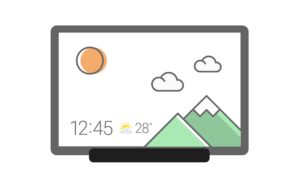
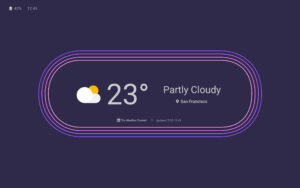
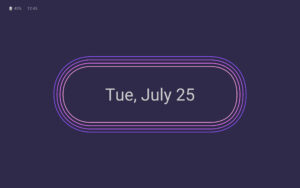
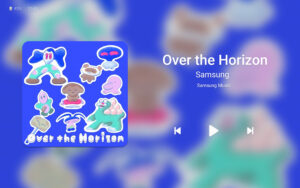
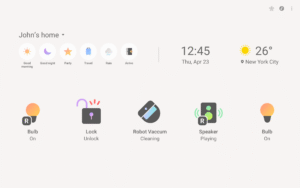
When charging the tablet, Daily Board gives you access to information that you will find useful in your daily life, as well as photos at all times. A night theme is also available to help you prevent night glare. ▷ Time, Weather, Calendar • We tried to make them recognizable even from a distance and highlight their refined beauty. • Set and use the layout in your desired shape. ▷ Photo Slide Show • You can always view albums created in Samsung Gallery on the Daily Board. • You can view photos shared by your friends and family by integrating Samsung Experience Service. • Add images such as your favorite painting, and use it as your very own decorative piece. ▷ Memo Board • You can post a to-do list, memos for your family, drawings your child made on the Daily Board, and family members can easily check them at all times. • Live memo mode presents your memos with an animated view. (You can switch modes at the bottom-right section of the Memo Board screen.) ▷ Music Controller • Control music from the Daily Board. (Play/Pause/Skip) ▷ SmartThings • SmartThings board was added to Daily Board. • You can check at a glance the status of the devices registered with SmartThings and control them easily and conveniently. ※ -When you connect a USB charger, a notification advising you to open Daily Board appears in the Quick settings panel. Daily Board will open when you tap this notification. - Or, when connecting to the USB charger, you can tap a quick launch icon for Daily Board displayed on the navigation bar to launch it. (Available only when the navigation bar style is set to “Navigation buttons.”. )


