
This is the armeabi-v7a build of Samsung Browser 24.0.3.4, compiled for 32-bit ARM processors found in older Android phones (roughly 2013-2017). Use this build if your device's primary ABI is armeabi-v7a — modern 64-bit phones should pick the arm64-v8a or universal variant for better performance.
File size: 115.4 MB • Min Android: 26 • Target Android: 34 • Version code: 1240304500 • Framework: Native (Java/Kotlin) • Permissions: 21
Screenshots
File Information
| Package Name | com.sec.android.app.sbrowser |
|---|---|
| Version Name | 24.0.3.4 |
| Version Code | 1240304500 |
| Architecture | armeabi-v7a |
| Min Android Version | Android 26 (API 34) |
| Main Activity | com.sec.android.app.sbrowser.SBrowserMainActivity |
| Framework | Native (Java/Kotlin) |
| File Size | 115.38 MB |
| Signature (SHA1) | 9CA5170F381919DFE0446FCDAB18B19A143B3163 |
| File Hash (SHA256) | 0c156c7a35165b257ce4f2b2eaad8135d599241227b87f3dd388c9f3e4423ed9 |
What's New
v23.0.1.1
* Fixed an issue of external apps not launching when making payments on some websites
* Improved performance and stability
v23.0.0.47
* Increased number of days of History saved
* Support of URL auto-complete in address bar
* New support for syncing tab groups
* Fixed an issue of external apps not launching when making payments on some websites
* Improved performance and stability
v23.0.0.47
* Increased number of days of History saved
* Support of URL auto-complete in address bar
* New support for syncing tab groups
App Description
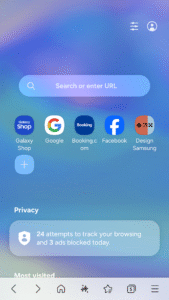
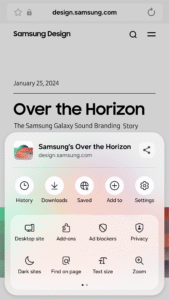
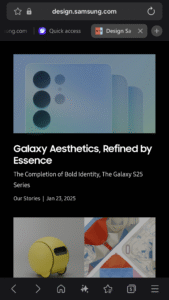
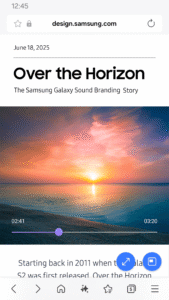
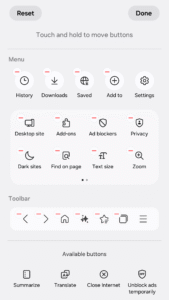
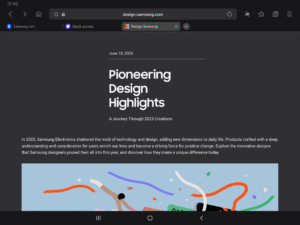
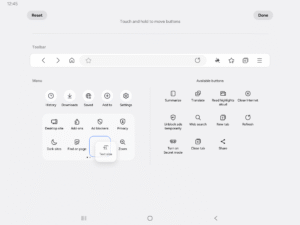
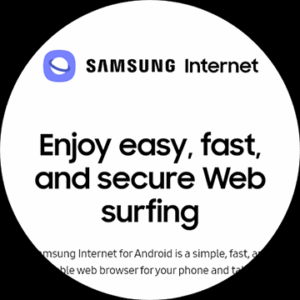
Samsung Internet provides the best web browsing experience for you with Video Assistant, Dark Mode, Customize menu, Extensions such as Translator, and by protecting your privacy with Secret mode, Smart Anti-Tracking and Smart Protection.
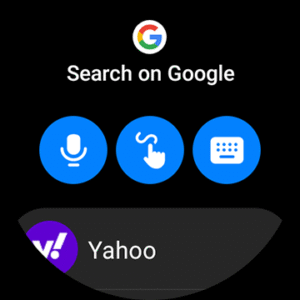
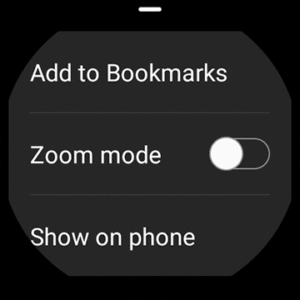
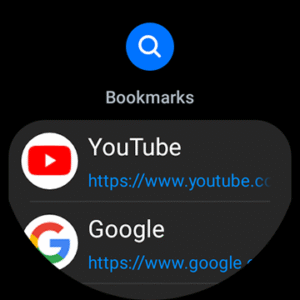
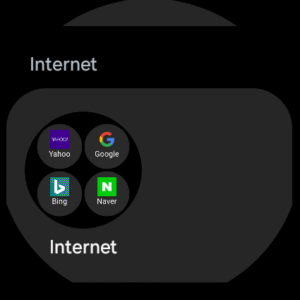
Samsung Internet with tiles feature is available on Galaxy Watch devices that support Wear OS. (※ Galaxy Watch4 series and models released later)
■ New Features for you
* Increased number of days of History saved
Increased the number of days of History saved, which was up to 60 days, to 90 days
* Support of URL auto-complete in address bar
When entering a URL in the address bar, the URL is completed automatically based on the History
* New support for syncing tab groups
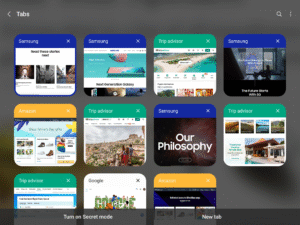
When creating a tab group in the tab manager, syncing based on Samsung Cloud is supported
■ Security & Privacy
Samsung Internet helps you protect your security and privacy while browsing the Internet.
* Smart Anti-Tracking
Intelligently identify domains which have cross-site tracking ability and block storage (cookie) access.
* Protected Browsing
We will warn you before you can view known malicious sites to prevent you from visiting web sites which may try to steal your data.
* Content Blockers
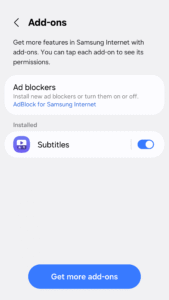
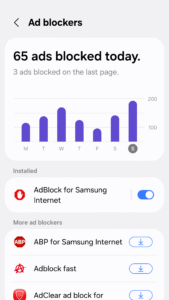
Samsung Internet for Android allows 3rd party apps to provide filters for content blocking, making browsing safer and more streamlined.
The following permissions are required for the app service.
For optional permissions, the default functionality of the service is turned on, but not allowed.
[Required permissions]
none
[Optional permissions]
Location: Used to provide location-based content requested by the user or location information requested by the webpage in use
Camera: Used to provide webpage shooting function and QR code shooting function
Microphone: Used to provide recording function on webpage
Phone: (Android 11) Requires access permission to check the mobile phone information in order to provide country-specific feature optimization
Nearby devices: (Android 12 or higher) To find and connect to nearby Bluetooth devices when requested by the website
Music and audio: (Android 13 or higher) To upload audio files on webpages
Photos and videos: (Android 13 or higher) To upload photos and videos on webpages
Files and media: (Android 12 or lower) To upload files stored in storage spaces on webpages
Notifications: (Android 13 or higher) To display the download progress and website notifications
Samsung Internet with tiles feature is available on Galaxy Watch devices that support Wear OS. (※ Galaxy Watch4 series and models released later)
■ New Features for you
* Increased number of days of History saved
Increased the number of days of History saved, which was up to 60 days, to 90 days
* Support of URL auto-complete in address bar
When entering a URL in the address bar, the URL is completed automatically based on the History
* New support for syncing tab groups
When creating a tab group in the tab manager, syncing based on Samsung Cloud is supported
■ Security & Privacy
Samsung Internet helps you protect your security and privacy while browsing the Internet.
* Smart Anti-Tracking
Intelligently identify domains which have cross-site tracking ability and block storage (cookie) access.
* Protected Browsing
We will warn you before you can view known malicious sites to prevent you from visiting web sites which may try to steal your data.
* Content Blockers
Samsung Internet for Android allows 3rd party apps to provide filters for content blocking, making browsing safer and more streamlined.
The following permissions are required for the app service.
For optional permissions, the default functionality of the service is turned on, but not allowed.
[Required permissions]
none
[Optional permissions]
Location: Used to provide location-based content requested by the user or location information requested by the webpage in use
Camera: Used to provide webpage shooting function and QR code shooting function
Microphone: Used to provide recording function on webpage
Phone: (Android 11) Requires access permission to check the mobile phone information in order to provide country-specific feature optimization
Nearby devices: (Android 12 or higher) To find and connect to nearby Bluetooth devices when requested by the website
Music and audio: (Android 13 or higher) To upload audio files on webpages
Photos and videos: (Android 13 or higher) To upload photos and videos on webpages
Files and media: (Android 12 or lower) To upload files stored in storage spaces on webpages
Notifications: (Android 13 or higher) To display the download progress and website notifications
Download Samsung Browser APK
Fast, free and safe download.
APK Permissions 21
- android.permission.BLUETOOTH_ADMIN
- android.permission.BLUETOOTH_CONNECT
- android.permission.BROADCAST_CLOSE_SYSTEM_DIALOGS
- android.permission.CREDENTIAL_MANAGER_SET_ORIGIN
- android.permission.INSTALL_PACKAGES
- android.permission.NFC
- android.permission.READ_SYNC_STATS
- android.permission.RECORD_AUDIO
- android.permission.SYSTEM_ALERT_WINDOW
- android.permission.USE_FINGERPRINT
- com.android.browser.permission.WRITE_HISTORY_BOOKMARKS
- com.samsung.android.app.deepsky.feedback.provider.permission.SUBMIT_FEEDBACK
- com.samsung.android.bixby.service.bixbysearch.permission.UPDATE_INDEX
- com.samsung.android.intellivoiceservice.permission.BIND_SMART_REPLY_SERVICE
- com.samsung.android.permission.IRIS_WEB_SIGNIN
- com.samsung.android.samsungaccount.permission.PROFILE_PROVIDER
- com.samsung.android.scloud.backup.lib.write
- com.samsung.android.scloud.permission.RPC_SYNC_SETTING
- com.samsung.android.scs.permission.SUPPORTED_FEATURE_PROVIDER
- com.samsung.sea.retailagent.permission.RETAILMODE
- com.sec.android.stk.permission.EVENT
APK Verified
The cryptographic signature guarantees that the file is safe to install and was not tampered with in any way.
Similar in Communication


More by Samsung Electronics Co., Ltd.


Frequently Asked Questions about Samsung Browser APK
This variant is built for 32-bit ARM (older Android phones, ~2013–2017). If your device's CPU matches, this is the smallest, fastest version to install.
Yes — the APK's signature has been cryptographically verified against the publisher's signing key. The SHA-256 hash is shown in the File Information panel so you can independently confirm the file matches the original release.
Android 26 (API level 34) or newer. Older devices will refuse the install.
Install a free app like 'CPU-Z' or 'Droid Hardware Info' from the Play Store and look at the ABI / Instruction Set row. Most phones made after 2017 are arm64-v8a; if in doubt, download the universal variant.
All variants are functionally identical — same features, same version. They differ only in which CPU architectures the native code is compiled for, and (sometimes) which screen densities the included graphics target. Pick the one that matches your device for the smallest install size, or pick 'Universal' if you're unsure.