
Download T-Mobile Fiber APK
com.tmobile.fiber · by T-Mobile USA
Latest Version: 25.1.0
• Updated: Apr 05, 2026
Download T-Mobile Fiber APK
v25.1.0 ·
APK
Screenshots

About T-Mobile Fiber
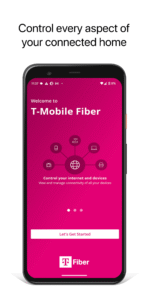
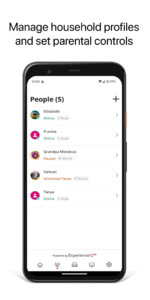
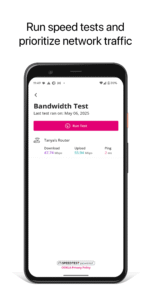
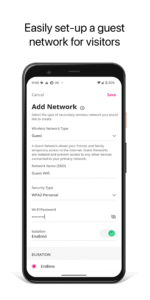
The T-Mobile Fiber app enables you to manage devices on your T-Mobile Fiber internet service including: -Manage Wi-Fi Network SSID or Password -Run bandwidth tests to monitor network performance -View and assign connected devices to profiles, places and/or priority networks -Create guest, work-from-home or custom wireless networks -Set parental controls by scheduling network /Internet downtime, blocking advanced security options, and new capabilities
All T-Mobile Fiber APK versions


Frequently Asked Questions
Yes. Every T-Mobile Fiber APK on APK.now is automatically scanned and the cryptographic signature is verified against the original publisher's certificate (T-Mobile USA). Files that fail verification are removed before they ever reach the catalog.
Enable 'Install from unknown sources' for your browser (or the file manager you use to open the APK) under Settings → Apps → Special access. Tap the downloaded T-Mobile Fiber APK, confirm the prompts, and Android installs it just like any app from the Play Store.
The latest T-Mobile Fiber version available on APK.now is 25.1.0. We track new releases from T-Mobile USA continuously and add them to the catalog as soon as they pass verification.
Yes — every T-Mobile Fiber APK and every version on APK.now is free to download. We never gate downloads behind sign-up, surveys, or paywalls.
APK.now keeps a full archive of every T-Mobile Fiber release, including older versions that the Play Store has already replaced. The APKs work on devices without Google Play Services (Huawei, GrapheneOS, Amazon Fire) and are signature-verified so you can be confident the file is genuine.