
Screenshots




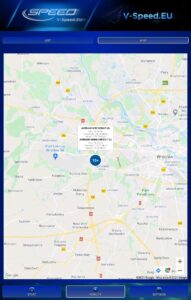
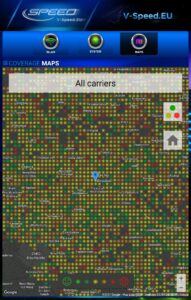
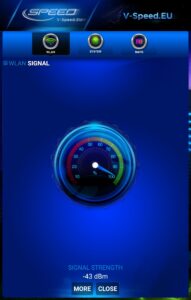
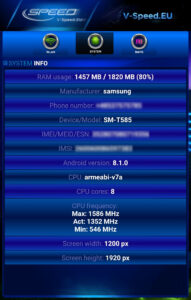
File Information
| Package Name | pl.speedtest.android |
|---|---|
| Version Name | 4.3.8.0 |
| Version Code | 74 |
| Architecture | arm64-v8a, armeabi-v7a, x86, x86_64 |
| Min Android Version | Android 23 (API 35) |
| Main Activity | pl.speedtest.android.Main |
| Framework | Native (Java/Kotlin) |
| File Size | 7.55 MB |
| Signature (SHA1) | 6B1756CA63BD872E36B168FC9D2A4B65F66D37F2 |
| File Hash (SHA256) | 2fc6d0cbff8a8c7b78e826a877d53cf1f02fa9ff3ae5b03df750496f47ebd740 |
What's New
• Improved support for new Android versions.
App Description
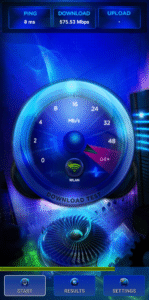
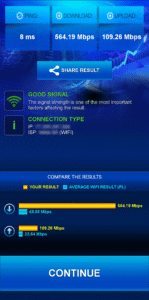
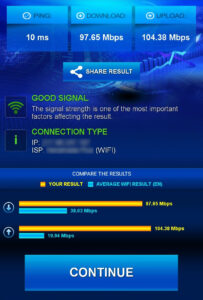
V-SPEED Speed Test is a powerful, advanced tool which helps you to measure Internet connection speed on Android. The application is equipped with a modern, intuitive interface. For more experienced users, there is also a large number of configuration options. The main features of this app:
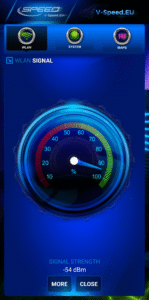
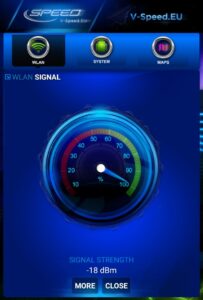
• WiFi and mobile signal finding tool,
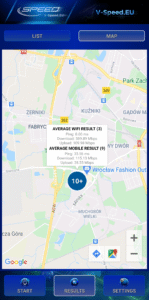
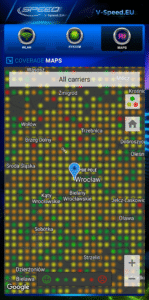
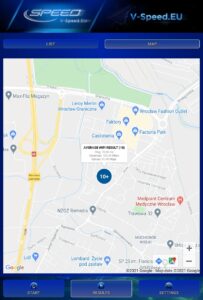
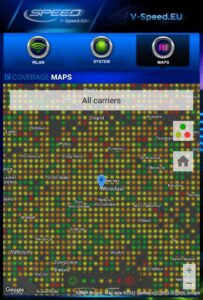
• built-in map of the mobile network coverage,
• the ability to select the default server for speed check,
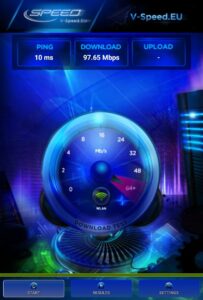
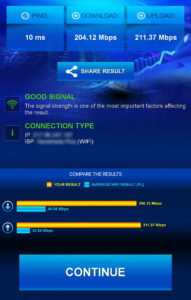
• tests download speed (downlink)
• tests upload speed (uplink)
• measurement of data transfer time delays (latency, ping)
• two typical data transfer units (kbps, Mbps),
• automatic selection of speed check parameters depending on the type of a connection (WiFi, 3G, 4G LTE, 5G)
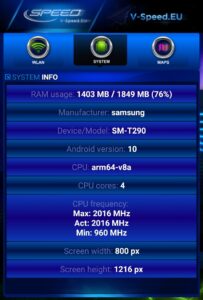
• basic information about the connection (IP address, Internet service provider and organization, SIM operator or name of the WiFi network)
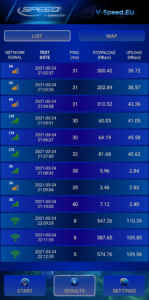
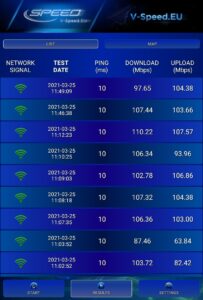
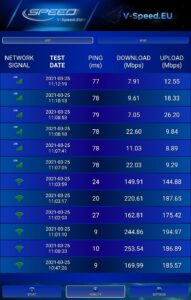
• history of results with options to filter and sort the list according to the different criteria,
• detailed information about the tests (measured value of download/upload/ping, connection type, date, settings),
• easily copy your IP address and results to the clipboard,
• publication of results on social networking sites (Facebook, Twitter, etc.).
• WiFi and mobile signal finding tool,
• built-in map of the mobile network coverage,
• the ability to select the default server for speed check,
• tests download speed (downlink)
• tests upload speed (uplink)
• measurement of data transfer time delays (latency, ping)
• two typical data transfer units (kbps, Mbps),
• automatic selection of speed check parameters depending on the type of a connection (WiFi, 3G, 4G LTE, 5G)
• basic information about the connection (IP address, Internet service provider and organization, SIM operator or name of the WiFi network)
• history of results with options to filter and sort the list according to the different criteria,
• detailed information about the tests (measured value of download/upload/ping, connection type, date, settings),
• easily copy your IP address and results to the clipboard,
• publication of results on social networking sites (Facebook, Twitter, etc.).
Download V-SPEED Speed Test APK
Fast, free and safe download.
APK Permissions 18
- android.permission.ACCESS_ADSERVICES_AD_ID
- android.permission.ACCESS_ADSERVICES_ATTRIBUTION
- android.permission.ACCESS_ADSERVICES_TOPICS
- android.permission.ACCESS_BACKGROUND_LOCATION
- android.permission.ACCESS_COARSE_LOCATION
- android.permission.ACCESS_FINE_LOCATION
- android.permission.ACCESS_NETWORK_STATE
- android.permission.ACCESS_WIFI_STATE
- android.permission.CHANGE_WIFI_STATE
- android.permission.FOREGROUND_SERVICE
- android.permission.INTERNET
- android.permission.READ_PHONE_STATE
- android.permission.RECEIVE_BOOT_COMPLETED
- android.permission.WAKE_LOCK
- com.android.vending.BILLING
- com.google.android.c2dm.permission.RECEIVE
- com.google.android.finsky.permission.BIND_GET_INSTALL_REFERRER_SERVICE
- com.google.android.gms.permission.AD_ID
APK Verified
The cryptographic signature guarantees that the file is safe to install and was not tampered with in any way.


