
Download V-SPEED Speed Test APK 4.3.8.0 arm64-v8a, armeabi-v7a, x86, x86_64 · Android 23+
Download APK
Verified Safe
This is the arm64-v8a, armeabi-v7a, x86, x86_64 build of V-SPEED Speed Test 4.3.8.0. Pick this build if your device's primary ABI matches.
File size: 7.5 MB • Min Android: 23 • Target Android: 35 • Version code: 74 • Framework: Native (Java/Kotlin) • Permissions: 18
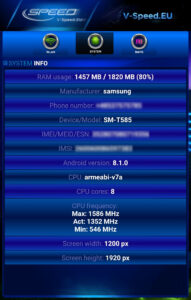
Screenshots



File Information
| Package Name | pl.speedtest.android |
|---|---|
| Version Name | 4.3.8.0 |
| Version Code | 74 |
| Architecture | arm64-v8a, armeabi-v7a, x86, x86_64 |
| Min Android Version | Android 23 (API 35) |
| Main Activity | pl.speedtest.android.Main |
| Framework | Native (Java/Kotlin) |
| File Size | 7.55 MB |
| Signature (SHA1) | 6B1756CA63BD872E36B168FC9D2A4B65F66D37F2 |
| File Hash (SHA256) | 2fc6d0cbff8a8c7b78e826a877d53cf1f02fa9ff3ae5b03df750496f47ebd740 |
What's New
• Improved support for new Android versions.
App Description
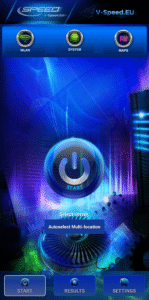
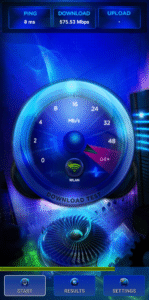
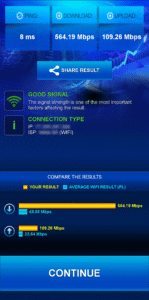
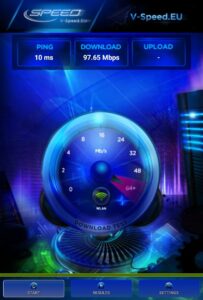
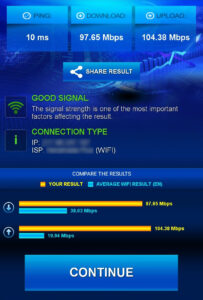
V-SPEED Speed Test is a powerful, advanced tool which helps you to measure Internet connection speed on Android. The application is equipped with a modern, intuitive interface. For more experienced users, there is also a large number of configuration options. The main features of this app:
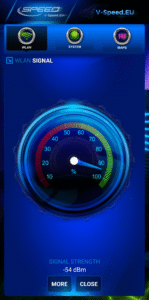
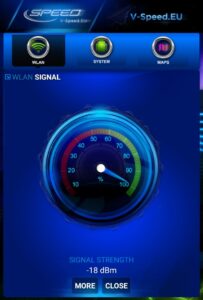
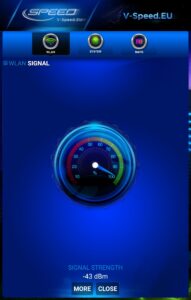
• WiFi and mobile signal finding tool,
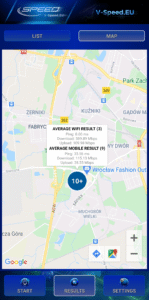
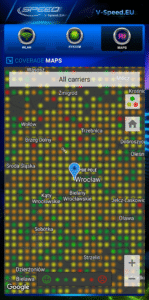
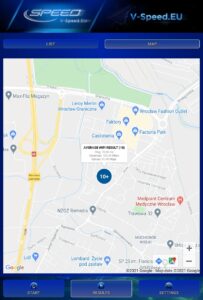
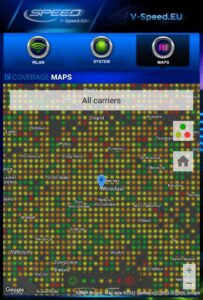
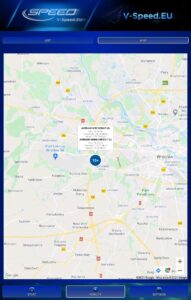
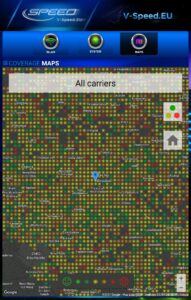
• built-in map of the mobile network coverage,
• the ability to select the default server for speed check,
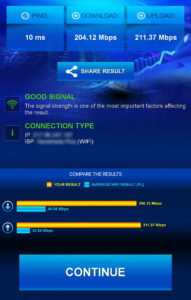
• tests download speed (downlink)
• tests upload speed (uplink)
• measurement of data transfer time delays (latency, ping)
• two typical data transfer units (kbps, Mbps),
• automatic selection of speed check parameters depending on the type of a connection (WiFi, 3G, 4G LTE, 5G)
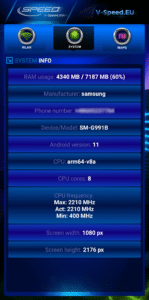
• basic information about the connection (IP address, Internet service provider and organization, SIM operator or name of the WiFi network)
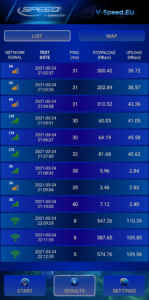
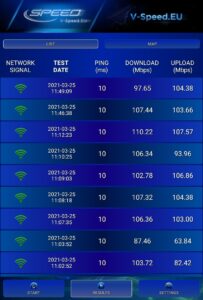
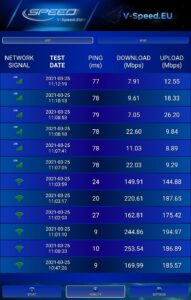
• history of results with options to filter and sort the list according to the different criteria,
• detailed information about the tests (measured value of download/upload/ping, connection type, date, settings),
• easily copy your IP address and results to the clipboard,
• publication of results on social networking sites (Facebook, Twitter, etc.).
• WiFi and mobile signal finding tool,
• built-in map of the mobile network coverage,
• the ability to select the default server for speed check,
• tests download speed (downlink)
• tests upload speed (uplink)
• measurement of data transfer time delays (latency, ping)
• two typical data transfer units (kbps, Mbps),
• automatic selection of speed check parameters depending on the type of a connection (WiFi, 3G, 4G LTE, 5G)
• basic information about the connection (IP address, Internet service provider and organization, SIM operator or name of the WiFi network)
• history of results with options to filter and sort the list according to the different criteria,
• detailed information about the tests (measured value of download/upload/ping, connection type, date, settings),
• easily copy your IP address and results to the clipboard,
• publication of results on social networking sites (Facebook, Twitter, etc.).
Download V-SPEED Speed Test APK
Fast, free and safe download.
APK Permissions 18
- android.permission.ACCESS_ADSERVICES_AD_ID
- android.permission.ACCESS_ADSERVICES_ATTRIBUTION
- android.permission.ACCESS_ADSERVICES_TOPICS
- android.permission.ACCESS_BACKGROUND_LOCATION
- android.permission.ACCESS_COARSE_LOCATION
- android.permission.ACCESS_FINE_LOCATION
- android.permission.ACCESS_NETWORK_STATE
- android.permission.ACCESS_WIFI_STATE
- android.permission.CHANGE_WIFI_STATE
- android.permission.FOREGROUND_SERVICE
- android.permission.INTERNET
- android.permission.READ_PHONE_STATE
- android.permission.RECEIVE_BOOT_COMPLETED
- android.permission.WAKE_LOCK
- com.android.vending.BILLING
- com.google.android.c2dm.permission.RECEIVE
- com.google.android.finsky.permission.BIND_GET_INSTALL_REFERRER_SERVICE
- com.google.android.gms.permission.AD_ID
APK Verified
The cryptographic signature guarantees that the file is safe to install and was not tampered with in any way.
Similar in Tools


Frequently Asked Questions about V-SPEED Speed Test APK
This variant is built for devices that report `arm64-v8a, armeabi-v7a, x86, x86_64` as their primary ABI. If your device's CPU matches, this is the smallest, fastest version to install.
Yes — the APK's signature has been cryptographically verified against the publisher's signing key. The SHA-256 hash is shown in the File Information panel so you can independently confirm the file matches the original release.
Android 23 (API level 35) or newer. Older devices will refuse the install.
Install a free app like 'CPU-Z' or 'Droid Hardware Info' from the Play Store and look at the ABI / Instruction Set row. Most phones made after 2017 are arm64-v8a; if in doubt, download the universal variant.
All variants are functionally identical — same features, same version. They differ only in which CPU architectures the native code is compiled for, and (sometimes) which screen densities the included graphics target. Pick the one that matches your device for the smallest install size, or pick 'Universal' if you're unsure.