
Screenshots
About 3C Task Manager
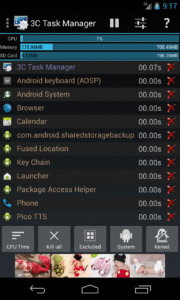
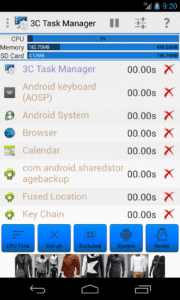
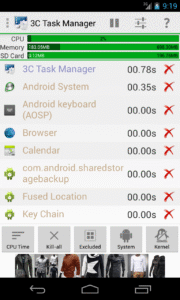
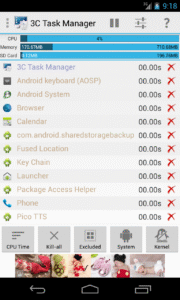
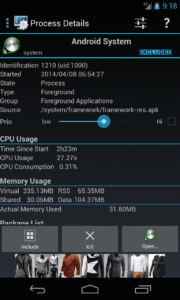
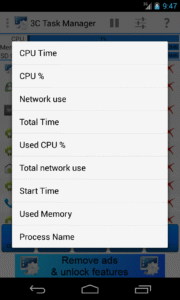
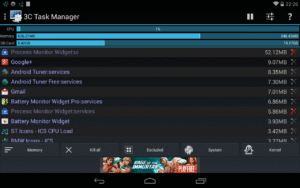
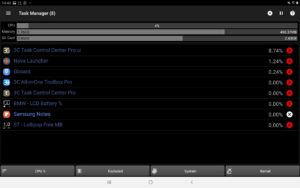
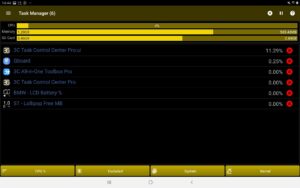
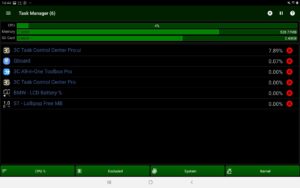
A simple task manager for everyday use In-app purchase can be made to remove ads and unlock features (see below). This app uses Accessibility services to help you stop apps on non-rooted devices, but will never ever collect any information. ★ Highly Configurable UI allows you to transform the app into something you really like ★ Highly Configurable Widgets are all resizable, from a simple gauge to more complex data display and historical graphics. ★ Sort by CPU, memory or network usage. ★ Add home-screen launcher to apps features. ★ Configure UI the way you like it (dark/light, button themes, text size, etc...). ★ See detailed information about running tasks. ★ Pause display. ★ Show system data in widgets (1x1 text and gauge are freely customizable) ★ Kill any apps or kernel processes on rooted devices. ★ Force-stop apps on rooted devices or using Accessibility services. ★ Fill or stop specific apps when screen's turned on or off or under low memory condition. If rooted or Android lower than Marshmallow (6.0), app can also: ★ View and sort by memory used ★ View kernel processes 3C Companion app (non-rooted users) available here . If Xposed framework is installed, app can also: ★ Set permanently the Linux's niceness of any process ★ Exploring task's data directory requires root and 3C Explorer (free app). ★ Viewing task's logs requires root and 3C Logs (free app) NB: ★ Killing doesn't prevent apps from restarting. ★ Some apps are immune to force-stop and will restart anyway. You need the crystallize feature of 3C Toolbox Pro to prevent them from running. Use in-app purchases to unlock the following features: ★ Remove Ads ★ Advanced UI theming options ★ Automatic auto-kill/stop ★ Add shortcut to notification ★ Enable extra widgets (2x1 text and graphics) customization ★ Enable widget refresh rate configuration


