
This is the armeabi-v7a build of VLC for Android 3.6.5-1, compiled for 32-bit ARM processors found in older Android phones (roughly 2013-2017). Use this build if your device's primary ABI is armeabi-v7a — modern 64-bit phones should pick the arm64-v8a or universal variant for better performance.
File size: 45.6 MB • Min Android: 17 • Target Android: 34 • Version code: 13060510 • Framework: Native (Java/Kotlin) • Permissions: 29
Screenshots
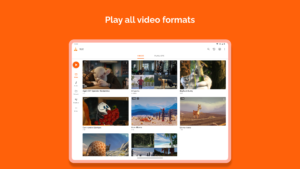
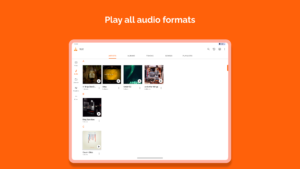
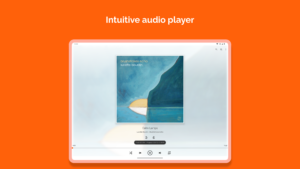
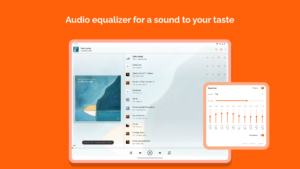
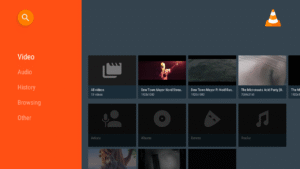
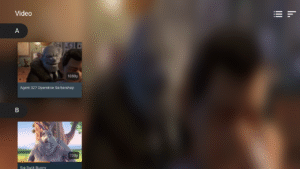
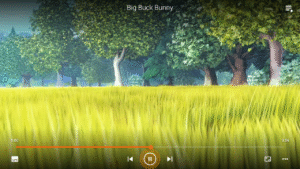
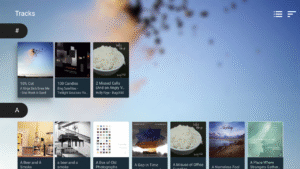
File Information
| Package Name | org.videolan.vlc |
|---|---|
| Version Name | 3.6.5-1 |
| Version Code | 13060510 |
| Architecture | armeabi-v7a |
| Min Android Version | Android 17 (API 34) |
| Main Activity | org.videolan.vlc.StartActivity |
| Framework | Native (Java/Kotlin) |
| File Size | 45.63 MB |
| Signature (SHA1) | A607A25D03B8905B2D16E627D915743502E7D0CB |
| File Hash (SHA256) | 908af586e4469748271b356c18c1c3abd96e0aea12b632d653a2d85bd5cdb9df |
What's New
* New bookmark navigation
* Improve the playback speed feature
* Fix AV1 playback
* Fix some subtitle download issues
* Lots of behavior and crash fixes
* Improve the playback speed feature
* Fix AV1 playback
* Fix some subtitle download issues
* Lots of behavior and crash fixes
App Description
VLC media player is a free and open source cross-platform multimedia player that plays most multimedia files as well as discs, devices, and network streaming protocols.
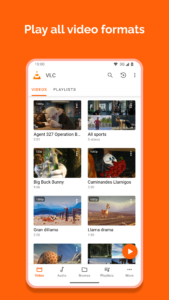
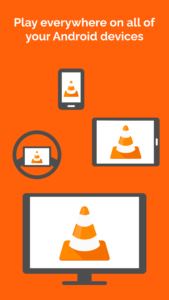
This is the port of VLC media player to the Android™ platform. VLC for Android can play any video and audio files, as well as network streams, network shares and drives, and DVD ISOs, like the desktop version of VLC.
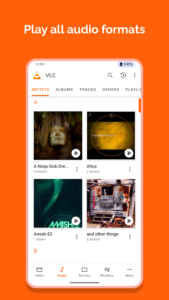
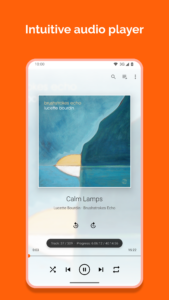
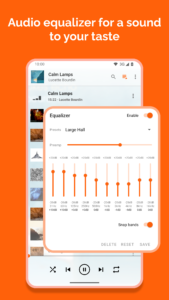
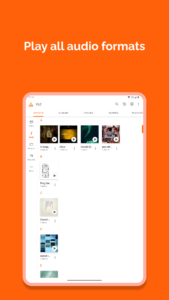
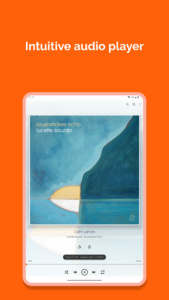
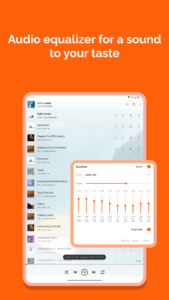
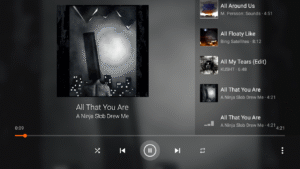
VLC for Android is a full audio player, with a complete database, an equalizer and filters, playing all weird audio formats.
VLC is intended for everyone, is totally free, has no ads, no in-app-purchases, no spying and is developed by passionate volunteers. All the source code is available for free.
Features
––––––––
VLC for Android™ plays most local video and audio files, as well as network streams (including adaptive streaming), DVD ISOs, like the desktop version of VLC. It also support disk shares.
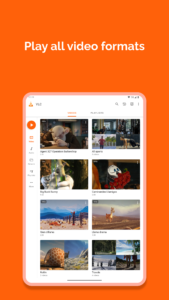
All formats are supported, including MKV, MP4, AVI, MOV, Ogg, FLAC, TS, M2TS, Wv and AAC. All codecs are included with no separate downloads. It supports subtitles, Teletext and Closed Captions.
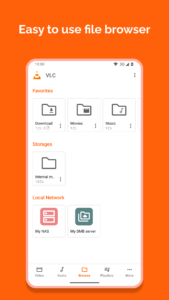
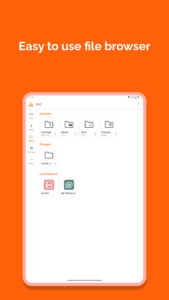
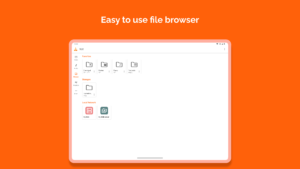
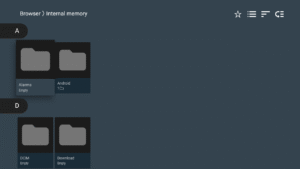
VLC for Android has a media library for audio and video files, and allows to browse folders directly.
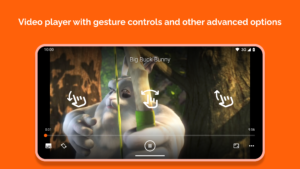
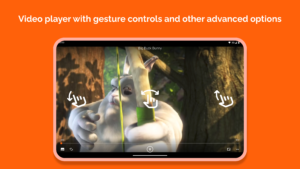
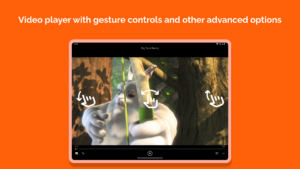
VLC has support for multi-track audio and subtitles. It supports auto-rotation, aspect-ratio adjustments and gestures to control volume, brightness and seeking.
It also includes a widget for audio control, supports audio headsets control, cover art and a complete audio media library.
Permissions
––––––––––––
VLC for Android needs access to those categories:
• "Photos/Media/Files" to read your all media files :)
• "Storage" to read your all media files on SD cards :)
• "Other" to check network connections, change the volume, set the ringtone, run on Android TV and display the popup view, see below for details.
Permission Details :
• It needs "read the contents of your USB storage", in to order to read your media files on it.
• It needs "modify or delete the contents of your USB storage", in order to allow deletion of files and store subtitles.
• It needs "full network access", to open network and internet streams.
• It needs "prevent phone from sleeping" in order to prevent... your phone from sleeping when watching a video.
• It needs "change your audio settings", in order to change audio volume.
• It needs "modify system settings", in order to allow you to change your audio ringtone.
• It needs "view network connections" in order to monitor whether device is connected or not.
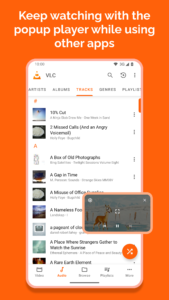
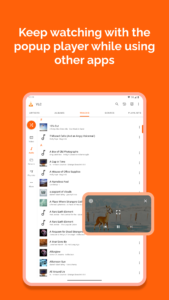
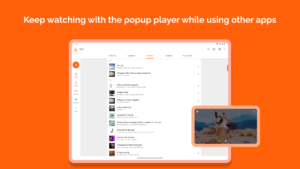
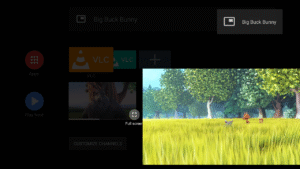
• It needs "draw over other apps" to start the custom picture-in-picture widget.
• It needs "control vibration" to give feedback on the controls.
• It needs "run at startup" to set recommendations on Android TV launcher screen, only used on Android TV devices.
• It needs "microphone" to provide voice search on Android TV devices, only asked on Android TV devices.
This is the port of VLC media player to the Android™ platform. VLC for Android can play any video and audio files, as well as network streams, network shares and drives, and DVD ISOs, like the desktop version of VLC.
VLC for Android is a full audio player, with a complete database, an equalizer and filters, playing all weird audio formats.
VLC is intended for everyone, is totally free, has no ads, no in-app-purchases, no spying and is developed by passionate volunteers. All the source code is available for free.
Features
––––––––
VLC for Android™ plays most local video and audio files, as well as network streams (including adaptive streaming), DVD ISOs, like the desktop version of VLC. It also support disk shares.
All formats are supported, including MKV, MP4, AVI, MOV, Ogg, FLAC, TS, M2TS, Wv and AAC. All codecs are included with no separate downloads. It supports subtitles, Teletext and Closed Captions.
VLC for Android has a media library for audio and video files, and allows to browse folders directly.
VLC has support for multi-track audio and subtitles. It supports auto-rotation, aspect-ratio adjustments and gestures to control volume, brightness and seeking.
It also includes a widget for audio control, supports audio headsets control, cover art and a complete audio media library.
Permissions
––––––––––––
VLC for Android needs access to those categories:
• "Photos/Media/Files" to read your all media files :)
• "Storage" to read your all media files on SD cards :)
• "Other" to check network connections, change the volume, set the ringtone, run on Android TV and display the popup view, see below for details.
Permission Details :
• It needs "read the contents of your USB storage", in to order to read your media files on it.
• It needs "modify or delete the contents of your USB storage", in order to allow deletion of files and store subtitles.
• It needs "full network access", to open network and internet streams.
• It needs "prevent phone from sleeping" in order to prevent... your phone from sleeping when watching a video.
• It needs "change your audio settings", in order to change audio volume.
• It needs "modify system settings", in order to allow you to change your audio ringtone.
• It needs "view network connections" in order to monitor whether device is connected or not.
• It needs "draw over other apps" to start the custom picture-in-picture widget.
• It needs "control vibration" to give feedback on the controls.
• It needs "run at startup" to set recommendations on Android TV launcher screen, only used on Android TV devices.
• It needs "microphone" to provide voice search on Android TV devices, only asked on Android TV devices.
Download VLC for Android APK
Fast, free and safe download.
APK Permissions 29
- android.permission.ACCESS_NETWORK_STATE
- android.permission.BLUETOOTH
- android.permission.BLUETOOTH_CONNECT
- android.permission.CHANGE_NETWORK_STATE
- android.permission.FOREGROUND_SERVICE
- android.permission.FOREGROUND_SERVICE_DATA_SYNC
- android.permission.FOREGROUND_SERVICE_MEDIA_PLAYBACK
- android.permission.FOREGROUND_SERVICE_SPECIAL_USE
- android.permission.INTERNET
- android.permission.MANAGE_EXTERNAL_STORAGE
- android.permission.MODIFY_AUDIO_SETTINGS
- android.permission.POST_NOTIFICATIONS
- android.permission.READ_EXTERNAL_STORAGE
- android.permission.READ_LOGS
- android.permission.READ_MEDIA_AUDIO
- android.permission.READ_MEDIA_IMAGES
- android.permission.READ_MEDIA_VIDEO
- android.permission.RECEIVE_BOOT_COMPLETED
- android.permission.RECORD_AUDIO
- android.permission.SYSTEM_ALERT_WINDOW
- android.permission.VIBRATE
- android.permission.WAKE_LOCK
- android.permission.WRITE_EXTERNAL_STORAGE
- android.permission.WRITE_SETTINGS
- com.android.providers.tv.permission.READ_EPG_DATA
- com.android.providers.tv.permission.WRITE_EPG_DATA
- org.videolan.vlc.DYNAMIC_RECEIVER_NOT_EXPORTED_PERMISSION
- org.videolan.vlc.MEDIA
- org.videolan.vlc.permission.READ_EXTENSION_DATA
APK Verified
The cryptographic signature guarantees that the file is safe to install and was not tampered with in any way.


Frequently Asked Questions about VLC for Android APK
This variant is built for 32-bit ARM (older Android phones, ~2013–2017). If your device's CPU matches, this is the smallest, fastest version to install.
Yes — the APK's signature has been cryptographically verified against the publisher's signing key. The SHA-256 hash is shown in the File Information panel so you can independently confirm the file matches the original release.
Android 17 (API level 34) or newer. Older devices will refuse the install.
Install a free app like 'CPU-Z' or 'Droid Hardware Info' from the Play Store and look at the ABI / Instruction Set row. Most phones made after 2017 are arm64-v8a; if in doubt, download the universal variant.
All variants are functionally identical — same features, same version. They differ only in which CPU architectures the native code is compiled for, and (sometimes) which screen densities the included graphics target. Pick the one that matches your device for the smallest install size, or pick 'Universal' if you're unsure.